40
CONTROL SHEET
**** TEST MODE ****
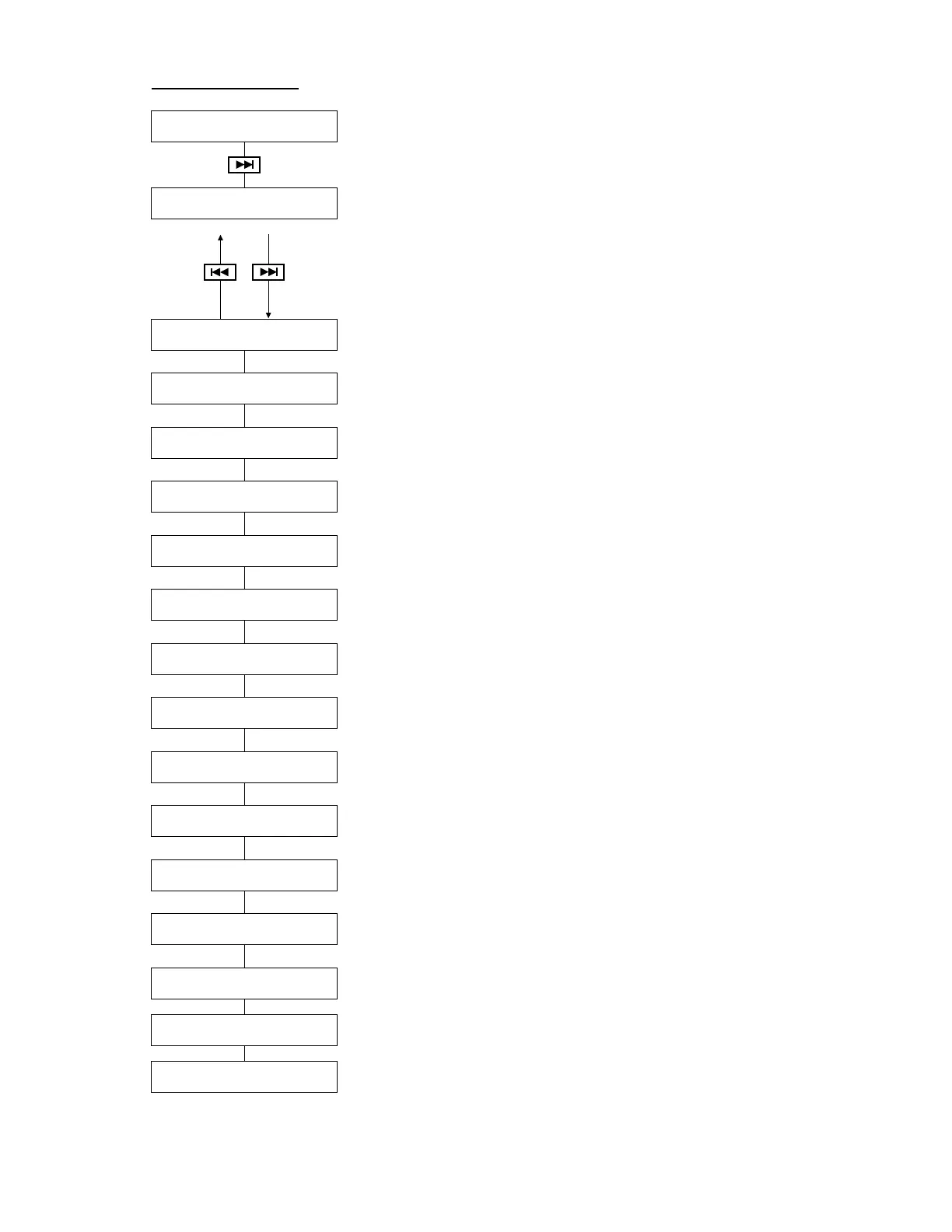
*** CONTROL SHEET ***
V4.00 Apr 01 2000
55RCD|ENG|REC|GP|S|DB51
Use [L], [R] buttons to switch between English and
Japanese.
Use [–/NO], [+/YES] buttons to switch the piano
type.
Use REC (DRIVE) button to display or remove “S”
(silent) indication.
7 Segment LED
(1) 7 SEG & LED Test
LCD test
(2) LCD Test
Buzzer function test
(3) Sound Test
Press [PLAY]
Operating button test
(4) Switch Test
(Switch & Rmt Ctl)
Ram test
(5) DRAM Test
Press [PLAY]
Flash memory test
(6) Flash R/W Test
Press [PLAY]
Flash memory test
(7) Flash Read Test
Press [PLAY]
To Host terminal test
(8) Host I/O Test
OK!
MIDI communication test
(connect MIDI out to MIDI in with a MIDI cable before the test.)
(9) MIDI I/O Test
OK!
Communication test between the control unit and the PK-CTL board
(10) Piano I/O Test
OK!
L and R displayed alternately
(11) DB51 I/O Test
LR
DKC55RCD only
Communication between CTRL-sheet and DSP-sheet
(12) DSP I/O Test
OK!
Floppy Disk Drive Write and Read test
Floppy disk data will be erased
(13)
FDD Write & Read Test
Press [PLAY]
Floppy Disk Drive Write Read test
(14) FDD Read Test
Press [PLAY]
Calender Test and Set
(Refer to P. 13)
(15) Calendar Test & Set
2000/04/10(Mon) 01:23:45
a Controller
b Display language
c REC (record) or PLY
(play)
d Piano type
e Silent installed/not
installed
f Internal tone generator
abcdef






 To Next Page