DX7 SuperMAX+ Page 10 of 32 User Guide
© 2018 MusicTechnologiesGroup.com & MAXsystems
BUTTON 6: EDIT Arpeggiator Extend Mode
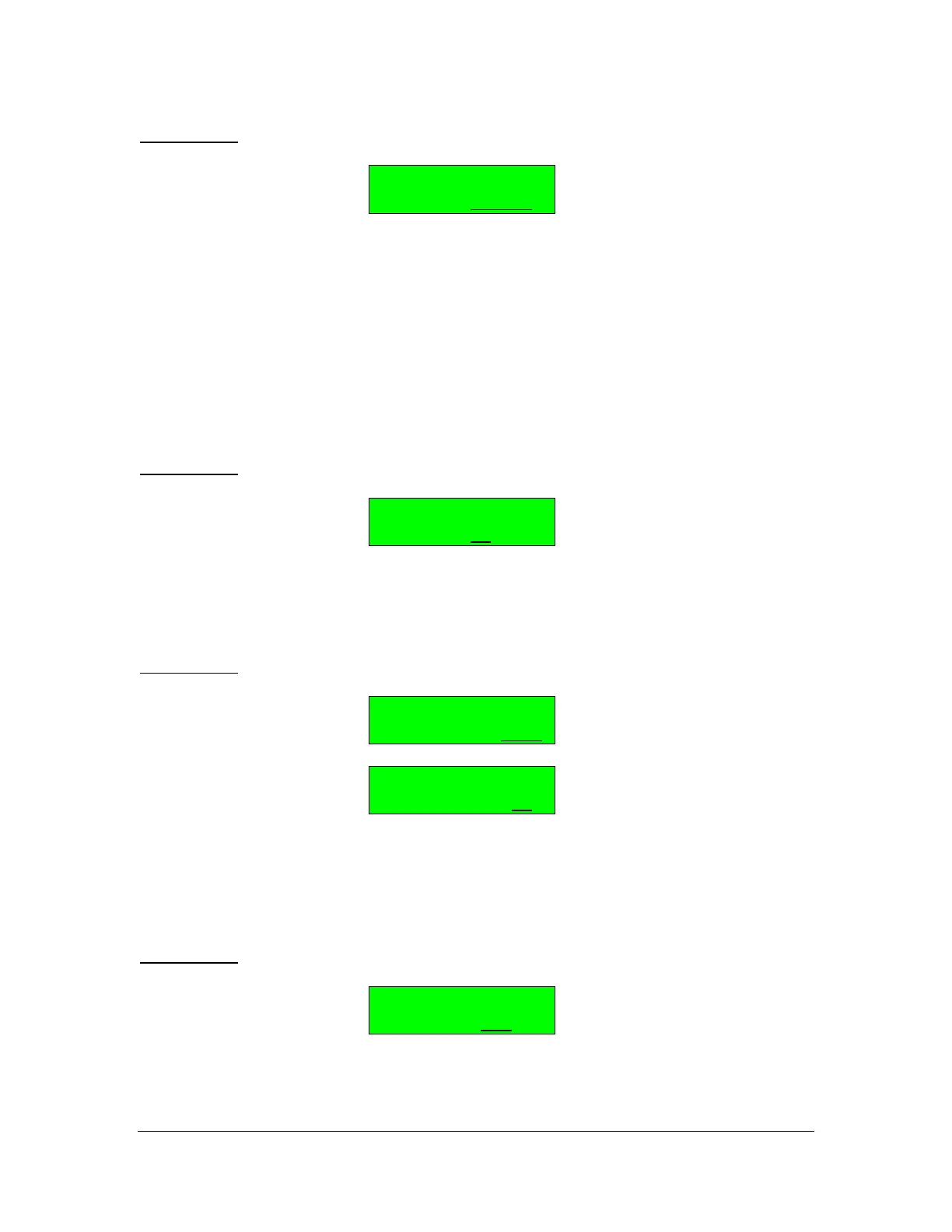
Arpeggiator #
EXT MODE=REPEAT
The choices for EXT MODE are:
REPEAT = Each note is repeated as many times as chosen in Func #5
RANDOM = The number of repetitions is random (the maximum value is
the one chosen in func #5)
ROTATE = The whole arpeggio is transposed as many times as chosen
in Func #5
EVOLVE = The same as ROTATE but the notes of the arpeggio are
transposed only one after the other in an evolutionary manner.
BUTTON 7: EDIT Arpeggiator Extend Interval
Arpeggiator #
INTERVAL=12
The range is 0 to 12 in semitones. This is the interval of transposition for each
extension.
BUTTON 8: EDIT Arpeggiator Low Limit Key and High Limit Key
Arpeggiator #
LIMIT KEY L=C -2
Arpeggiator #
LIMIT KEY H=G 8
Select the keyboard zone for the arpeggiator. Press Button 8 to set the lower
key, then press Button 8 again to set the higher key. The value is chosen using
the Data Slider or the + / - buttons.
BUTTON 9: EDIT Arpeggiator Gate Time
Arpeggiator #
GATE TIME=1/2
The choices for GATE TIME are 1/2, 1/4, 1/8, 1/16. This allows the EG to
transition through it's envelope.



 To Next Page