DX7 SuperMAX+ Page 11 of 32 User Guide
© 2018 MusicTechnologiesGroup.com & MAXsystems
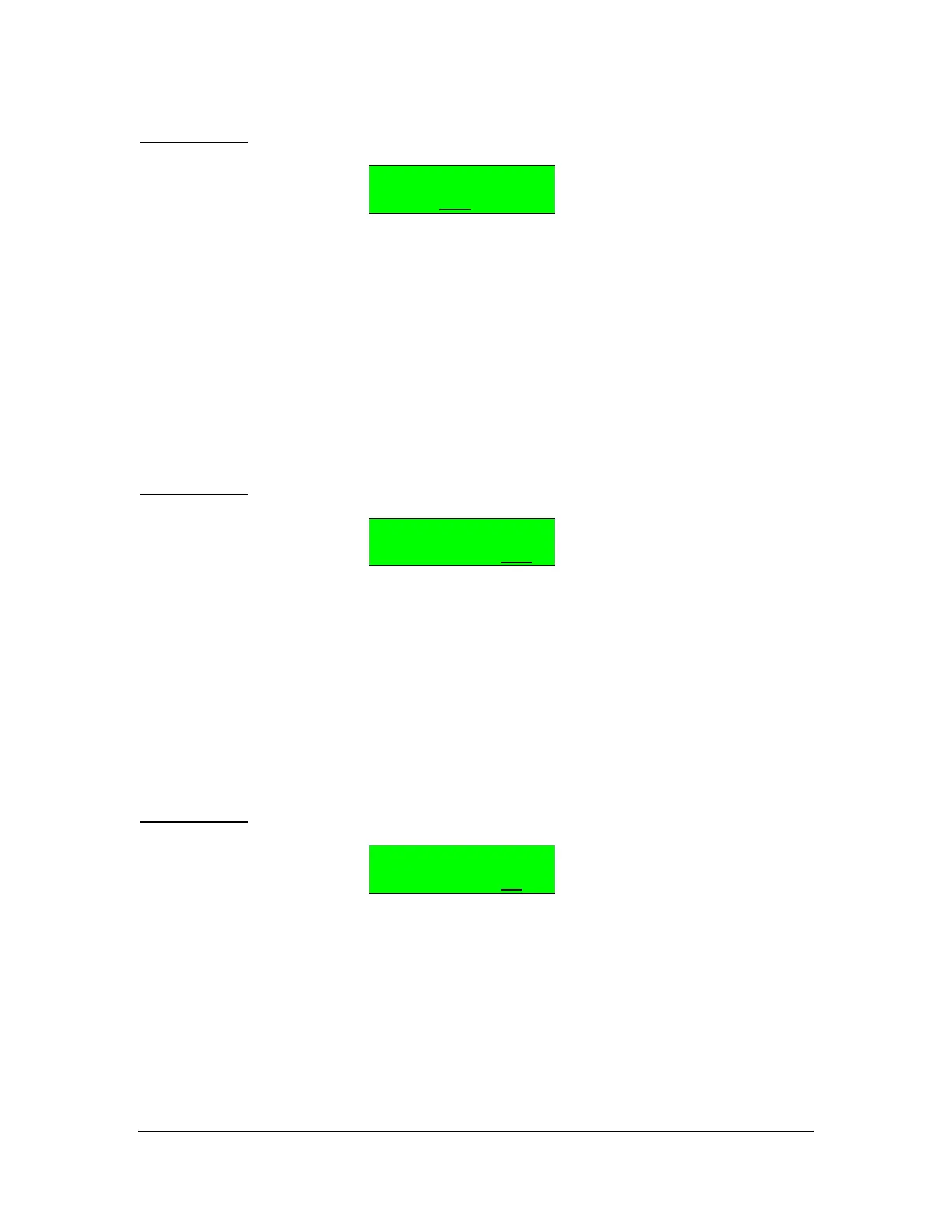
BUTTON 10: EDIT Arpeggiator Tempo/Clock
Arpeggiator #
TEMPO= 80
The range for the TEMPO setting is 40 through 240 BPM and additional values
for MIDI Clock IN are MIDI/4, MIDI/2, MIDIx1, MIDIx2, MIDIx4.
In Use
When using the arpeggiator, the first decision you need to make is whether one
arpeggiator is used for the entire DX7 or whether each patch can select it's own
arpeggiator.
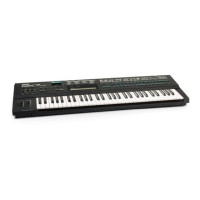
BUTTON 11: SuperMAX Arpeggiator Control, Global or Per-Patch
SupMAX Control
ARPEGGIATOR=RAM
With Arpeggiator Control set to =RAM (Patch Memory), each patch has its own
arpeggiator. In this case the patch establishes the arpeggiator it wants to use
with patch parameter Func #21 (see below).
With Arpeggiator Control set to =1, all the patches use Arpeggiator #1. This
mode enables you to listen to your various presets either without an arpeggiator,
or with a common arpeggiator. You may choose to have preset 1 turned off if
you do not wish to use an arpeggiator while auditioning sounds.
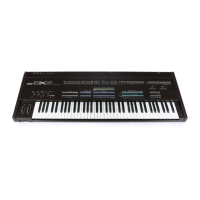
BUTTON 21: Patch Arpeggiator Number
SupMAX Function
ARPEGGIATOR= 1
You can choose any of the 32 preset arpeggiators for each sound (if Func #11 =
RAM). Function #21 sets the arpeggiator number for the active patch. If you don't
want arpeggiation, select an arpeggiator that has it's MODE setting set to OFF.
NOTE: The notes generated by the Arpeggiator can be sent out over MIDI.
Please see Func #19 and Func #20 to enable this feature.



 To Next Page