DX7 SuperMAX+ Page 15 of 32 User Guide
© 2018 MusicTechnologiesGroup.com & MAXsystems
6: Patch Function Settings
There are several new SuperMAX parameters that can be saved with each
patch. These include volume, keyboard zones, MIDI channel out and which
arpeggiator the patch is assigned to use.
See the previous chapter as well because the keyboard zone and arpeggiator
number can be overridden by a global value.
BUTTON 17: Set Patch Master Volume
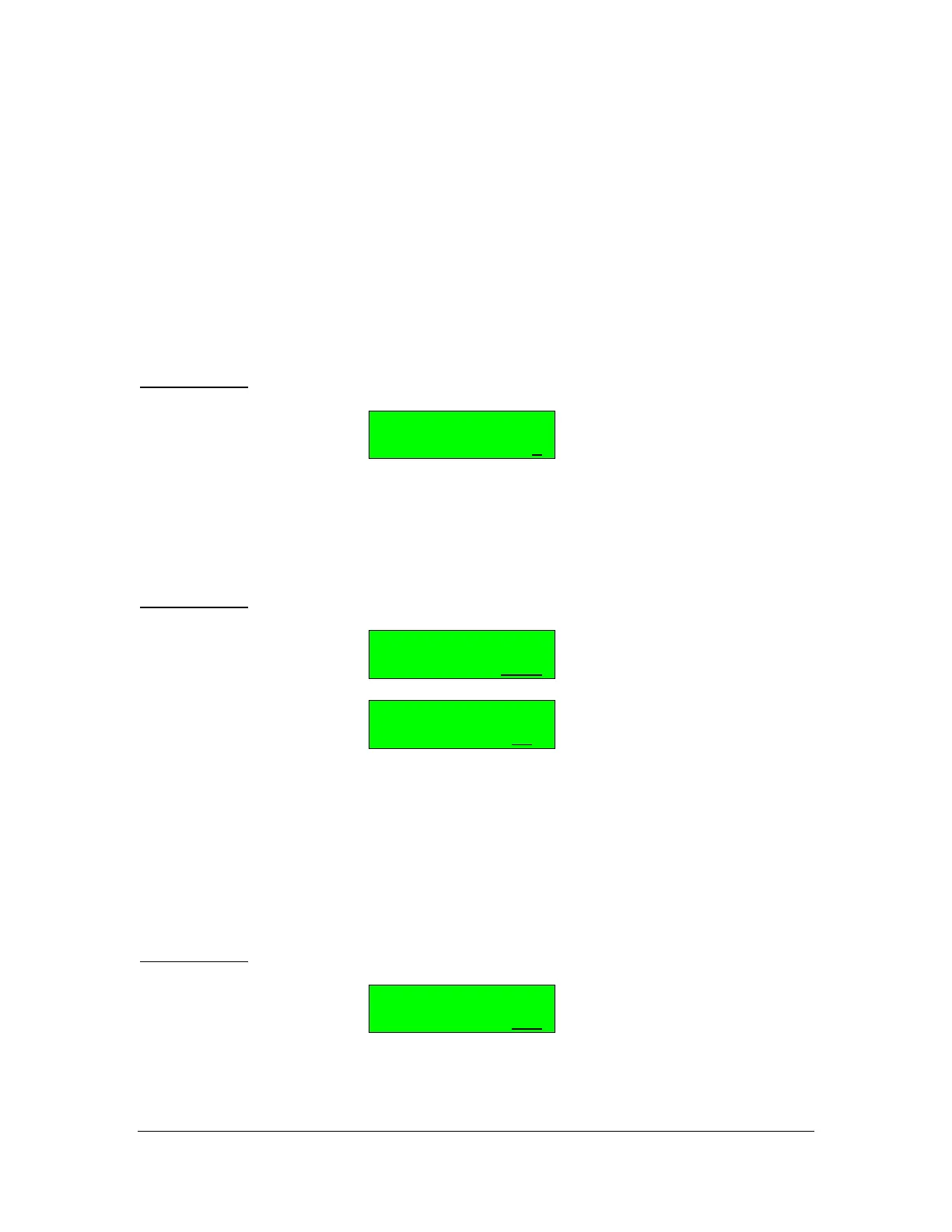
SupMAX Function
MASTER VOLUME= 7
The overall volume for the patch can be set to a value from 0 to 7. This allows
you to trim the patch volume levels for the appropriate impact when playing live
or switching from patch to patch.
BUTTON 18: Set Patch Keyboard Zone, Limit Key Low and High
SupMAX Function
LIMIT KEY L=C -2
SupMAX Function
LIMIT KEY H=G 8
This function specifies the zone or region of the keyboard that will control the
DX7 by setting a Low Limit Key and a High Limit Key. The next button, Func #19,
then expands on how the zoning is utilized.
Press Button 18 to set the lower key, then press Button 18 again to set the higher
key. The value is chosen using the Data Slider or the + / - buttons.
BUTTON 19: Set Patch MIDI Out Keyboard Region
SupMAX Function
MIDI KEY OUT=ALL
This section determines how the zoning specified in Func #18 is used (which key
data is sent out over MIDI). This allows you to use part of the keyboard for local
sound generation and part of it for MIDI control of another synthesizer.



 To Next Page