DX7 SuperMAX+ Page 29 of 32 User Guide
© 2018 MusicTechnologiesGroup.com & MAXsystems
Appendix B: Panel Layout
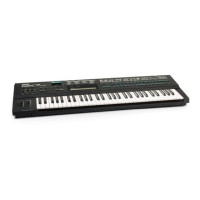
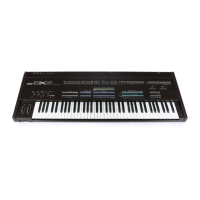
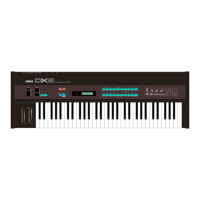
See the following two pages for the DX7 panel layout showing from top to bottom
for each button:
Standard DX7 EDIT/COMPARE operation in violet on brown .
Standard DX7 white on green number/letter BUTTON.
Standard DX7 FUNCTION in tan on brown .
(Plus new "Memory Bank" and new "Page Select").
New SuperMAX FUNCTION in black is the new orange .
("Page Select" appears here too).
The first three items above are more-or-less standard DX7 features, the last one
is for the new SuperMAX feature set.
Keep these two manual pages handy as you read through the manual or use
your upgraded DX7.



 To Next Page