DX7 SuperMAX+ Page 12 of 32 User Guide
© 2018 MusicTechnologiesGroup.com & MAXsystems
4: Temperament
There are four temperament in the SuperMAX. Whichever one you select is "live"
for both use and editing.
Selection
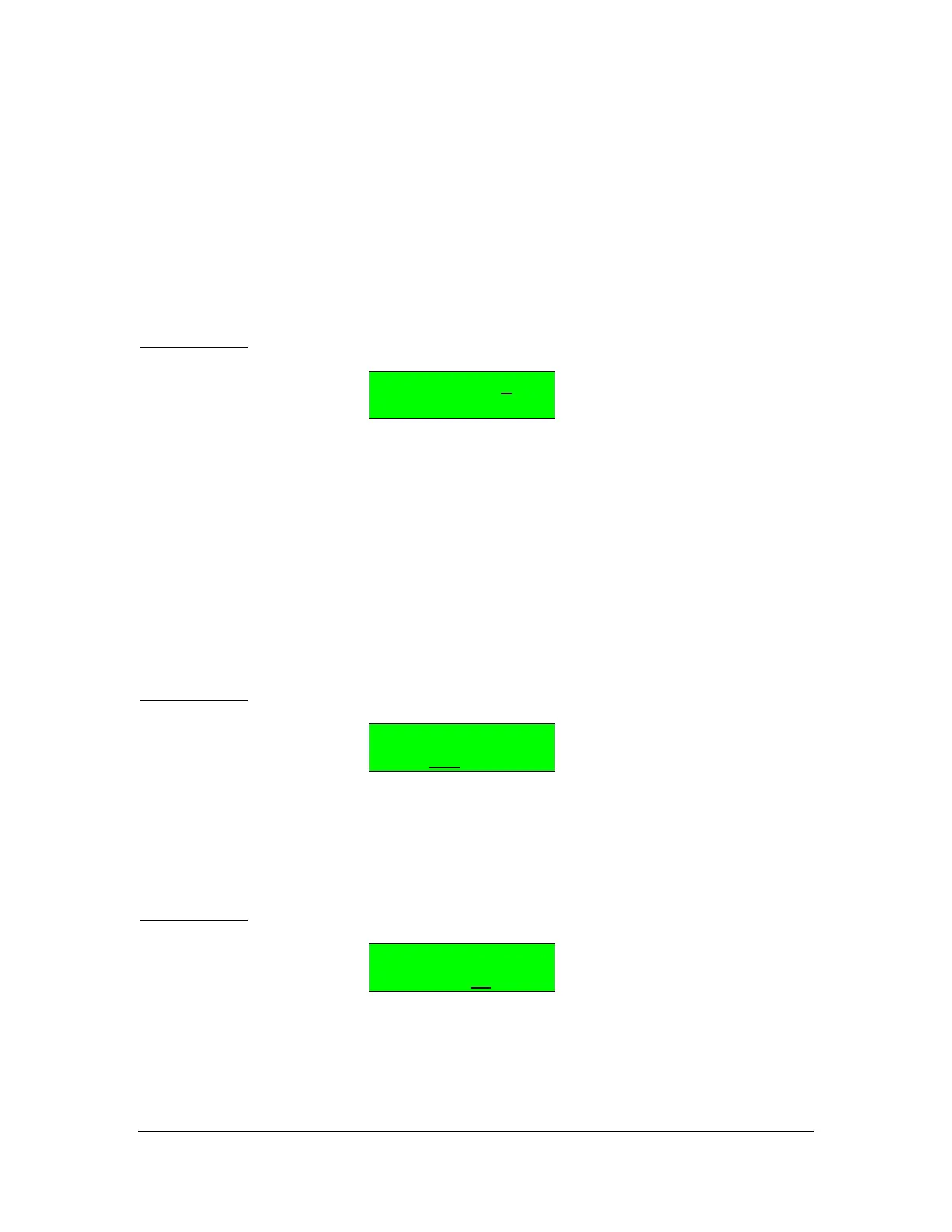
BUTTON 14: Temperament Select
Temperament #
95.00 B 5
Using the Data Slider or + / - buttons, choose a temperament number, 1 through
4. This chooses the temperament for playing (live) as well as editing.
The information on the second line is informational only. You need to use a
different button (below) to edit it. The second line shows the tuning for the last
key played and the key number itself. The information is live so you can play
different keys to see the tuning.
Editing
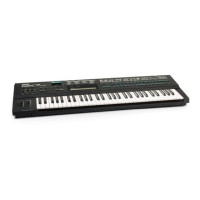
BUTTON 15: Edit Temperament Coarse Pitch
Temperament #
COAR= 95.00 B 5
Play a key to adjust the pitch for. You will see the key number on the right hand
side of the bottom line. Then use the Data Slider to set the coarse pitch (whole
part) from 0 to 127.
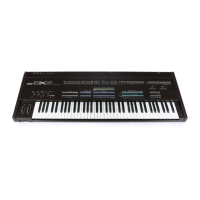
BUTTON 16: Edit Temperament Fine Pitch
Temperament #
COAR= 95.00 B 5
Play a key to adjust the pitch for. You will see the key number on the right hand
side of the bottom line. Then use the Data Slider to set the fine pitch (cents or
fractional part) from 0 to 99.



 To Next Page