DX7 SuperMAX+ Page 23 of 32 User Guide
© 2018 MusicTechnologiesGroup.com & MAXsystems
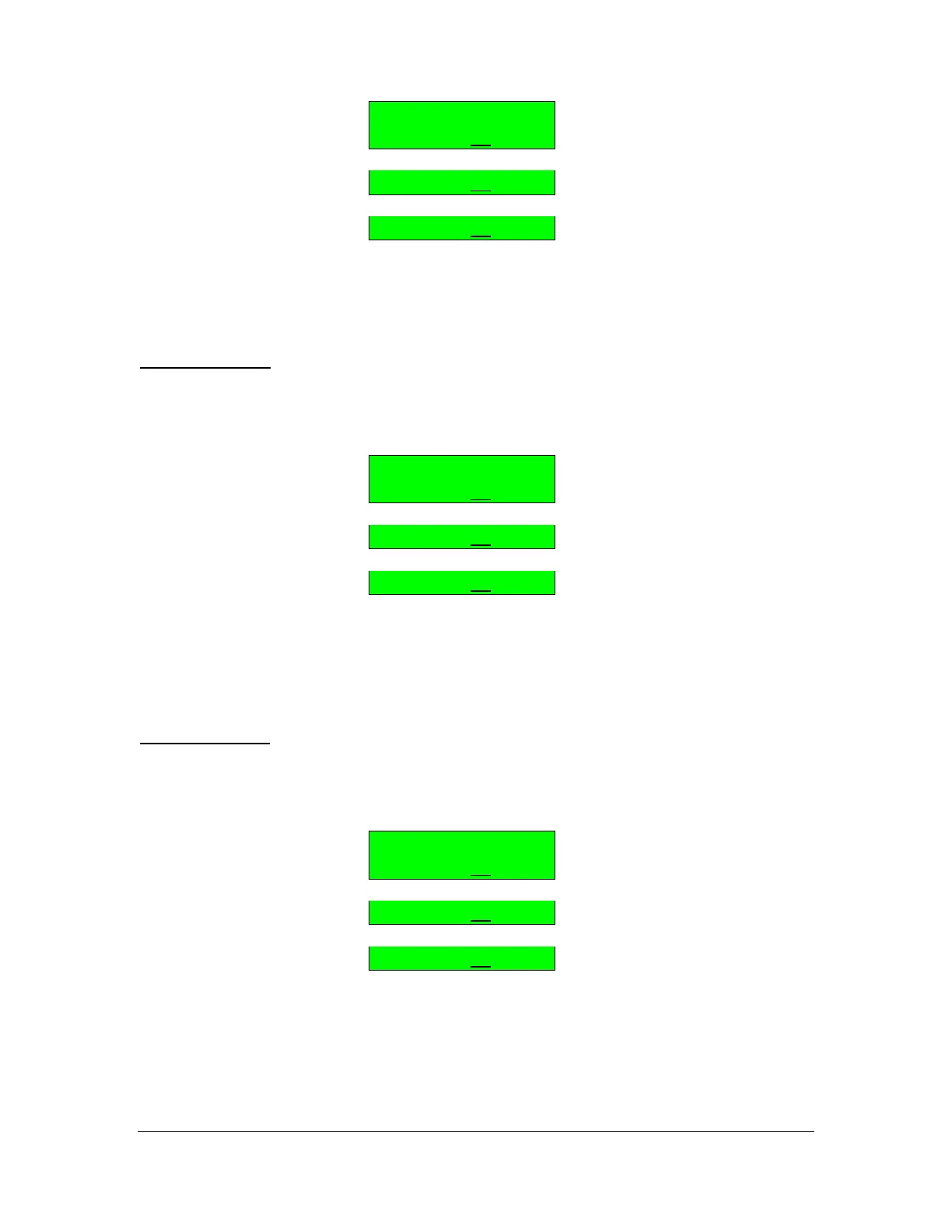
Rolling Mode
PATCH 2= 1
PATCH 3= 1
PATCH 4= 1
Once the patch in question is visible (2, 3 or 4) then the patch value on the right
can be adjusted in the range of 1 to 32.
BUTTON 32(b): Choose Sound Creator Patches
Once you have selected Sound Creator, you must choose the patches that it
utilizes. Repeated pressing on Func #32 gives you access to Patch 2, Patch 3
and Patch 4.
Sound Creator
PATCH 2= 1
PATCH 3= 1
PATCH 4= 1
Once the patch in question is visible (2, 3 or 4) then the patch value on the right
can be adjusted in the range of 1 to 32. The number of patches available for
setting up depends on the controller chosen in the previous step CONT=.
BUTTON 32(c): Choose Velocity Cross-switch Patches
Once you have selected Velocity Cross-switch, you must choose the other
patches that it utilizes.
Velocity XSwitch
PATCH 2= 1
PATCH 3= 1
PATCH 4= 1
Adjust the patch value on the right from 1 to 32.
NOTE: Not all modes utilizes all the additional patches.



 To Next Page