EasyManua.ls Logo

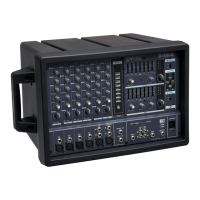
Yamaha EMX212S - User Manual

Yamaha EMX212S
36 pages
Print Icon
To Next Page IconTo Next Page
Loading...
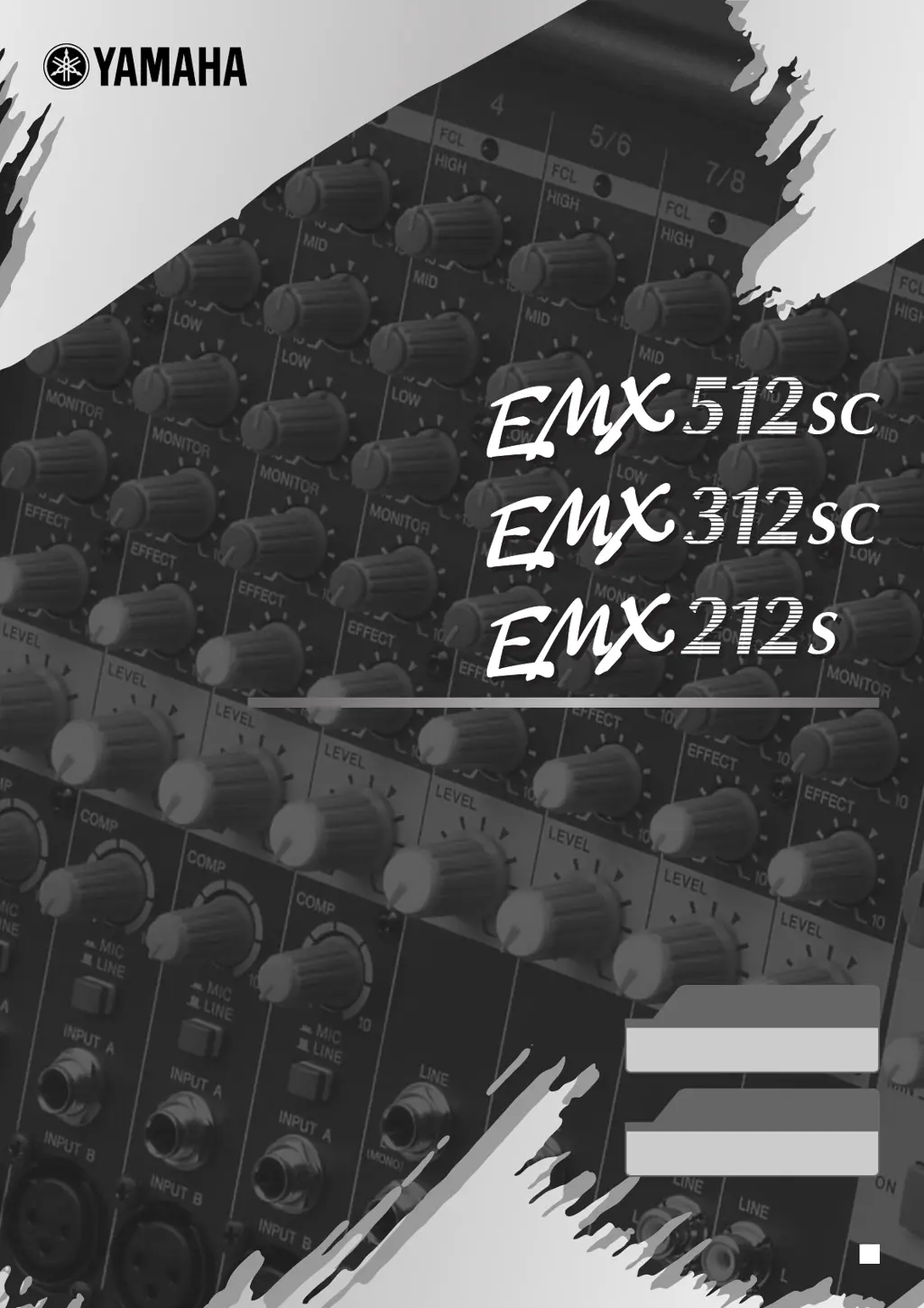
POWERED MIXER
POWERED MIXER
Owner’s Manual
Owner’s Manual
Making the Most of Your Mixer
Pages 13 to 19
Quick Guide
Pages 6 to 12
EN

Questions and Answers

  • G
    Gabriella BeckAug 14, 2025
    How to enable digital effects on Yamaha Music Mixer?
    • M
      Martha MurphyAug 14, 2025
      Make sure the EFFECT knob on each channel is correctly adjusted. Confirm that the internal effector’s ON switch is activated. Also, check that the EFFECT RETURN knobs in the MAIN and MONITOR sections are properly adjusted.
  • N
    Nicholas RussellAug 17, 2025
    What to do if my Yamaha Music Mixer has no sound?
    • R
      rachel94Aug 17, 2025
      First, ensure that all microphones, external devices, and speakers are correctly connected. Next, check if the channel LEVEL knobs and the two MASTER knobs are set to appropriate levels. Also, verify that the speaker cables are not shorted. If the problem persists after these checks, it may require professional assistance.
  • W
    Wesley FowlerAug 21, 2025
    Why is the sound from my Yamaha Music Mixer faint and distorted?
    • A
      Aaron CantuAug 21, 2025
      Check that the channel LEVEL knobs and the two MASTER knobs are set appropriately. Verify that the LINE/MIC switches on channels 1 to 4 are set correctly. Ensure that you have not connected to both INPUT A and INPUT B on channels 1 to 4—use only one input per channel. Also, check if the input signal from the connected device is set to an appropriate level.
  • S
    schwartztoddAug 25, 2025
    What to do if Yamaha Music Mixer power suddenly went off?
    • M
      Michael BakerAug 25, 2025
      The EMX unit may overheat if the vents are blocked. Check the vents at the sides and rear of the unit to ensure they are not obstructed. If overheating is the cause, wait for the unit to cool down before turning the power back on.
  • T
    Timothy MeadowsAug 28, 2025
    Why did the sound suddenly stop on my Yamaha Music Mixer?
    • J
      Juan CamachoAug 28, 2025
      The EMX unit may overheat if the vents are blocked. Inspect the vents on the sides and rear of the unit. If the unit overheats, it may cut off the output to the internal amp until it cools down.
  • C
    corey42Aug 31, 2025
    How to get more forceful sound from Yamaha Music Mixer?
    • M
      Marisa MorganAug 31, 2025
      Try turning on the YS Processing switch. Also, adjust the equalizers (HIGH, MID, and LOW knobs) on each channel and fine-tune the graphic equalizers to enhance the sound.
  • L
    Luis KimSep 3, 2025
    How to make spoken words clearer on Yamaha EMX212S Music Mixer?
    • K
      Kathleen HillSep 3, 2025
      Ensure that the YS Processing switch is turned off. Adjust the equalizers (HIGH, MID, and LOW knobs) on each channel, and also adjust the graphic equalizers to optimize clarity.
  • N
    Nancy ClarkSep 7, 2025
    How to listen to monitor output on Yamaha EMX212S?
    • E
      Elizabeth RobinsonSep 7, 2025
      Connect a powered speaker to the MONITOR OUT jack. Adjust the MONITOR OUT signal using the channel MONITOR knobs and the MONITOR section’s MASTER knob. To send the monitor signal to SPEAKERS jacks B1 and B2, set the POWER AMP switch to the down position (to MAIN(L+R) / MON).
  • J
    Jordan RamirezSep 10, 2025
    Why FCL lamp is on when there is no howling on Yamaha Music Mixer?
    • C
      Christopher DunlapSep 10, 2025
      Input of a continuous sound may cause the lamp to come on even in the absence of howling.

Summary

Safety Instructions

Precautions and Warnings

Power Supply and Cord Safety

Instructions for safe use of the power supply and cord to prevent electrical shock and damage.

Device Access Restriction

Warning against opening the device, as it contains no user-serviceable parts.

Moisture and Water Hazards

Advises against exposing the device to water or moisture to prevent shock or damage.

Abnormality Handling

Guidance on what to do if the power cord, plug, or device shows signs of damage or malfunction.

Safe Placement and Ventilation

Recommendations for safe placement to ensure adequate ventilation and prevent overheating or tipping.

Connection Safety Precautions

Precautions for connecting and disconnecting other devices to prevent speaker damage or system issues.

General Handling Cautions

Guidelines for safe handling, avoiding damage, and protecting hearing.

Quick Start Guide

Power Connection and Turn-On

Step-by-step instructions for connecting power and turning the mixer on safely.

Speaker and Input Connection

Guides on connecting speakers and input devices for initial sound output.

Adding Reverb Effects

Instructions on how to use the built-in reverb effects to simulate different acoustic environments.

Compressors for Vocal Enhancement

Explains how to use the compressor feature to improve vocal clarity and consistency.

Maximizing Mixer Performance

Audio Compression Explained

Explains the function of compression in audio, its benefits, and how the EMX unit simplifies its use.

Controls and Connectivity

Speaker Connection Guide

Setting Up the System

Troubleshooting Common Issues

Power and Basic Sound Problems

Addresses common problems like no power, sudden shutoff, no sound, or distorted sound.

FCL Lamp and Effect Troubleshooting

Helps resolve issues related to the FCL lamp and the internal digital effect not being heard.

Sound Quality and Monitor Output Issues

Solutions for dull speaker sound, forceful sound requirements, and listening to monitor output.

Yamaha EMX212S Specifications

General IconGeneral
DJ mixer-
Product colorBlack
Frequency range20 - 20000 Hz
Channels quantity9 channels
Digital sound processing- bit
Total Harmonic Distortion (THD)0.3 %
Monitor out1
Microphone inYes
Power consumption (typical)350 W
Weight and Dimensions IconWeight and Dimensions
Depth264 mm
Width442.5 mm
Height284 mm
Weight8000 g

Related product manuals