EasyManua.ls Logo

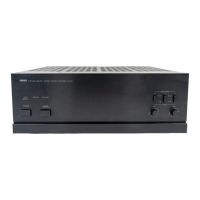
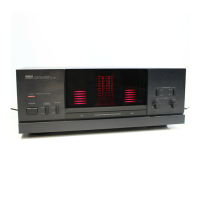
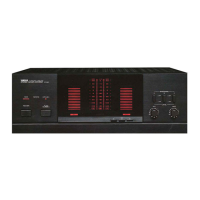
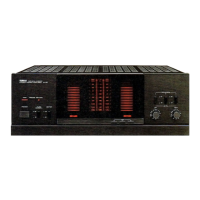
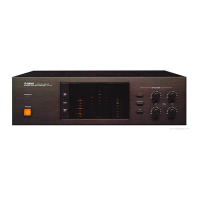
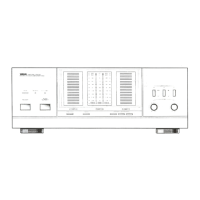
Yamaha M-2 - FRONT PANEL AND CONTROLS; POWER Switch; Speaker Selection (A and B); Peak Output Level Indicator

Yamaha M-2
12 pages
Print Icon
To Next Page IconTo Next Page
To Previous Page IconTo Previous Page
Loading...
FRONT
PANEL
AND
CONTROLS
9
NATURAL
5
SIEREQ
POWER
p^
₪5
P
ER
GO
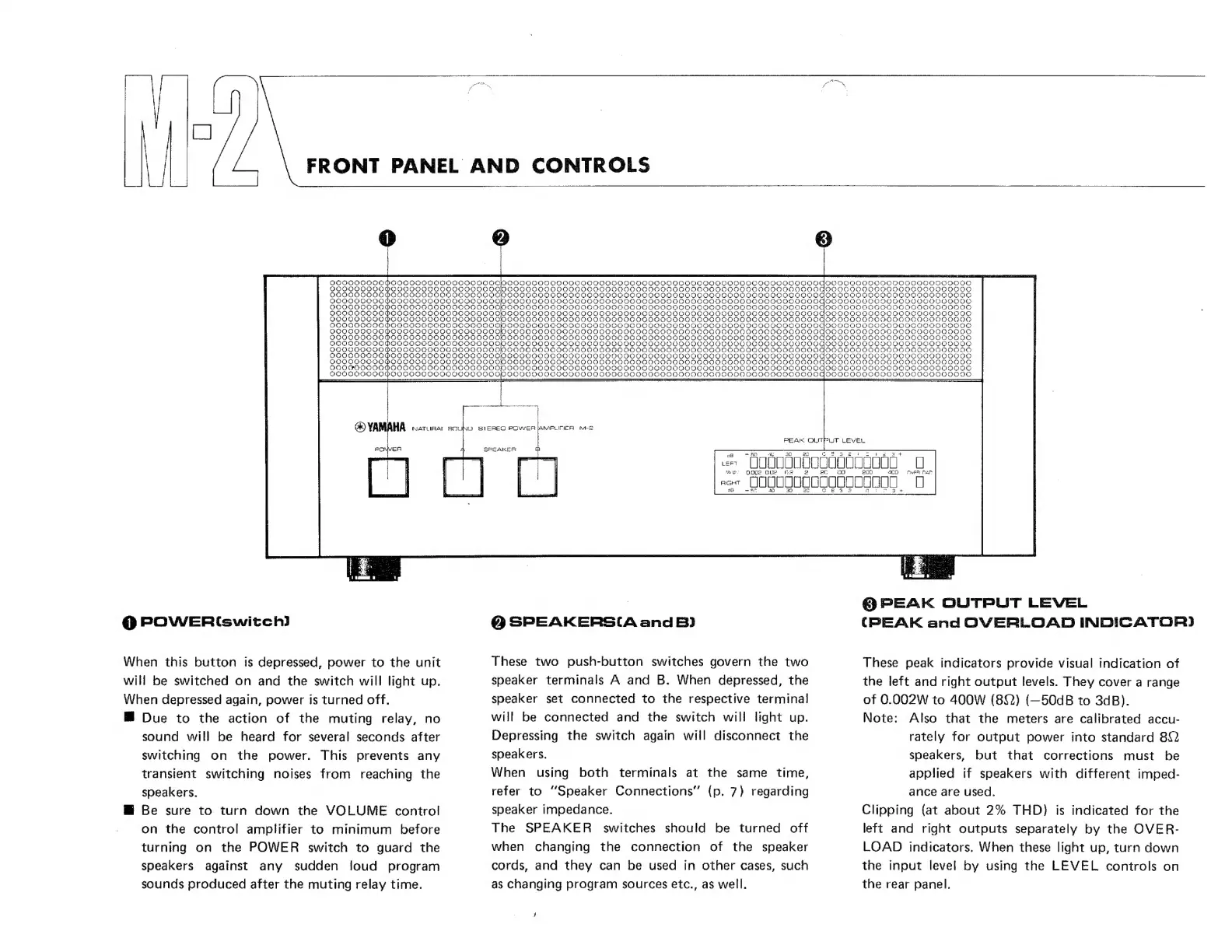
POWER“
switch)
When
this
button
is
depressed,
power
to
the
unit
will
be
switched
on
and
the
switch
will
light
up.
When
depressed
again,
power
is
turned
off.
Due
to
the
action
of
the
muting
relay,
no
sound
will
be
heard
for
several
seconds
after
switching
on
the
power.
This
prevents
any
transient
switching
noises
from
reaching
the
speakers.
W
Be
sure
to
turn
down
the
VOLUME
control
on
the
control
amplifier
to
minimum
before
turning
on
the
POWER
switch
to
guard
the
speakers
against
any
sudden
loud
program
sounds
produced
after
the
muting
relay
time.
am
mm
enne
DU
HN
1
SPEAKER
PEAK
OUTPUT
LEVEL
O
SPEAKERSI(A
and
B)
These
two
push-button
switches
govern
the
two
speaker
terminals
A
and
B.
When
depressed,
the
speaker
set
connected
to
the
respective
terminal
will
be
connected
and
the
switch
will
light
up.
Depressing
the
switch
again
will
disconnect
the
speakers.
When
using
both
terminals
at
the
same
time,
refer
to
"Speaker
Connections"
(p.
7)
regarding
speaker
impedance.
The
SPEAKER
switches
should
be
turned
off
when
changing
the
connection
of
the
speaker
cords,
and
they
can
be
used
in
other
cases,
such
as
changing
program
sources
etc.,
as
well.
D.󰾰
ווווווווווווווווון..
הפשה
400
৩”
101000010000000000,
0
@
PEAK
OUTPUT
LEVEL
(PEAK
and
OVERLOAD
INDICATOR)
These
peak
indicators
provide
visual
indication
of
the
left
and
right
output
levels.
They
cover
a
range
of
0.002W
to
400W
(89)
(—50dB
to
3dB).
Note:
Also
that
the
meters
are
calibrated
accu-
rately
for
output
power
into
standard
2
speakers,
but
that
corrections
must
be
applied
if
speakers
with
different
imped-
ance
are
used.
Clipping
(at
about
2%
THD)
is
indicated
for
the
left
and
right
outputs
separately
by
the
OVER-
LOAD
indicators.
When
these
light
up,
turn
down
the
input
level
by
using
the
LEVEL
controls
on
the
rear
panel.

Other manuals for Yamaha M-2

Related product manuals