EasyManua.ls Logo

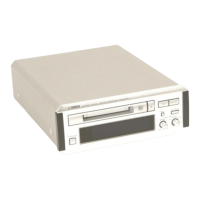
Yamaha MDX-E100 - User Manual

Yamaha MDX-E100
24 pages
Print Icon
To Next Page IconTo Next Page
Loading...
/
INPUT
ANALOG DIGITAL
REC LEVEL
MIN MAX
REC/PAUSE
+
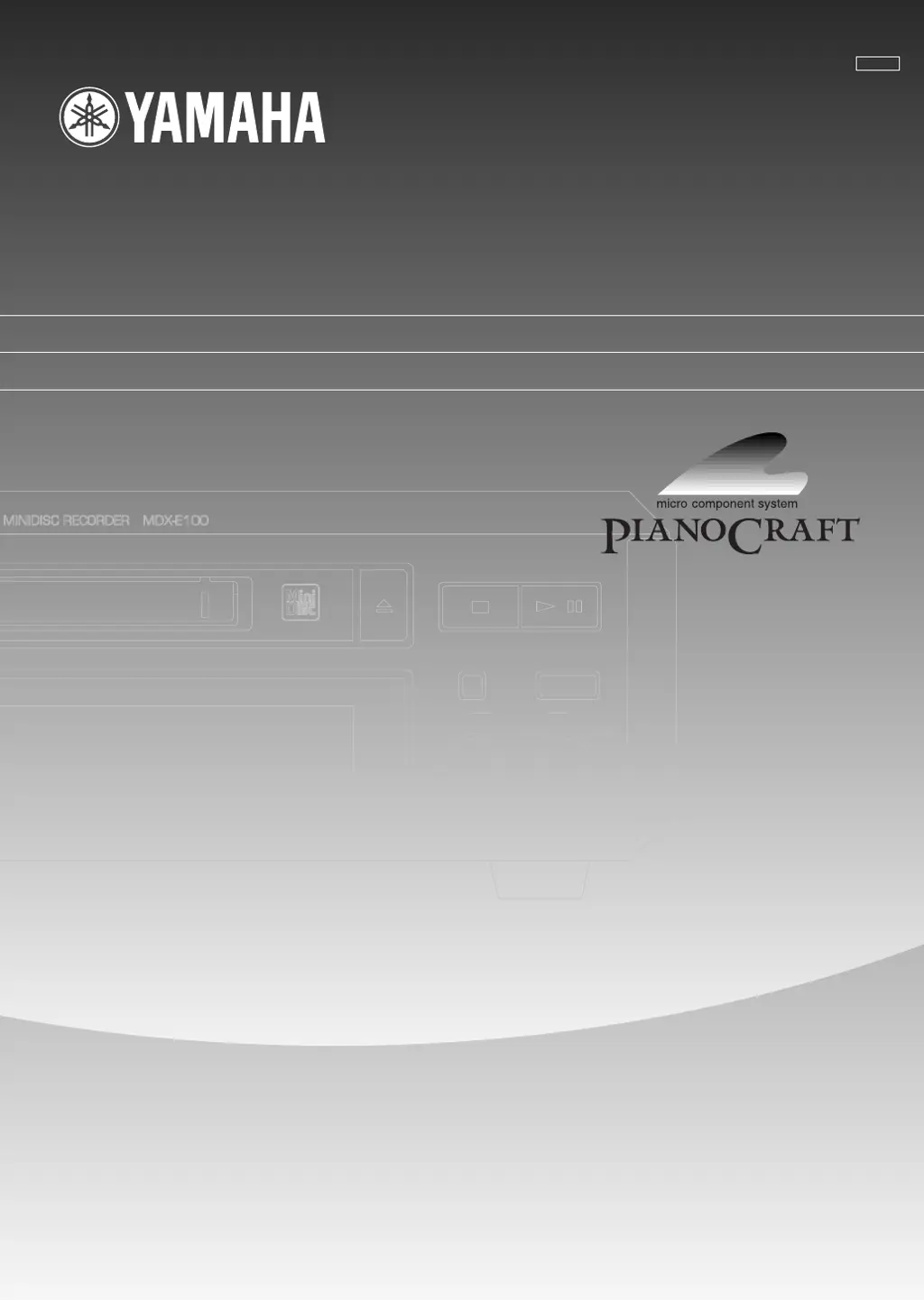
MDX-E100
OWNER’S MANUAL
MODE D’EMPLOI
BEDIENUNGSANLEITUNG
BRUKSANVISNING
MANUALE DELL’UTENTE
MANUAL DE INSTRUCCIONES
GEBRUIKSAANWIJZING
BG
Natural Sound Minidisc Recorder
Lecteur Enregistreur Minidisc

Other manuals for Yamaha MDX-E100

Questions and Answers

  • L
    lorimendozaAug 7, 2025
    What to do if Yamaha MDX-E100 remote control does not operate?
    • J
      Jessica MillerAug 7, 2025
      If your Yamaha Minidisc Recorder's remote control isn't working, it could be due to a few reasons: * The batteries might be dead. Replace them. * You might be too far away or at the wrong angle. Operate the remote from less than 6 meters (about 20 feet) and within 30° on either side of the sensor. * Strong direct light might be interfering with the sensor. Move the unit away from the strong light.
  • C
    Christine MasonAug 15, 2025
    Why is playback not possible on my Yamaha MDX-E100 Minidisc Recorder?
    • J
      Julie MannAug 15, 2025
      If your Yamaha Minidisc Recorder isn't playing discs, here are a few things to check: * Moisture might be on the laser pickup. Leave the unit switched ON for 20 to 30 minutes to allow the moisture to evaporate. * Make sure the power is ON. Press STANDBY/ON (POWER on the remote) to turn it on. * The disc might be loaded incorrectly. Reload the disc with the label side facing up and the arrow pointing toward the disc insertion slot. * You might have loaded an unrecorded disc. If "Blank Disc" appears on the display, insert a recorded MD.
  • W
    whitneysmithAug 21, 2025
    How to reduce excessive noise from my Yamaha MDX-E100?
    • A
      Amber BlakeAug 21, 2025
      If your Yamaha Minidisc Recorder is producing excessive noise, it might be too close to your television or another component. Try placing the unit farther away.
  • M
    Michael Martinez DDSOct 30, 2025
    Why is recording not possible on my Yamaha MDX-E100?
    • W
      Wyatt BellOct 30, 2025
      If recording with your Yamaha Minidisc Recorder isn't working, there could be several reasons: * The disc might be write-protected. If "Protected" appears on the display, slide the write-protect tab to the closed position. * You may have loaded a pre-mastered MD. If "Playback MD" is displayed, use a recordable MD. * The source might not be correctly connected. Double-check all connections. * The input setting could be wrong. Press INPUT repeatedly to select the correct input jacks. * The recording level might be too low. Adjust the recording level by turning REC LEVEL. * The digital output level of the digital source might be too low; set it to “MAX”. * There might not be enough blank space on the MD. Use a recordable MD with fewer recorded tracks or erase unnecessary tracks...

Summary

Caution: Read This Before Operating Your Unit

Important Mains Wiring Information

Details concerning the mains lead wiring and safety precautions.

Radiation Exposure Warning

Warning about potential hazardous radiation exposure from improper use.

Introduction to the Yamaha MDX-E100

Key Features of the MDX-E100

Part Descriptions

Front Panel Controls and Indicators

Describes the physical controls and indicators on the front of the unit.

Display Indicators

Explains the various indicators and displays on the unit.

Remote Control Operation

Remote Control Operation Range

Details the effective range and angle for remote control operation.

Battery Installation for Remote

Instructions for installing batteries in the remote control.

Connections Guide

Notes on Making Connections

Provides important notes and details for connecting the unit to other equipment.

Playback Operations

Playback Preparations

Steps to prepare the unit for playing audio.

Pausing and Resuming Playback

How to pause and resume playback.

Stopping Playback

How to stop playback.

Ejecting the MD Disc

Procedure for removing the MD disc.

Skipping Tracks

Instructions for navigating between tracks.

Searching Within Tracks

How to search forward or backward within a track.

Switching the Display Information

Display During Playback

How to view track and time information during playback.

Display During Stop Mode

How to view disc and time information when stopped.

Viewing Long Disc or Track Titles

How to scroll and view long titles.

Random and Repeat Playback Modes

Single Track or Full Disc Repeat

How to set single track or full disc repeat modes.

Part (A-B) Repeat Playback

How to set a specific section (A-B) for repeat playback.

Program Play Feature

Checking Programmed Data

How to review programmed track order.

Changing Programmed Steps

How to modify programmed track sequence.

Cancelling Program Play

How to stop program play.

Recording Procedures

Recording Preparations

Steps to prepare the unit for recording.

Selecting the Input Source

How to select the audio input source for recording.

Locating the Recording Start Point

How to find the desired start point for recording.

Using Record Pause Mode

How to enter and exit record pause mode.

Adjusting Recording Levels

Setting Digital Recording Level

How to adjust the digital input recording level.

Setting Analog Recording Level

How to adjust the analog input recording level.

Track Marking

Marking Tracks for Analog Signals

How to mark tracks for analog recordings.

Marking Tracks for Digital Signals

How to mark tracks for digital recordings.

Synchronized Recording

Monaural Recording

Monaural Recording Procedure

Steps to perform monaural recording.

Monitor Out Function

Using the Monitor Out Function

How to use the monitor out function to listen to input sources.

Protecting a Recorded MD

Methods for Protecting MDs

How to protect an MD from accidental erasure or editing.

Editing Operations

Erase Operations

Detailed instructions for erasing discs, tracks, or parts of tracks.

Move Tracks

Instructions for changing track positions and renumbering.

Combine Tracks

How to merge two consecutive tracks.

Divide Tracks

How to split a single track into two.

FRA CHECK Function

How to recover disc space.

Undo Edit Operation

How to revert the last edit operation.

Disc Maintenance

TOC Write Function

How to save TOC information to the disc after editing.

FRA CHECK Function

How to recover recordable space on the disc.

Titling MDs and Tracks

How to Title a Disc

How to add a title to the entire MD disc.

How to Title a Track

How to add titles to individual tracks.

Entering Alphabetical Characters

How to input alphabetic characters for titles.

Entering Numeric Characters

How to input numeric characters for titles.

Entering Special Symbols

How to input special symbols for titles.

Deleting Characters from Titles

How to remove a character from a title.

Inserting Characters into Titles

How to add a character into an existing title.

Inserting Spaces into Titles

How to add a space into a title.

Cancelling the Titling Process

How to exit titling mode.

Undoing Title Changes

How to revert title changes.

MD System Limitations

Understanding Cant REC! Message

Explains the "Can't REC!" message.

Understanding TOC Full Message

Explains the "TOC Full" message.

Recording Time After Erasing Tracks

Why recording time may not increase after erasing tracks.

Understanding TOC Reading Display

Explains the "TOC Reading" display.

Recorded Time vs. Maximum Time

Discrepancies between total recorded and maximum time.

Issues with Tracks Created Through Editing

Potential issues with edited tracks.

Incorrect Track Numbering in Digital Recording

Issues with track numbering during digital recording.

A-B ERASE Function Limitations

Limitations of the A-B ERASE function.

Recording Over Existing Tracks

Issues when recording over tracks.

Monaural Recording Time Display Behavior

Display behavior for monaural playback time.

Display Messages Explained

Cant Copy Message (SCMS)

Explains the "Can't copy" message related to SCMS.

Cant Edit! Message

Explains the "Can't edit!" message.

Cant REC! Message

Explains the "Can't REC!" message.

DIG in Unlock Message

Explains the "DIG in Unlock" message.

TMP Over! Message (Temperature)

Explains the "TMP Over!!" message (temperature).

Disc Full Message

Explains the "Disc Full" message.

Title Full! Message

Explains the "Title Full!" message.

UTOC W Error Message

Explains the "UTOC W Error" message.

Not Audio Message

Explains the "Not Audio" message.

Tr Protected Message

Explains the "Tr Protected" message.

TOC Full Message

Explains the "TOC Full" message.

UTOC Err L0~4 Message

Explains the "UTOC Err L0~4" message.

TOC Writing Status

Explains the "TOC Writing" status message.

TOC Reading Status

Explains the "TOC Reading" status message.

Protected Status

Explains the "Protected" status message.

PlayBack MD Status

Explains the "PlayBack MD" status message.

Monitor Out Status

Explains the "Monitor Out" status message.

No Track Message

Explains the "No Track" status message.

Copy Protection (SCMS)

Care of MD Discs

Guidelines for handling and caring for MD discs.

Troubleshooting Common Issues

Unit Does Not Respond to Operations

Solutions for when the unit is unresponsive.

Unit Not Working Normally

Solutions for general abnormal operation.

Playback Is Not Possible

Solutions for playback issues.

Recording Is Not Possible

Solutions for recording failures.

MD Cannot Be Removed Partially

Solutions for MD removal problems.

Excessive Noise Issues

Solutions for excessive noise issues.

Remote Control Malfunctions

Solutions for remote control malfunctions.

Technical Specifications

Digital Audio System Specifications

Technical specifications for the audio system.

Laser Specifications

Specifications related to the laser system.

Record and Playback Time

Maximum recording and playback durations.

Sampling Frequency

Specifications for sampling frequencies.

Frequency Response

Audio frequency response details.

Signal-to-Noise Ratio

S/N ratio specifications.

Digital Recording Level

Digital recording level specifications.

Input Connections

Specifications for input connections.

Output Connections

Specifications for output connections.

General Specifications

General specifications like power, dimensions, and weight.

Power Supplies

Voltage and power supply details.

Power Consumption

Power consumption of the unit.

Dimensions (W x H x D)

Physical dimensions of the unit.

Weight

Weight of the unit.

Included Accessories

List of included accessories.

Yamaha MDX-E100 Specifications

General IconGeneral
BrandYamaha
ModelMDX-E100
CategoryMinidisc Recorder
LanguageEnglish

Related product manuals