EasyManua.ls Logo

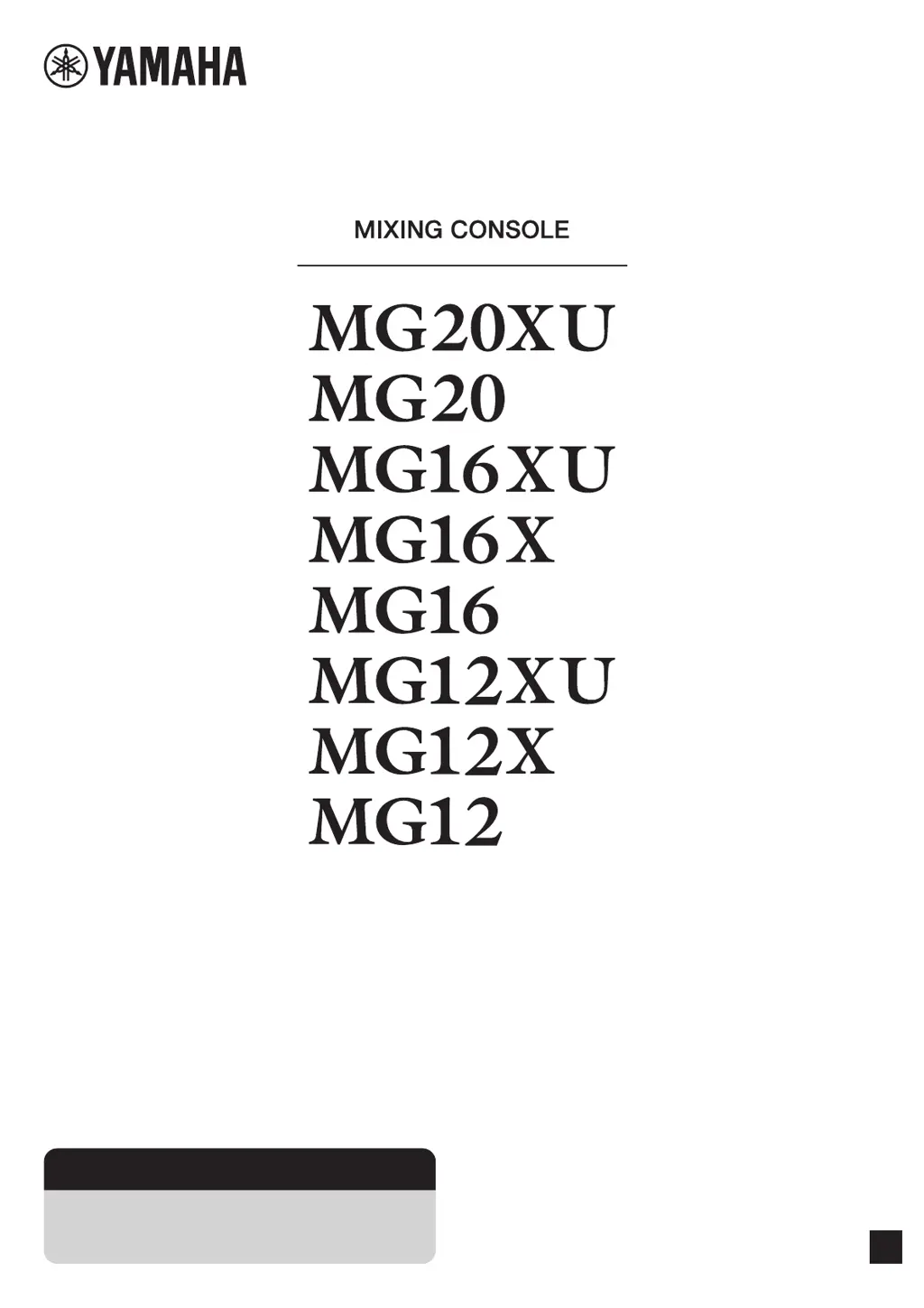
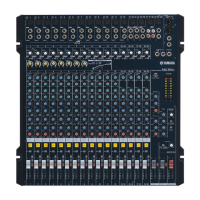
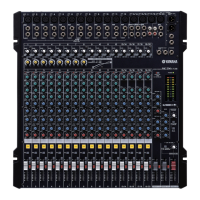
Yamaha MG20XU - User Manual

Yamaha MG20XU
40 pages
Print Icon
To Next Page IconTo Next Page
Loading...
EN
Owners Manual
Precautions pages 5, 6
Quick Start Guide pages 9 to 11
Troubleshooting pages 29 to 31

Other manuals for Yamaha MG20XU

Questions and Answers

  • J
    jcastroAug 17, 2025
    Why are effects not working on my Yamaha Music Mixer?
    • C
      Christina DiazAug 17, 2025
      If effects are not being applied on your Yamaha Music Mixer, check that the [FX] knobs for each channel are at suitable levels. Ensure the [ON] button for [FX RTN] is activated. Verify the [PARAMETER] knob and [FX RTN] fader are correctly adjusted. Confirm the [FX RTN] bus assign switch is properly set. If external effects are connected to the [SEND(AUX1 – 4)] jacks, make sure the [AUX1 – 4] knobs for [SEND MASTER] are appropriately set. Check that the power of that device is turned on.
  • M
    meredith41Aug 21, 2025
    How to troubleshoot no sound output on Yamaha Music Mixer?
    • S
      Susan WilliamsAug 21, 2025
      If no sound is coming from the Yamaha Music Mixer, first, ensure external instruments and speakers are correctly connected and that cables aren't shorted. Check if the power of the device is turned on. Then, verify that the [GAIN] knobs for each channel, channel faders, [STEREO] master fader, and [GROUP] faders are at appropriate levels. Also, confirm that the bus assign switches and [LINE /USB] switch are correctly set.
  • J
    Justin LewisAug 25, 2025
    What to do if there is no sound from [STEREO OUT] jack on Yamaha Music Mixer?
    • M
      Melissa JosephAug 25, 2025
      If you're not getting any sound from the [STEREO OUT] jack on your Yamaha Music Mixer, ensure that the [ON] and [ST] switches for the channels you're using are activated. Also, verify that the [STEREO] master [ON] switch is turned on. Check that the power of that device is turned on.
  • P
    Philip KellerAug 27, 2025
    How to fix no sound output from [SEND (AUX1 – 4)] jacks on Yamaha Music Mixer?
    • M
      Michelle WestAug 27, 2025
      If you're not getting any sound from the [SEND (AUX1 – 4)] jacks on your Yamaha Music Mixer, ensure that the [SEND MASTER] knobs and [AUX 1 – 4] for each channel are appropriately set. When the [PRE] switch for [AUX] is off, confirm that the [ON] switches for the channels you are using are turned on. Check that the power of that device is turned on.
  • W
    wdillonAug 31, 2025
    How to improve speaking voice clarity on Yamaha Music Mixer?
    • D
      Douglas NorrisAug 31, 2025
      If speech is unclear when using your Yamaha Music Mixer, ensure the [HPF] switch is turned on and the equalizer ([HIGH]/[MID]/[LOW]) is properly adjusted. Check that the power of that device is turned on.
  • C
    Caitlin MorganSep 3, 2025
    What causes unstable sound level on Yamaha Music Mixer?
    • P
      Patricia StewartSep 4, 2025
      If the sound level on your Yamaha Music Mixer is unstable and inconsistent, use the [COMP] knob to lower the compressor level, as it may be set too high.
  • C
    Cynthia WatersSep 6, 2025
    How to troubleshoot no mixer monitor signal output on Yamaha Music Mixer?
    • J
      jmuellerSep 6, 2025
      Ensure powered speakers are connected to the [MONITOR OUT] jacks. Adjust the signal output from the [MONITOR OUT] jacks using the [MONITOR LEVEL] knob on your Yamaha Music Mixer.
  • J
    Jennifer WrightSep 12, 2025
    Why are left and right levels different on my Yamaha Music Mixer?
    • V
      Virginia SawyerSep 12, 2025
      If the left and right levels are different for a stereo signal input on your Yamaha Music Mixer, first ensure that [PAN] is set to the center. If it is, try reversing the left and right input connections. If the low volume switches sides after swapping connections, the issue is with the instrument or device sending the signal. Also, check that you're using the same type of cable for both left and right inputs, as cables with built-in resistors can reduce the signal. Check that the power of that device is turned on.
  • D
    Daniel SingletonNov 13, 2025
    Why is the sound low, distorted, or noisy on my Yamaha Music Mixer?
    • K
      Kristopher CarlsonNov 13, 2025
      If the sound from your Yamaha Music Mixer is low, distorted, or noisy, make sure the [GAIN] knobs for each channel, channel faders, [STEREO] master fader, and [GROUP] faders are set to appropriate levels. Check if the [PAD] switch is on. Ensure the output signal level from the connected instrument is correct. Reduce effect or compressor levels using the [FX] knob, [FX RTN] fader, [FX RTN LEVEL] knob, and [COMP] knob. Also, avoid connecting to both XLR and phone jacks or phone and RCA pin jacks simultaneously on an input channel. Verify the microphone is connected to the correct [MIC] or [MIC/LINE] jack. If using a condenser microphone, confirm the [PHANTOM +48V] switch is on. For instruments with a +4 dBu output level, either activate the [PAD] switch on a mono input or use a stereo input ...

Summary

Important Safety Instructions

General Safety Precautions

Covers graphical symbols, warnings, and essential safety guidelines for operating the mixing console.

Precautions and Warnings

Handling Warnings

Specific warnings for power supply, cords, water exposure, and preventing device damage.

Operational Precautions

Guidelines for safe operation, including ventilation, placement, and connection practices.

Main Features

Quick Start Guide

Setup

Setup Examples

Illustrates typical connection configurations for live performance and events.

Controls and Connectors - Front Panel

Controls and Connectors - Input Channel Block

Built-in Effects Block

Effect Program Details

Lists and describes the 24 built-in effects, including parameter adjustments.

Master Block

Output Jacks and Monitoring

Explains the master block jacks for sending signals and monitoring audio output.

Power Block

USB Block

Attenuator Function

Explains how to connect to a computer via USB and adjust audio playback volume.

Troubleshooting

No Sound Output

Guides users through checking connections, signal flow, and settings when no audio is produced.

Troubleshooting - Setting Controls

Checking Overall Balance

Provides guidance on adjusting gain, faders, and switches to achieve optimal sound balance.

Appendix - General Specifications

Appendix - Connector Information

Jack and Connector Lists

Details the types of jacks used, their pin configurations, and polarity.

Appendix - Rack Mounting

Rack Mounting Procedures

Provides instructions and precautions for safely installing the mixer unit in a rack.

Guarantee Information

Address List

Yamaha MG20XU Specifications

General IconGeneral
Channels quantity20 channels
Digital sound processing24 bit
DJ mixerNo
Product colorBlack
Rack mounting-
Total Harmonic Distortion (THD)0.03 %
Phantom power48 V
AC input voltage100 - 240 V
AC input frequency50 - 60 Hz
Power consumption (typical)36 W
Weight and Dimensions IconWeight and Dimensions
Depth500 mm
Width444 mm
Height130 mm
Weight7100 g

Videos

How to Capture Live Music with the Yamaha MG20XU Mixer

Related product manuals