EasyManua.ls Logo

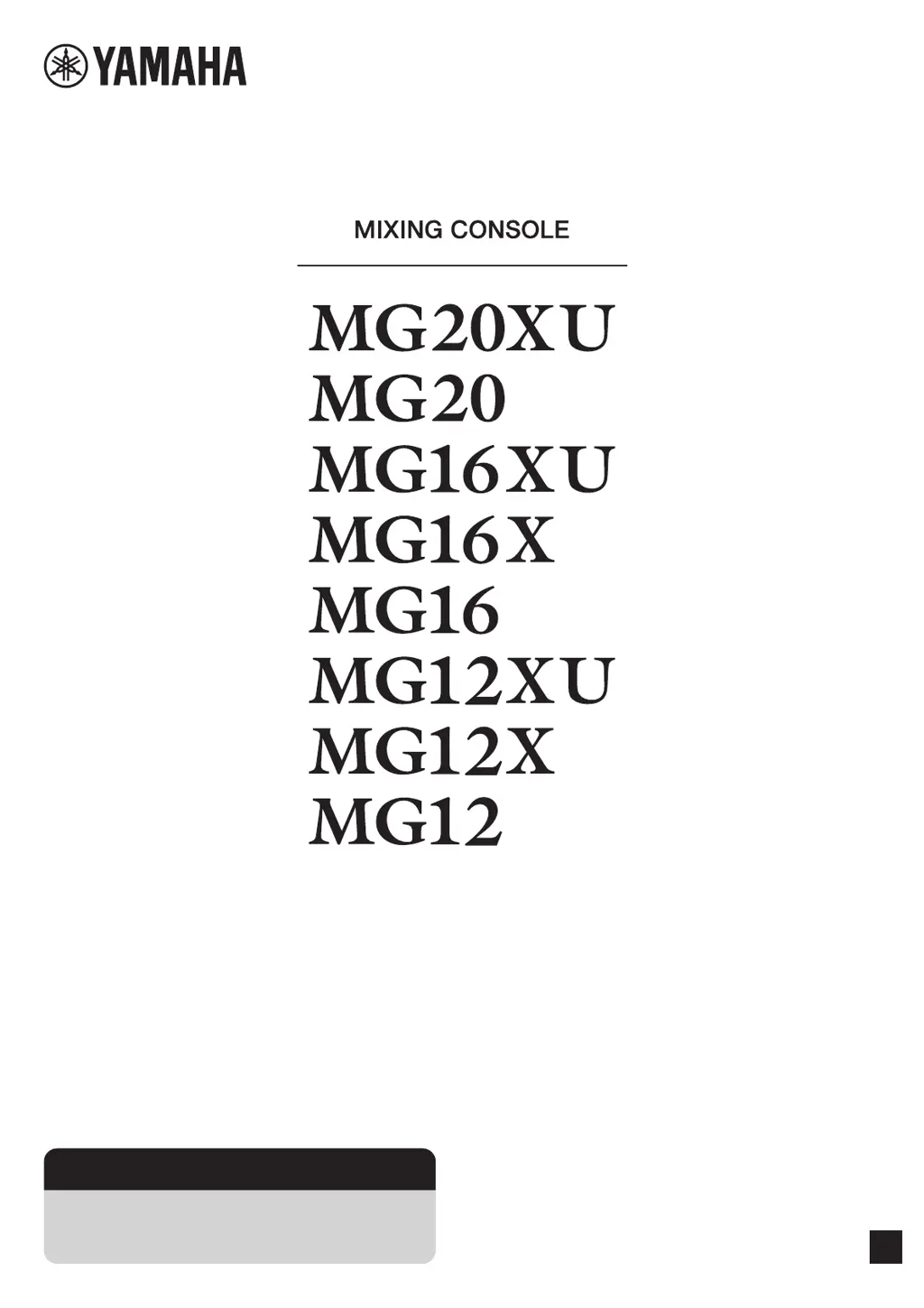
Yamaha MG16XU - User Manual

Yamaha MG16XU
40 pages
Print Icon
To Next Page IconTo Next Page
Loading...
EN
Owners Manual
Precautions pages 5, 6
Quick Start Guide pages 9 to 11
Troubleshooting pages 29 to 31

Other manuals for Yamaha MG16XU

Questions and Answers

  • B
    Beth Hernandez DDSAug 17, 2025
    Why are effects not working on my Yamaha Music Mixer?
    • J
      Jonathan HoffmanAug 17, 2025
      If effects are not being applied on your Yamaha Music Mixer, check that the [FX] knobs for each channel are at suitable levels. Ensure the [ON] button for [FX RTN] is activated. Verify the [PARAMETER] knob and [FX RTN] fader are correctly adjusted. Confirm the [FX RTN] bus assign switch is properly set. If external effects are connected to the [SEND(AUX1 – 4)] jacks, make sure the [AUX1 – 4] knobs for [SEND MASTER] are appropriately set. Check that the power of that device is turned on.
  • A
    Anthony JacobsAug 20, 2025
    How to troubleshoot no sound output on Yamaha Music Mixer?
    • M
      martinjuliaAug 21, 2025
      If no sound is coming from the Yamaha Music Mixer, first, ensure external instruments and speakers are correctly connected and that cables aren't shorted. Check if the power of the device is turned on. Then, verify that the [GAIN] knobs for each channel, channel faders, [STEREO] master fader, and [GROUP] faders are at appropriate levels. Also, confirm that the bus assign switches and [LINE /USB] switch are correctly set.
  • M
    Matthew PetersenAug 25, 2025
    What to do if there is no sound from [STEREO OUT] jack on Yamaha Music Mixer?
    • J
      Jennifer Clark DVMAug 25, 2025
      If you're not getting any sound from the [STEREO OUT] jack on your Yamaha Music Mixer, ensure that the [ON] and [ST] switches for the channels you're using are activated. Also, verify that the [STEREO] master [ON] switch is turned on. Check that the power of that device is turned on.
  • D
    Danielle ThorntonAug 27, 2025
    How to fix no sound output from [SEND (AUX1 – 4)] jacks on Yamaha Music Mixer?
    • D
      Dana WelchAug 27, 2025
      If you're not getting any sound from the [SEND (AUX1 – 4)] jacks on your Yamaha Music Mixer, ensure that the [SEND MASTER] knobs and [AUX 1 – 4] for each channel are appropriately set. When the [PRE] switch for [AUX] is off, confirm that the [ON] switches for the channels you are using are turned on. Check that the power of that device is turned on.
  • A
    adamsstevenAug 31, 2025
    How to improve speaking voice clarity on Yamaha Music Mixer?
    • S
      stevenkaneAug 31, 2025
      If speech is unclear when using your Yamaha Music Mixer, ensure the [HPF] switch is turned on and the equalizer ([HIGH]/[MID]/[LOW]) is properly adjusted. Check that the power of that device is turned on.
  • I
    ivegaSep 2, 2025
    What causes unstable sound level on Yamaha Music Mixer?
    • K
      katherinewashingtonSep 2, 2025
      If the sound level on your Yamaha Music Mixer is unstable and inconsistent, use the [COMP] knob to lower the compressor level, as it may be set too high.
  • B
    Brian MitchellSep 6, 2025
    How to troubleshoot no mixer monitor signal output on Yamaha Music Mixer?
    • A
      andersonlatashaSep 6, 2025
      Ensure powered speakers are connected to the [MONITOR OUT] jacks. Adjust the signal output from the [MONITOR OUT] jacks using the [MONITOR LEVEL] knob on your Yamaha Music Mixer.
  • C
    cookpatriciaSep 9, 2025
    Why are left and right levels different on my Yamaha Music Mixer?
    • J
      Joseph JonesSep 9, 2025
      If the left and right levels are different for a stereo signal input on your Yamaha Music Mixer, first ensure that [PAN] is set to the center. If it is, try reversing the left and right input connections. If the low volume switches sides after swapping connections, the issue is with the instrument or device sending the signal. Also, check that you're using the same type of cable for both left and right inputs, as cables with built-in resistors can reduce the signal. Check that the power of that device is turned on.
  • L
    Lauren GriffinNov 13, 2025
    Why is the sound low, distorted, or noisy on my Yamaha Music Mixer?
    • S
      Susan BlackNov 13, 2025
      If the sound from your Yamaha Music Mixer is low, distorted, or noisy, make sure the [GAIN] knobs for each channel, channel faders, [STEREO] master fader, and [GROUP] faders are set to appropriate levels. Check if the [PAD] switch is on. Ensure the output signal level from the connected instrument is correct. Reduce effect or compressor levels using the [FX] knob, [FX RTN] fader, [FX RTN LEVEL] knob, and [COMP] knob. Also, avoid connecting to both XLR and phone jacks or phone and RCA pin jacks simultaneously on an input channel. Verify the microphone is connected to the correct [MIC] or [MIC/LINE] jack. If using a condenser microphone, confirm the [PHANTOM +48V] switch is on. For instruments with a +4 dBu output level, either activate the [PAD] switch on a mono input or use a stereo input ...

Summary

Safety and Precautions

Important Safety Instructions

Essential safety guidelines to prevent injury, electric shock, fire, or device damage.

Usage Precautions

Warnings and cautions for safe operation, handling, and environmental considerations.

Product Overview and Setup

Main Features Overview

Key features and capabilities of the mixing console, including preamps, effects, and USB.

Quick Start Guide

Step-by-step instructions for initial setup, connections, and powering up the system.

Setup Examples

Connection diagrams for live performance and event scenarios.

Controls and Connectors

Front Panel Controls and Jacks

Description of controls and jacks on the front panel, including inputs and effects.

Rear Panel Connections

Identification of connectors and ports located on the rear panel, like AC IN and USB.

Input Channel Block

Explanation of mono, stereo, and channel strip controls like GAIN, EQ, and routing options.

Built-in Effects Block

Operation, selection, and parameter adjustment of the console's internal digital effects.

Master Block Outputs and Controls

Explanation of master output sections ([SEND], [GROUP], [MONITOR], [STEREO]) and their controls.

Troubleshooting

No Sound Output Troubleshooting

Steps to diagnose and resolve issues when no sound is output from the main or headphone jacks.

Common Operational Issues

Solutions for problems like distortion, noise, unclear voices, or effects not applying correctly.

Appendix

General Specifications

Technical data, dimensions, power requirements, and operational specifications of the mixer.

Effect Programs List

A comprehensive list of all available built-in effect programs with parameter descriptions.

Connector Types and List

Details on XLR, Phone, and RCA connector types and their pin configurations.

Rack Mounting Guide

Instructions and precautions for installing the mixing console in a standard equipment rack.

Yamaha MG16XU Specifications

General IconGeneral
Sample rate192 kHz
Channels quantity16 channels
Digital sound processing24 bit
DJ mixer-
Video capabilityNo
XLR out2
Monitor out1
Microphone inYes
Headphone connectivity6.3 mm
Phantom power48 V
Power consumption (typical)30 W
Cables includedAC
Total Harmonic Distortion (THD)0.03 %
Weight and Dimensions IconWeight and Dimensions
Depth500 mm
Width444 mm
Height130 mm
Weight6800 g

Videos

How to Enhance Your Sound with Yamaha MG16XU Mixer Microphone

Related product manuals