EasyManua.ls Logo

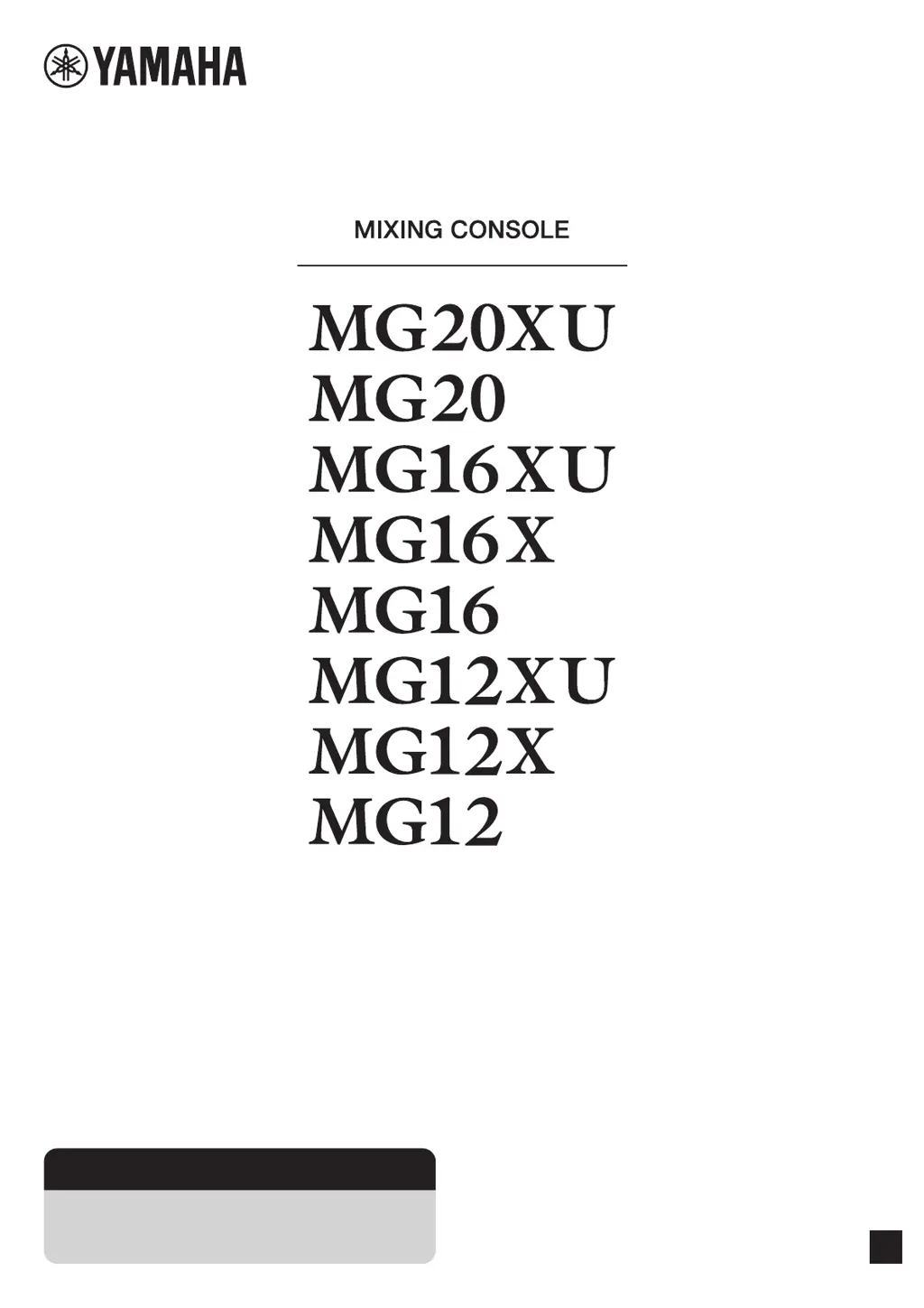
Yamaha MG16 - User Manual

Yamaha MG16
40 pages
Print Icon
To Next Page IconTo Next Page
Loading...
EN
Owners Manual
Precautions pages 5, 6
Quick Start Guide pages 9 to 11
Troubleshooting pages 29 to 31

Other manuals for Yamaha MG16

Questions and Answers

  • S
    Sean GomezAug 17, 2025
    Why are effects not working on my Yamaha Music Mixer?
    • B
      Brandy FoxAug 17, 2025
      If effects are not being applied on your Yamaha Music Mixer, check that the [FX] knobs for each channel are at suitable levels. Ensure the [ON] button for [FX RTN] is activated. Verify the [PARAMETER] knob and [FX RTN] fader are correctly adjusted. Confirm the [FX RTN] bus assign switch is properly set. If external effects are connected to the [SEND(AUX1 – 4)] jacks, make sure the [AUX1 – 4] knobs for [SEND MASTER] are appropriately set. Check that the power of that device is turned on.
  • E
    Elizabeth SmithAug 20, 2025
    How to troubleshoot no sound output on Yamaha Music Mixer?
    • H
      Hailey DominguezAug 20, 2025
      If no sound is coming from the Yamaha Music Mixer, first, ensure external instruments and speakers are correctly connected and that cables aren't shorted. Check if the power of the device is turned on. Then, verify that the [GAIN] knobs for each channel, channel faders, [STEREO] master fader, and [GROUP] faders are at appropriate levels. Also, confirm that the bus assign switches and [LINE /USB] switch are correctly set.
  • P
    Patricia CarterAug 25, 2025
    What to do if there is no sound from [STEREO OUT] jack on Yamaha Music Mixer?
    • T
      Tammy SingletonAug 25, 2025
      If you're not getting any sound from the [STEREO OUT] jack on your Yamaha Music Mixer, ensure that the [ON] and [ST] switches for the channels you're using are activated. Also, verify that the [STEREO] master [ON] switch is turned on. Check that the power of that device is turned on.
  • B
    Brian KnoxAug 27, 2025
    How to fix no sound output from [SEND (AUX1 – 4)] jacks on Yamaha Music Mixer?
    • N
      Neil BrownAug 27, 2025
      If you're not getting any sound from the [SEND (AUX1 – 4)] jacks on your Yamaha Music Mixer, ensure that the [SEND MASTER] knobs and [AUX 1 – 4] for each channel are appropriately set. When the [PRE] switch for [AUX] is off, confirm that the [ON] switches for the channels you are using are turned on. Check that the power of that device is turned on.
  • B
    Bailey RaymondAug 30, 2025
    How to improve speaking voice clarity on Yamaha Music Mixer?
    • E
      Eric OrozcoAug 30, 2025
      If speech is unclear when using your Yamaha Music Mixer, ensure the [HPF] switch is turned on and the equalizer ([HIGH]/[MID]/[LOW]) is properly adjusted. Check that the power of that device is turned on.
  • A
    Aaron HebertSep 3, 2025
    What causes unstable sound level on Yamaha Music Mixer?
    • J
      Joseph MossSep 3, 2025
      If the sound level on your Yamaha Music Mixer is unstable and inconsistent, use the [COMP] knob to lower the compressor level, as it may be set too high.
  • B
    bob23Sep 6, 2025
    How to troubleshoot no mixer monitor signal output on Yamaha Music Mixer?
    • H
      Helen ChapmanSep 6, 2025
      Ensure powered speakers are connected to the [MONITOR OUT] jacks. Adjust the signal output from the [MONITOR OUT] jacks using the [MONITOR LEVEL] knob on your Yamaha Music Mixer.
  • J
    jennifer50Sep 9, 2025
    Why are left and right levels different on my Yamaha Music Mixer?
    • T
      Tina StaffordSep 9, 2025
      If the left and right levels are different for a stereo signal input on your Yamaha Music Mixer, first ensure that [PAN] is set to the center. If it is, try reversing the left and right input connections. If the low volume switches sides after swapping connections, the issue is with the instrument or device sending the signal. Also, check that you're using the same type of cable for both left and right inputs, as cables with built-in resistors can reduce the signal. Check that the power of that device is turned on.
  • Y
    yfitzgeraldNov 13, 2025
    Why is the sound low, distorted, or noisy on my Yamaha Music Mixer?
    • W
      William WagnerNov 13, 2025
      If the sound from your Yamaha Music Mixer is low, distorted, or noisy, make sure the [GAIN] knobs for each channel, channel faders, [STEREO] master fader, and [GROUP] faders are set to appropriate levels. Check if the [PAD] switch is on. Ensure the output signal level from the connected instrument is correct. Reduce effect or compressor levels using the [FX] knob, [FX RTN] fader, [FX RTN LEVEL] knob, and [COMP] knob. Also, avoid connecting to both XLR and phone jacks or phone and RCA pin jacks simultaneously on an input channel. Verify the microphone is connected to the correct [MIC] or [MIC/LINE] jack. If using a condenser microphone, confirm the [PHANTOM +48V] switch is on. For instruments with a +4 dBu output level, either activate the [PAD] switch on a mono input or use a stereo input ...

Summary

Safety Instructions

Graphical Symbols Explanation

Explains safety symbols used in the manual for user awareness.

Regulatory Information

FCC Compliance Statement

Details on FCC compliance for US users regarding radio frequency emissions.

UK Connection Notice

Guidance for connecting plugs and cords safely in the United Kingdom.

Equipment Disposal Guidance

Information on collecting and disposing of old electronic equipment responsibly.

General Precautions

Key Safety Precautions

Covers power, water, fire hazards, and device handling to prevent injury.

Maintenance and Handling

Handling Cautions

Advice on avoiding damage from foreign objects or physical stress on the unit.

Important Notices

General advisories to prevent malfunction or damage to the product.

Main Features Overview

D-PRE Preamplifiers

Details on the high-quality preamplifiers and their circuit design for audio quality.

Universal Power Supply

Information on the power supply's voltage compatibility and stable operation.

Digital Effects and USB Interface

Description of built-in effects and USB audio capabilities for XU models.

Quick Start Guide

Power Supply and Connections

Guidance on connecting the power supply and input devices for initial setup.

System Power-Up Procedure

Procedures for safely powering on the mixer and connected gear.

Quick Start Guide (Cont.)

Achieving Audio Output

Steps to achieve audio output to speakers and headphones.

Quick Start Guide (Cont.)

Using Built-in Effects

Instructions for applying reverb, delay, and other built-in effects to the audio.

Setup Guide

Live Performance Setup Example

Illustrations showing connection examples for live performance setups.

Setup Guide (Cont.)

Events and Parties Setup Example

Connection example for event and party setups.

Controls and Connectors

Front Panel Overview

Identification and explanation of front panel controls and jacks.

Controls and Connectors (Cont.)

Rear Panel Overview

Identification and explanation of rear panel connections and blocks.

Controls and Connectors (Cont.)

Input Channel Block Details

Explanation of mono, mono/stereo, and stereo input jacks and controls.

Controls and Connectors (Cont.)

Input Channel Controls

Explanation of PAD, HPF, GAIN, COMP, PHANTOM, and LINE/USB controls.

Controls and Connectors (Cont.)

Equalizer and AUX;PAN Controls

Explanation of EQ, AUX send levels, and panning controls.

Controls and Connectors (Cont.)

Channel Routing and Monitoring

Explanation of bus assignment, PFL, PEAK indicators, and channel faders.

Controls and Connectors (Cont.)

Built-in Effects Operation

Details on selecting, adjusting, and applying built-in effects.

Controls and Connectors (Cont.)

Effects Parameter and Assignment

Explanation of PARAMETER knob, AUX/FX sends, and foot switch operation.

Controls and Connectors (Cont.)

Master Block Output Jacks

Explanation of SEND, GROUP OUT, and MONITOR OUT jacks.

Controls and Connectors (Cont.)

Master Block Outputs and Monitoring

Details on STEREO OUT, PHONES, and MONITOR section.

Controls and Connectors (Cont.)

Send Master and Group Controls

Explanation of SEND MASTER knobs and GROUP section faders/switches.

Controls and Connectors (Cont.)

STEREO Output and Power Block

Details on STEREO master fader, POWER switch, and AC IN jack.

Controls and Connectors (Cont.)

USB Block and Attenuator Function

Information on connecting to computers via USB and adjusting playback volume.

Troubleshooting

No Sound Output Diagnosis

Steps to diagnose and fix issues with no audio output.

Troubleshooting (Cont.)

Setting Switches for Balance

Checking settings for overall audio balance and monitoring.

Troubleshooting (Cont.)

Other Common Issues

Addresses issues like distorted sound, effects, clarity, and unstable levels.

Appendix: Specifications

General Specifications

Technical details and specifications of the mixing console models.

Appendix: Effect Programs

Built-in Effect Programs

Details on the 24 built-in effects, their parameters, and descriptions.

Appendix: Connectors

Jack and Connector List

List of jacks and connectors with their pin polarities and configurations.

Connector Types Explained

Descriptions of XLR, Phone (TRS/TS), and RCA connector types.

Appendix: Rack Mounting

Rack Mounting Procedures

Instructions and precautions for installing the unit in a rack.

Appendix: Index

Document Index

An alphabetical listing of terms and their corresponding page numbers.

Guarantee Information

European and Swiss Guarantee Details

Information on obtaining warranty service within the EEA and Switzerland.

Yamaha MG16 Specifications

General IconGeneral
Frequency range20 - 48000 Hz
Channels quantity16 channels
Digital sound processing- bit
DJ mixer-
Product colorBlack
Video capabilityNo
Phantom power48 V
AC input voltage100 - 240 V
AC input frequency50 - 60 Hz
Power consumption (typical)30 W
Weight and Dimensions IconWeight and Dimensions
Depth500 mm
Width444 mm
Height130 mm
Weight6600 g

Related product manuals