Quick Guide Creating a Song on the MO
Creating a Song
96
Owner’s Manual
Editing a Mixing by using the Knobs (in the Song mode/Pattern mode)
The four knobs at the top left of the instrument can be used to tweak the Song/Pattern Mixing settings as they play (in
the Song Play/Pattern Play mode). What’s mode, you can use them to edit the Mixing settings, in the Song Mixing Edit/
Pattern Mixing Edit modes.
For details on the parameters edited by the knobs, refer to the descriptions in the Performance mode (page 65).
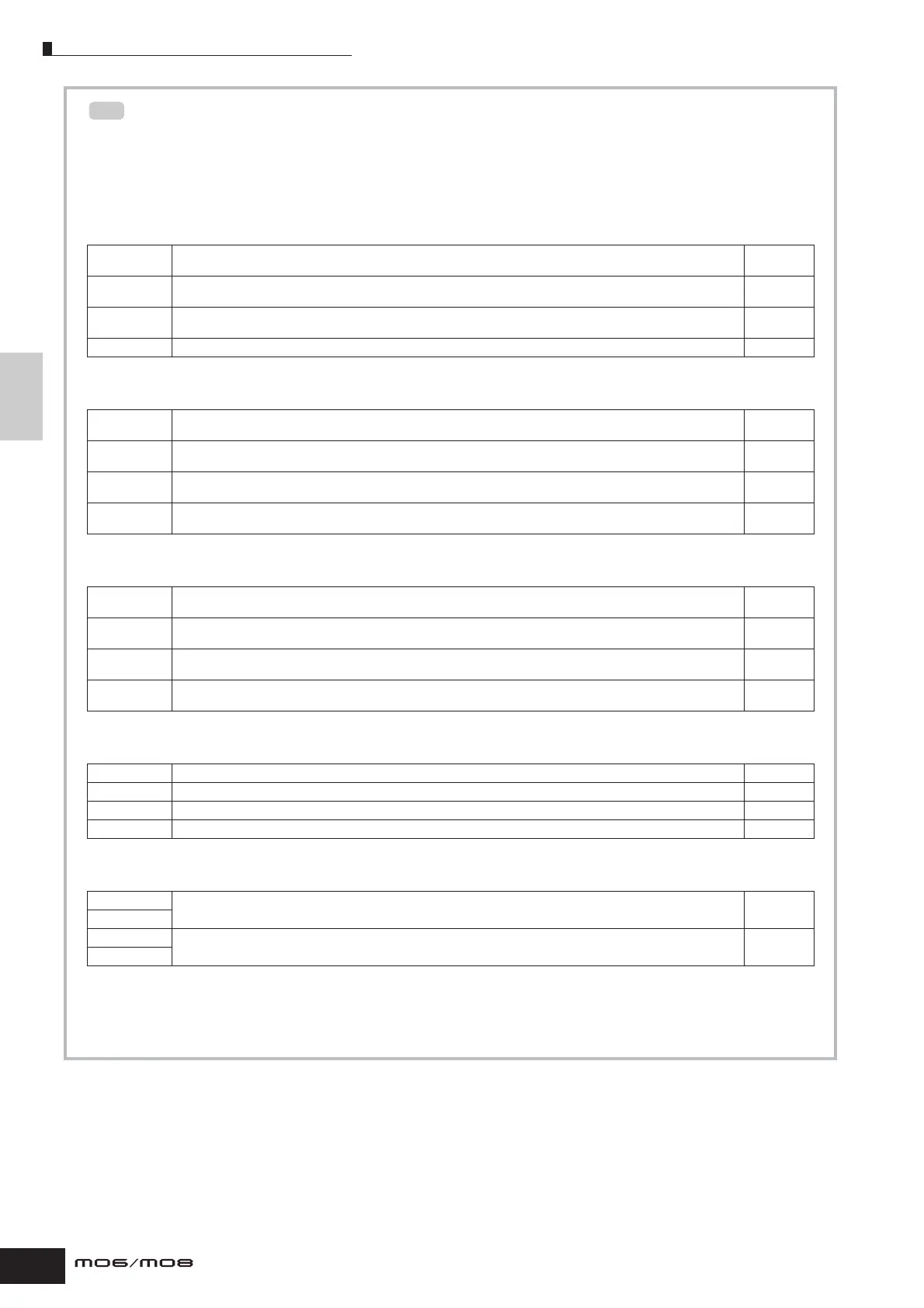
● When the [PAN/SEND] indicator is turned on:
● When the [TONE] indicator is turned on:
● When the [ARP FX] indicator is turned on:
● When the [EQ] indicator is turned on:
● When both the [PAN/SEND] and [TONE] indicators are turned on (by pressing them simultaneously):
n In addition to the above functions, Master Effect related parameters ([SONG] or [PATTERN] → Song/Pattern selection → [MIXING] → [EDIT]
→ [COMMON] → [F2] MEQ/MEF → [SF2] MEF) can be assigned to these four knobs, and the knobs can be used for these assignments by
pressing the [ARP FX] and [EQ] buttons simultaneously to turn them on. The particular parameters assigned to the four knobs can be set in
the [UTILITY] → [F4] CTL ASN → [SF5] MEF display.
PAN [SONG] or [PATTERN] → Song/Pattern selection → [MIXING] → [EDIT] → Part selection → [F2] OUTPUT →
[SF1] VOL/PAN → Pan
Page 191
REVERB [SONG] or [PATTERN] → Song/Pattern selection → [MIXING] → [EDIT] → Part selection → [F2] OUTPUT →
[SF2] EF SEND → RevSend
Page 191
CHORUS [SONG] or [PATTERN] → Song/Pattern selection → [MIXING] → [EDIT] → Part selection → [F2] OUTPUT →
[SF2] EF SEND → ChoSend
Page 191
TEMPO Tempo of the current Song/Pattern Page 74
CUTOFF [SONG] or [PATTERN] → Song/Pattern selection → [MIXING] → [EDIT] → Part selection → [F4] TONE →
[SF2] FILTER → Cutoff
Page 191
RESONANCE [SONG] or [PATTERN] → Song/Pattern selection → [MIXING] → [EDIT] → Part selection → [F4] TONE →
[SF2] FILTER → Resonance
Page 191
ATTACK [SONG] or [PATTERN] → Song/Pattern selection → [MIXING] → [EDIT] → Part selection → [F4] TONE → [SF4] AEG
→ Attack
Page 191
RELEASE [SONG] or [PATTERN] → Song/Pattern selection → [MIXING] → [EDIT] → Part selection → [F4] TONE → [SF4] AEG
→ Release
Page 191
SWING [SONG] or [PATTERN] → Song/Pattern selection → [MIXING] → [EDIT] → [COMMON] → [F3] ARP → [SF3] PLAY FX
→ Swing
Page 190
GATE TIME [SONG] or [PATTERN] → Song/Pattern selection → [MIXING] → [EDIT] → [COMMON] → [F3] ARP → [SF3] PLAY FX
→ GateTimeRate
Page 190
VELOCITY [SONG] or [PATTERN] → Song/Pattern selection → [MIXING] → [EDIT] → [COMMON] → [F3] ARP → [SF3] PLAY FX
→ VelocityRate
Page 190
UNITMULTIPLY
[SONG] or [PATTERN] → Song/Pattern selection → [MIXING] → [EDIT] → [COMMON] → [F3] ARP → [SF3] PLAY FX
→ UnitMultiply
Page 190
LO [SONG] or [PATTERN] → Song/Pattern selection → [MIXING] → [EDIT] → Part selection → [F3] EQ → Low Gain Page 191
LO MID [SONG] or [PATTERN] → Song/Pattern selection → [MIXING] → [EDIT] → Part selection → [F3] EQ → Mid Gain Page 191
HI MID —-
HI [SONG] or [PATTERN] → Song/Pattern selection → [MIXING] → [EDIT] → Part selection → [F3] EQ → High Gain Page 191
ASSIGN A Adjusts parameters assigned to these knobs in the [UTILITY] → [F4] CTL ASN → [SF2] ASSIGN display. Page 71
ASSIGN B
ASSIGN 1 Depend on the settings of the voice assigned to the currently selected part. Page 70
ASSIGN 2
TIP



 To Next Page