Edit Search Utility Live SetPerformance
MODX Reference Manual
Uitlity
Settings
Sound
Quick Setup
Audio I/O
MIDI I/O
Advanced
System
Contents
Load
Store / Save
Data Utility
Library Import
Tempo Settings
Effect Switch
Other Info
Shift Function
Legal Notices
201
Reference
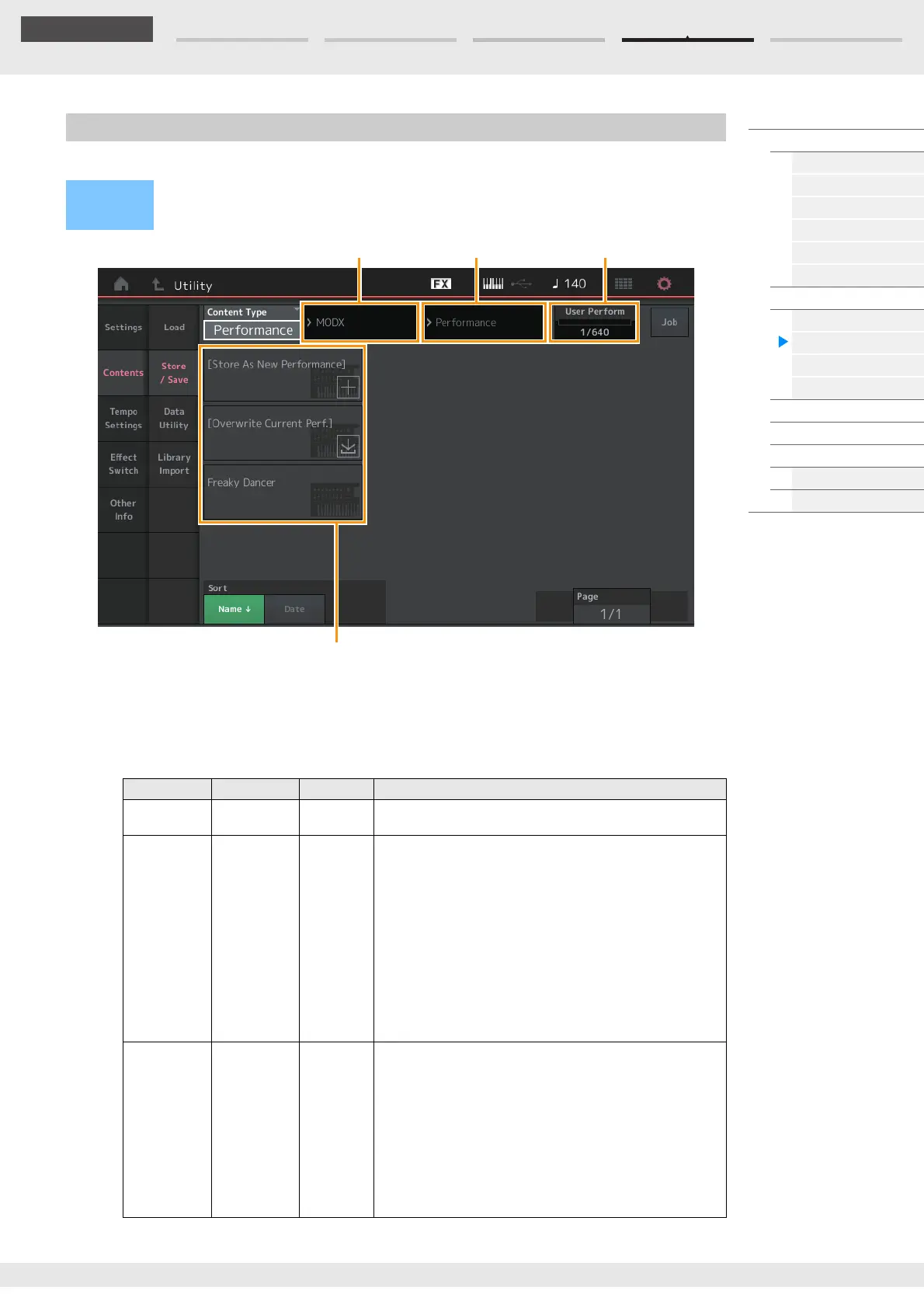
From the Store/Save display you can store Files and data.
Content Type
You can store all data or the specified data to the instrument or USB flash drive. This parameter determines
which specific data will be stored/saved.
The editable setting value differs depending on how you arrive at this display.
Settings: The Content Types which can be stored/saved are as follows.
Store/Save
Operation
Press the [STORE] button
or
[UTILITY] [Contents] [Store / Save]
File Types Device Type Extension Description
Performance Internal data Data can be stored to the dedicated area in the User Memory
as a “Performance” (page 23).
User File File .X8U Data that is stored to the dedicated area in the User Memory
can be saved to USB flash drive.
Data saved as “User File” is as follows.
• Performance
•Arpeggio
• Motion Sequence
•Curve
•Live Set
• Micro Tuning
• Waveform
• Utility Settings
• Quick Setup
•Audition
Library File File .X8L Data that is stored to the dedicated area in the User Memory
can be saved to USB flash drive.
Data saved as “Library File” is as follows.
• Performance
•Arpeggio
• Motion Sequence
•Curve
•Live Set
• Micro Tuning
• Waveform
•Audition
Parent Folder Name
Current Folder Name
Free Storage
File select



 To Next Page