EasyManua.ls Logo

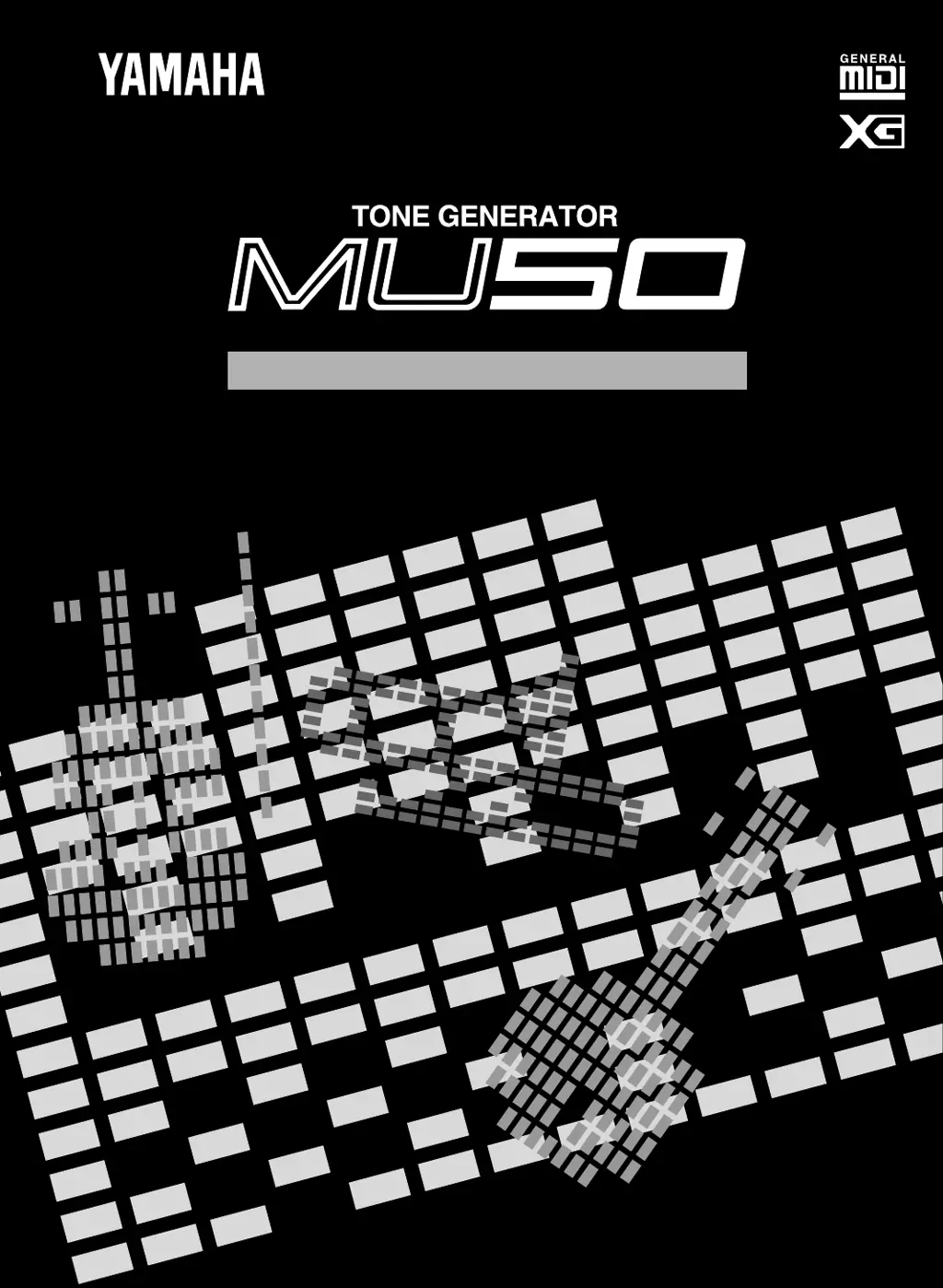
Yamaha MU50 - User Manual

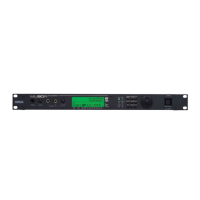
Yamaha MU50
140 pages
Print Icon
To Next Page IconTo Next Page
Loading...
OWNER'S MANUAL
VT10160 504CRIT15.2-01A0 M.D.G., EMI Division, © Yamaha Corporation 1995, Printed in Japan

Table of Contents

Other manuals for Yamaha MU50

Questions and Answers

  • M
    madisonowensJul 25, 2025
    What to do if my Yamaha MU50 has no sound?
    • E
      Eileen WangJul 25, 2025
      If your Yamaha Recording Equipment produces no sound, verify that the panel volume control is appropriately set. Also, check that other volume-related parameters are at suitable levels. Ensure that Mute or Solo are not active, because a muted part or a soloed empty part can cause silence. Confirm that Variation effect settings are correctly configured, especially if Variation Connection is set to INS and Variation Send is on, with NO EFFECT selected for the Variation Type. In this case, turn off Variation Send for the Part. Check that the EG Attack Time is short enough for percussive sounds, and that the Velocity Sensitivity Offset is appropriate. Finally, ensure Note Limit Low is not higher than Note Limit High, and that Velocity Limit Low and Velocity Limit High settings are appropriate.

Summary

MU50 Safety and Handling Precautions

MU50 Control Panel Layout

MU50 Front Panel Controls

Details the buttons and indicators on the MU50's front panel for operation.

MU50 Rear Panel Connections

Explains the various input/output jacks and switches on the MU50's rear panel.

Understanding the MU50

MU50 Features and Capabilities

Describes the MU50's core features like voices, polyphony, and MIDI compatibility.

MU50 Operating Modes

Explains the different modes the MU50 can operate in, such as Multi and Performance.

MU50 Guided Tour

Setting Up Your MU50

Step-by-step guide to connecting and configuring the MU50 for basic use.

Playing and Selecting Voices

Learn how to play notes and choose different instrument sounds on the MU50.

Music System Integration

Instructions for connecting the MU50 to computers and other MIDI devices.

MU50 Multi Mode Guide

Single Part Control in Multi Mode

Detailed control over individual parts for sound editing in Multi Mode.

Multi Edit Mode Parameters

Editing advanced sound parameters like Filter, EG, and Vibrato in Multi Mode.

MU50 Performance Mode

Performance Edit Mode

How to create, name, and save custom Performances on the MU50.

MU50 Effect Editing

Reverb Effect Parameters

Configuring Reverb types and settings for ambient sound processing.

Variation Effect Parameters

Exploring diverse Variation effects like Delay and Distortion.

MU50 Utility Mode Functions

System Functions

Adjusting global settings like Master Tune, contrast, and MIDI filters.

Dump Out Functions

Saving MU50 settings to external MIDI devices or computers.

Initialize Functions

Restoring the MU50 to its factory default settings.

MU50 Troubleshooting Guide

MU50 Error Message Reference

List and explanation of common error messages displayed by the MU50.

MU50 Technical Specifications

Detailed specifications including polyphony, modes, and connections.

Yamaha MU50 Specifications

General IconGeneral
TypeSound module
Sound EngineAWM2
Polyphony32 voices
Multitimbral Capacity16 parts
MIDI InterfaceIn, Out, Thru
EffectsReverb, Chorus
Audio OutputStereo
Headphone Output1/4"
Power SupplyAC adapter

Related product manuals