EasyManua.ls Logo

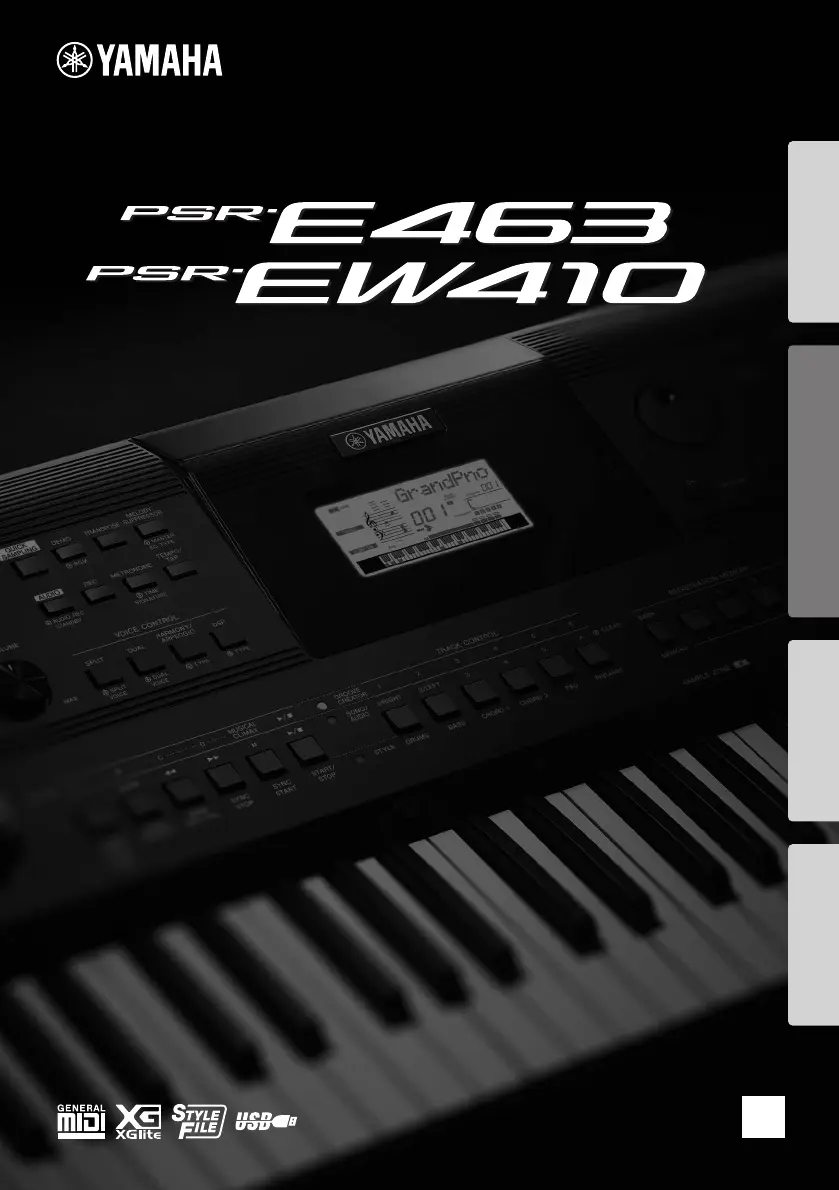
Yamaha PSR-EW410 - User Manual

Yamaha PSR-EW410
88 pages
Print Icon
To Next Page IconTo Next Page
Loading...
EN
DIGITAL KEYBOARD
Owners Manual
Thank you for purchasing this Yamaha Digital Keyboard!
The instrument is a portable keyboard with featuring a wide variety of sounds and functions.
We recommend that you read this manual carefully so that you can fully take advantage of the advanced and
convenient functions of the instrument. We also recommend that you keep this manual in a safe and handy place
for future reference.
Before using the instrument, be sure to read “PRECAUTIONS” on pages 5–7.
Setting UpReferenceAppendix Quick Guide

Table of Contents

Questions and Answers

  • I
    Isaiah SmithAug 19, 2025
    What to do if my Yamaha PSR-EW410 produces no sound?
    • K
      Kenneth HigginsSep 12, 2025
      If your Yamaha Electronic Keyboard isn't producing sound, check if headphones or an audio cable are connected to the [PHONES/OUTPUT] jack. If connected, the speaker will be muted. Also, check the Speaker Mute setting and ensure it is set to OFF. Finally, verify that the Local Control is set to ON.
  • N
    Natalie BowmanAug 21, 2025
    Why is the sustain pedal reversed on my Yamaha PSR-EW410?
    • M
      Michael BurkeAug 21, 2025
      If your sustain footswitch is producing the opposite effect on your Yamaha Electronic Keyboard, the polarity of the footswitch may be reversed. Ensure the footswitch plug is properly connected to the SUSTAIN jack before turning on the power.
  • O
    orrjessicaAug 23, 2025
    Why is the volume too soft or the sound quality poor on my Yamaha PSR-EW410?
    • K
      Kyle ValenzuelaAug 23, 2025
      If you are experiencing low volume, poor sound quality, unexpected stops, incorrect playback or the LCD display goes dark on your Yamaha Electronic Keyboard, the batteries may be low or dead. Replace all six batteries with completely new or fully recharged ones, or use the AC adaptor.
  • J
    Joseph DavisAug 26, 2025
    How to stop noise when using a mobile phone near my Yamaha PSR-EW410?
    • F
      fwheelerAug 26, 2025
      If you are getting noise when using a mobile phone near your Yamaha Electronic Keyboard, it is likely due to the phone's proximity to the instrument. Turn off the mobile phone or use it further away from the instrument to prevent this.
  • L
    Larry KellerAug 28, 2025
    What to do if my Yamaha PSR-EW410 Electronic Keyboard produces an unexpected sound?
    • T
      thomas94Aug 28, 2025
      If your Yamaha Electronic Keyboard produces an unexpected or inappropriate sound that you can't restore to normal, and you have been using the Knobs, press the [DSP] button to turn DSP off. Alternatively, change the Voice, Style, Groove or Song, or press the [PORTABLE GRAND] button to reset the panel settings.
  • C
    Christian HammondAug 30, 2025
    Why do some voices cut off on my Yamaha PSR-EW410 Electronic Keyboard?
    • T
      tom53Aug 30, 2025
      If some voices are not sounding or are being cut off when playing your Yamaha Electronic Keyboard, Arpeggio, Style, Song, or Groove Creator, you may have exceeded 48 simultaneous notes. If the Main, Dual, and Split Voices are being used along with playback of Arpeggio, Style, Groove or Song, some notes/sounds may be omitted.
  • J
    jamestorresSep 1, 2025
    Why does my Yamaha PSR-EW410 turn off automatically?
    • M
      Michael JenningsSep 1, 2025
      This is normal. The Yamaha Electronic Keyboard turns off automatically due to the Auto Power Off function.
  • M
    Mary RogersSep 3, 2025
    Why aren't the chords recognized on my Yamaha PSR-EW410?
    • H
      Heidi ZhangSep 3, 2025
      If the chords played in the left hand area are not recognized on your Yamaha Electronic Keyboard, even when ACMP is turned on, check the Split Point setting and set it to an appropriate value.
  • R
    Raymond GardnerSep 5, 2025
    Why won't the Style, Song or Arpeggio start on my Yamaha PSR-EW410 Electronic Keyboard?
    • E
      Erica HornSep 5, 2025
      Check the on/off status of the External Clock. Normally, set this parameter to OFF.
  • M
    moralesandrewSep 7, 2025
    Why is there no sound from Style parts other than the Rhythm part on my Yamaha PSR-EW410 Electronic Keyboard?
    • D
      dawnhensonSep 7, 2025
      If Style parts other than the Rhythm part produce no sound on your Yamaha Electronic Keyboard, check the on/off status of the ACMP and make sure to turn ACMP on.

Summary

Setting Up

Power Requirements

Details how to power the instrument using an AC adaptor or batteries.

Turning the Power On;Off

Explains the procedure for powering the instrument on and off.

Quick Guide

Basic Operation and Display Items

Outlines fundamental steps and explains instrument display indicators.

Try Playing a Variety of Instrument Voices

Guides on choosing, playing, and layering different instrument sounds.

Playing Styles

Details how to choose and play auto-accompaniment Styles.

Reference

Appendix

Troubleshooting

Provides solutions for common instrument problems and operational issues.

Yamaha PSR-EW410 Specifications

General IconGeneral
Number of Keys76
Touch ResponseYes
Polyphony48
Voices758
Styles235
Amplifiers12W + 12W
Speakers12 cm x 2
USB to HostYes
AUX INYes
Display TypeLCD
One Touch Setting (OTS)Yes
USB Audio InterfaceYes
Power SupplyPA-300C or an equivalent recommended by Yamaha
ArpeggiatorYes
EffectsReverb, Chorus
Songs30
Featured VoicesSweet!, Cool!
RecordingYes
ConnectivityHeadphones, Sustain Pedal, AUX IN, USB to Host

Related product manuals