PLAYBACK ➤ Listening to Internet radio En 82
You can listen to Internet radio stations from all over the world.
• To use this function, the unit must be connected to the Internet (p.45). You can
check whether the network parameters (such as the IP address) are properly
assigned to the unit in “Network” (p.128) in the “Information” menu.
• This service may be discontinued without notice.
• You may not be able to receive some Internet radio stations.
• The unit uses the vTuner Internet radio station database service.
1
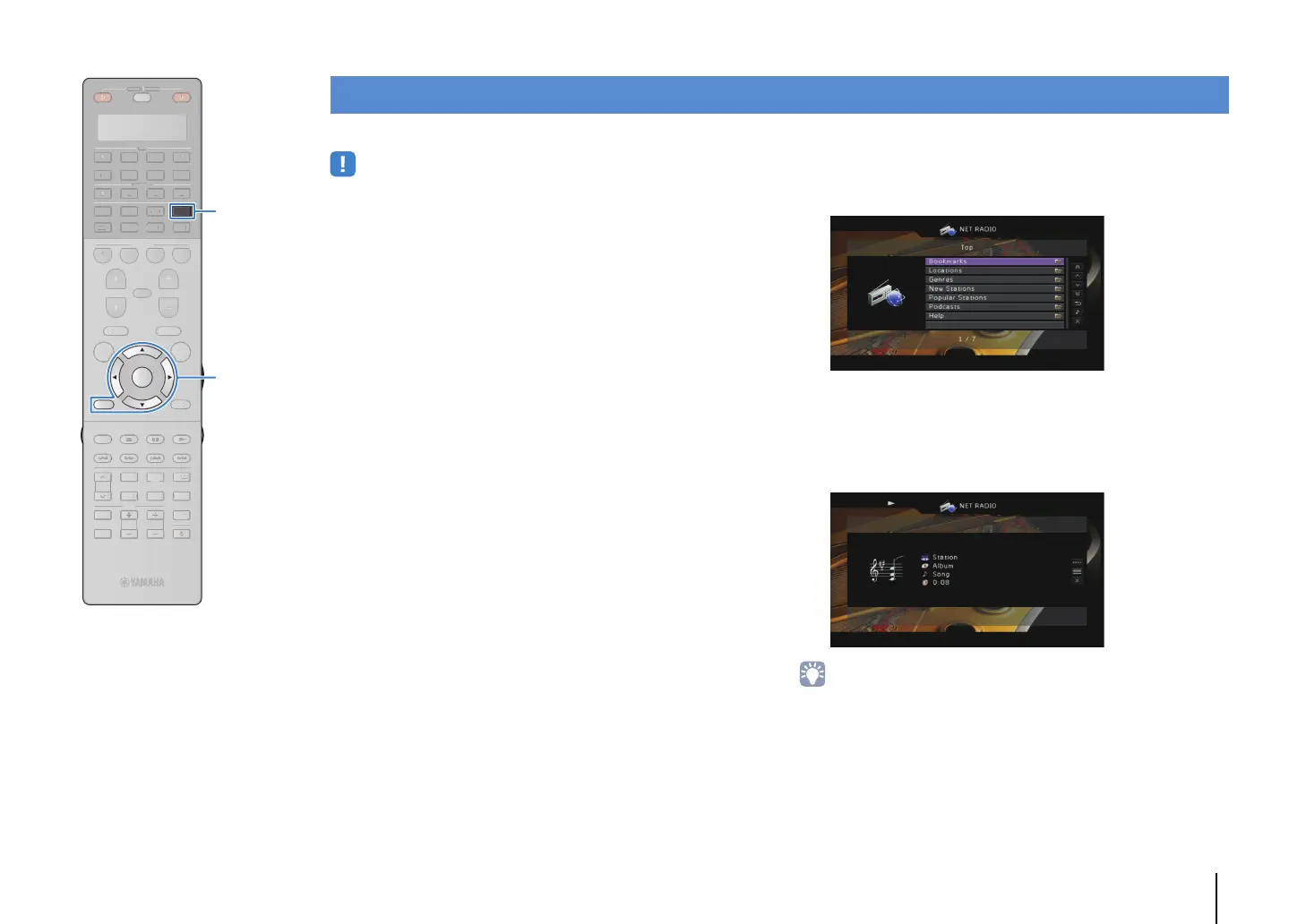
Press NET repeatedly to select “NET RADIO” as the
input source.
The browse screen is displayed on the TV.
2
Use the cursor keys to select an item and press
ENTER.
If an Internet radio station is selected, playback starts and
the playback screen is displayed.
• To return to the previous screen, press RETURN.
Listening to Internet radio
SOURCE
RECEIVER
AV
AUDIO
1 2 3 4
5 6 7
V-A UX
1 2 3 4
MULTI
PHONO
USB NET
TUNER
[ C ][ A ] [ B ]
CLASSICAL
LIVE
CLUB
ENTERTAIN
MOVIE
STEREO STRAIGHT
INPUT
PURE
DIRECT
MUTE
TV
SCENE
1 2 3 4
PROGRAM
VOLUME
TV VOL
MUTE
MODE
TOP MENU
RETURN DISPLAY
POP-UP/MENU
TV CH
PRESET
ENTER
ON SCREEN
OPTION
SOURC
RE
EIVE
D
PH
N
C
A
LA
I
A
L
M
TERE
TRAI
HT
DIRE
EN
OGR
V
LUME
V
M
D
T
DI
P
P
P-
P
MEN
TV
PRE
E
N
REE
PTI
ENTER
RETURN
NETNET
Cursor keys


 To Next Page