22
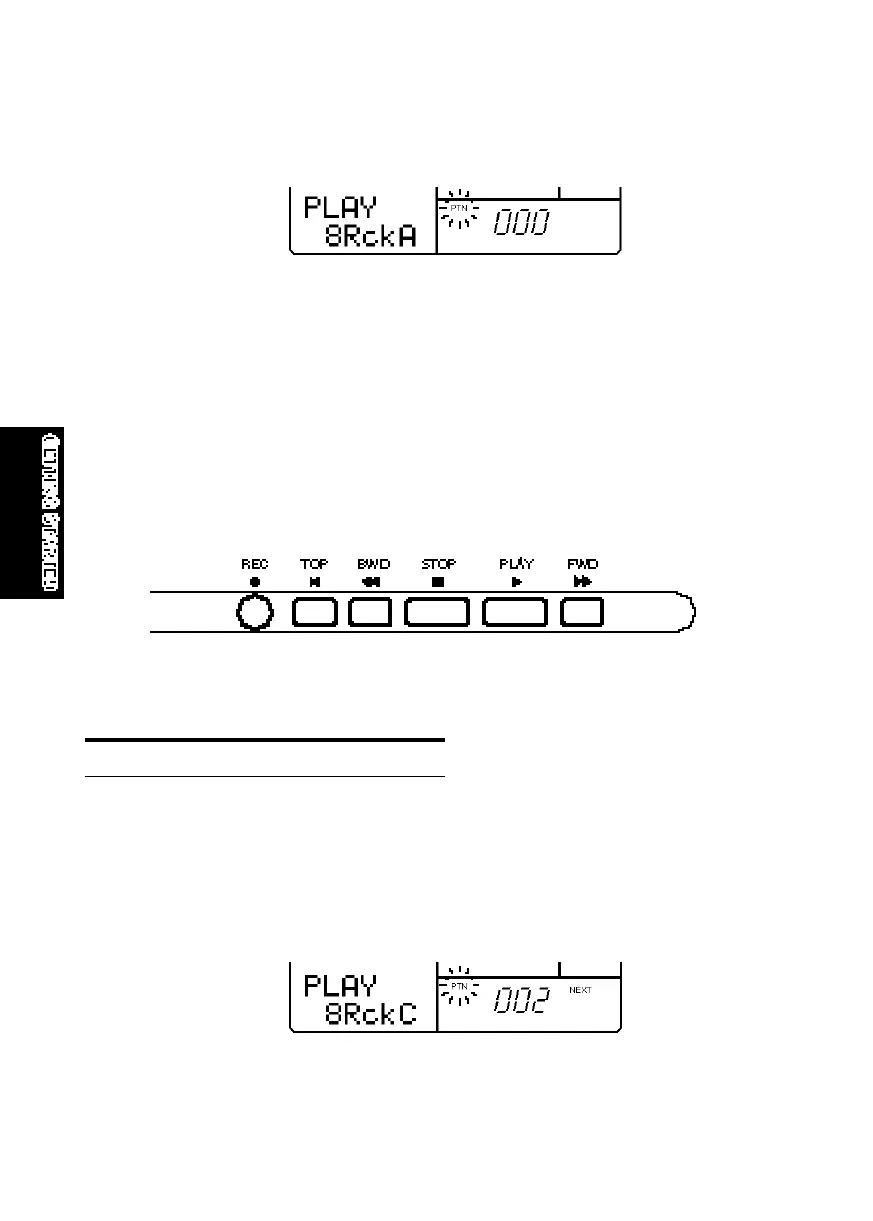
■ The word “PTN” (located next to the number of the currently selected pattern) will be
flashing, indicating that you can change the pattern number.
■ Press [-1] and [+1] to select a Preset pattern (between #000 ~ #199). (The
pattern numbers between #200 ~ #249 are for User patterns, i.e., patterns
you create yourself; the User patterns for a new RY8 will contain no data.)
■ To play the selected Preset pattern, press [PLAY]. The selected pattern will
play repeatedly until you press [STOP]. To continue the pattern playback
from the stop position, press [PLAY] again. To start the pattern again from
the beginning, or top, before pressing [PLAY], you must press [TOP], [BWD]
or [FWD] to return the pattern to the top.
SELECTING “NEXT” PATTERNS.
While a pattern plays back, you can designate the “Next” pattern to play
immediately after the current pattern finishes.
■ To select the Next pattern, while the current pattern is playing, simply press
[-1] and [+1] to designate the Next pattern. (This is a good opportunity to
step through each Preset pattern and hear each one!)
GETTINGSTARTED.QX99.11.175:38PMページ22



 To Next Page