30
10. PATTERN MODE
Pattern Mode is one of the two main operating modes of the RY8 (the other
being Song Mode). It consists of both Pattern Play and Pattern Record Modes.
The Preset Pattern List is provided on page 86.
PATTERN PLAY MODE.
In Pattern Play Mode, you can select and play Preset and User patterns, as
well as assign a Swing factor to a pattern, clear a User pattern, copy a Preset
or User pattern into a User pattern location, and assign a backing to a User
pattern.
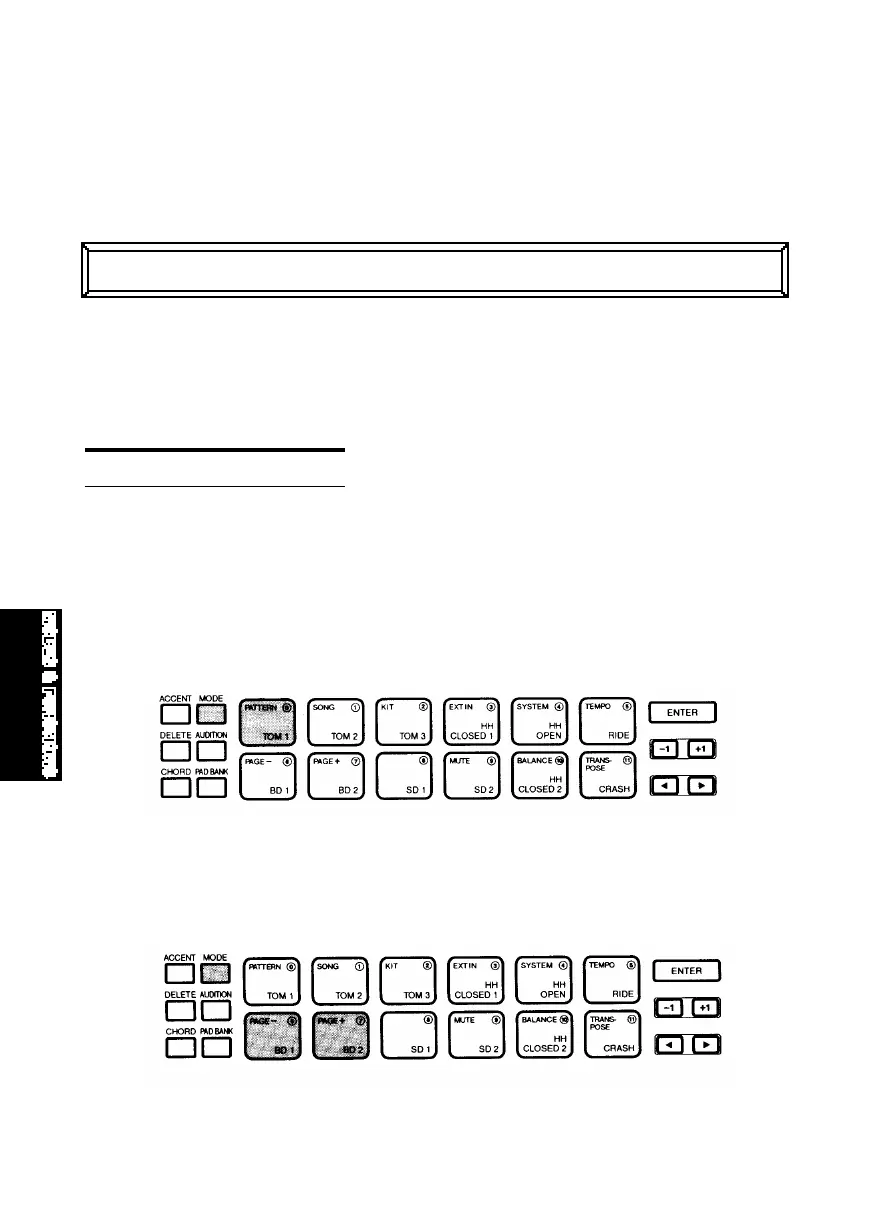
■ ENTERING PATTERN PLAY MODE - Hold [MODE] and press [PATTERN] to
enter Pattern Play Mode.
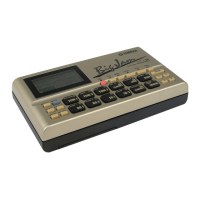
■ SELECTING A FUNCTION - Hold [MODE] and press [PAGE+] and [PAGE-] to
step through the various functions. The LCD will display information about
the status of each function as you step
through them.
MODES&FUN.QX99.11.176:01PMページ30



 To Next Page