32
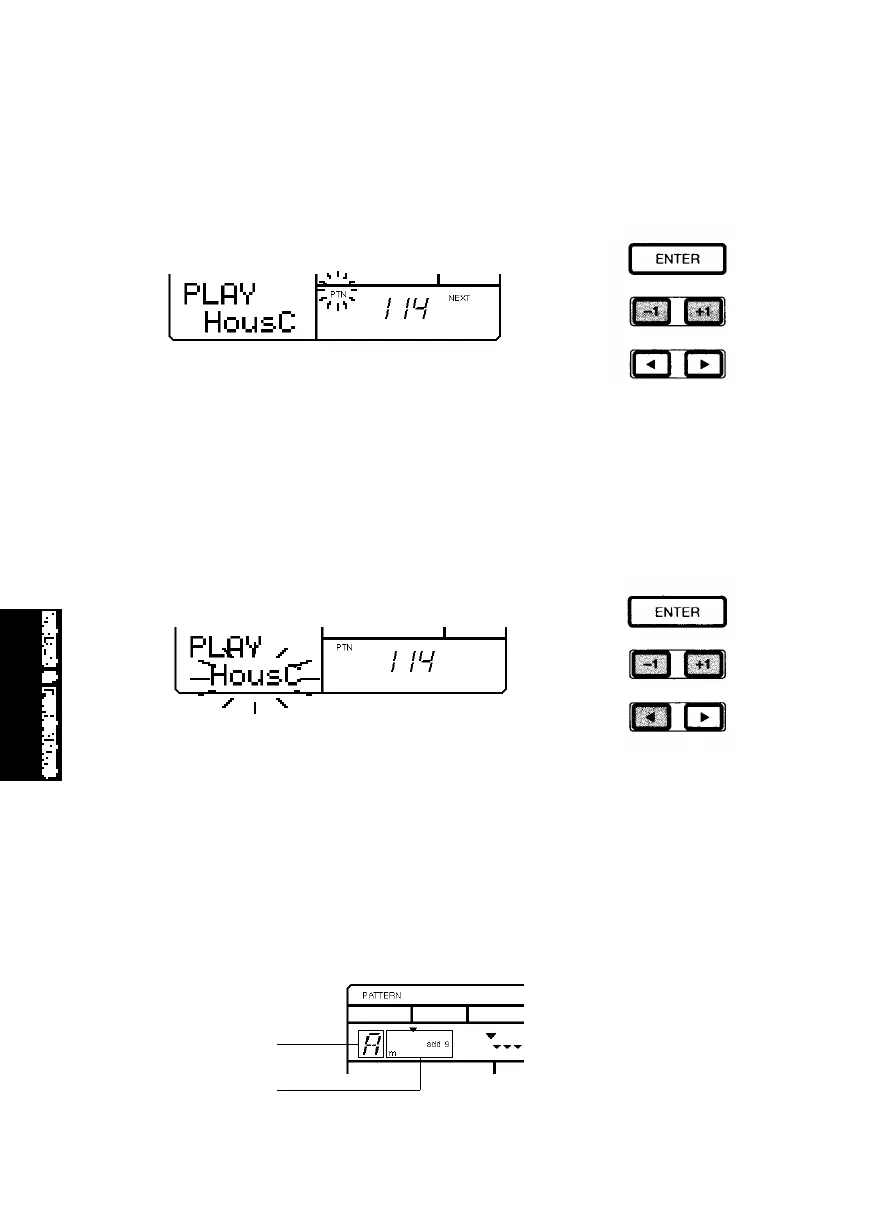
■ SELECTING A “NEXT” PATTERN - To specify the “Next” pattern to play
immediately after the current pattern finishes, press [+1] and [-1] while the
current pattern is playing to specify the Next pattern number. The word
“NEXT” will display in the LCD until the Next pattern is engaged.
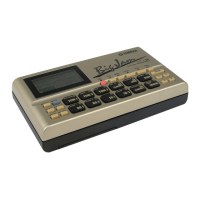
■ CHANGING THE BACKING - To temporarily select a different backing to hear
how it sounds with the current rhythm pattern (either while the pattern is
playing or is stopped), press [2] once to position the flashing cursor over the
backing name. Then press [+1] and [-1] to select one of the 200 backing
accompaniments. The very last selection on the list is “BKOFF”, which lets
you turn the backing off.
■ CHANGING THE CHORD - To temporarily specify a different chord for the
backing, press [CHORD] to activate Chord Assign. Press [2] to place the
cursor over the Chord Root display, and press [+1] and [-1] to specify the
chord root. Press [1] to place the cursor over the Chord Type display, and
press [+1] and [-1] to specify the chord type. Then, press [ENTER] to register
the chord type change. Press [CHORD] again to exit Chord Assign. (For a list
of the Chord types, see page 51.)
Chord Root
Chord Type
MODES&FUN.QX99.11.176:01PMページ32



 To Next Page