44
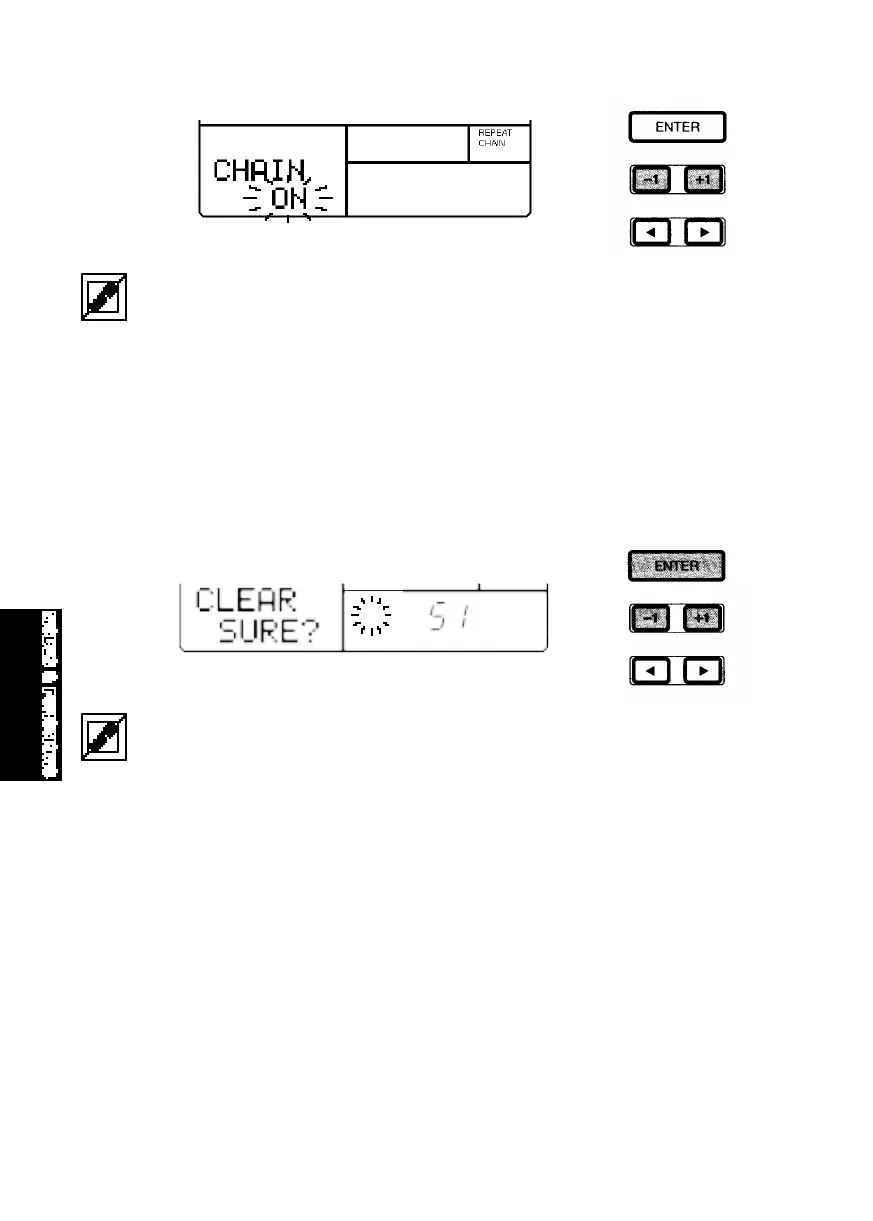
If you turn both the Repeat and Chain functions on and then press [PLAY], the User songs will play
from the top to the end repeatedly, until you press [STOP].
■ CLEARING A USER SONG - When the song is stopped, hold [MODE] and
press [PAGE-] or [PAGE+] to access the Song Clear function. The words
“CLEAR SURE?” will appear in the LCD. Press [-1] and [+1] to select a User
song number (#50 ~ #99). Then, press [ENTER] to clear the data from the
song. When the song is cleared, the word “EMPTY” will appear beside the
song number in the LCD. (To exit the Clear function, hold [MODE] and press
[PAGE-].)
If the word “PRESET” temporarily appears on the LCD when you press [ENTER], this means you are
attempting to clear a Preset song. If this happens, simply select a User song number (#50 ~ #99) and
try again.
MODES&FUN.QX99.11.176:02PMページ44



 To Next Page