19
About the Reverb
The ST7’s internal processor includes 3 reverb types.
Reverb is added to the input signal received by the
PICKUP MUTE 1/2 w inputs.
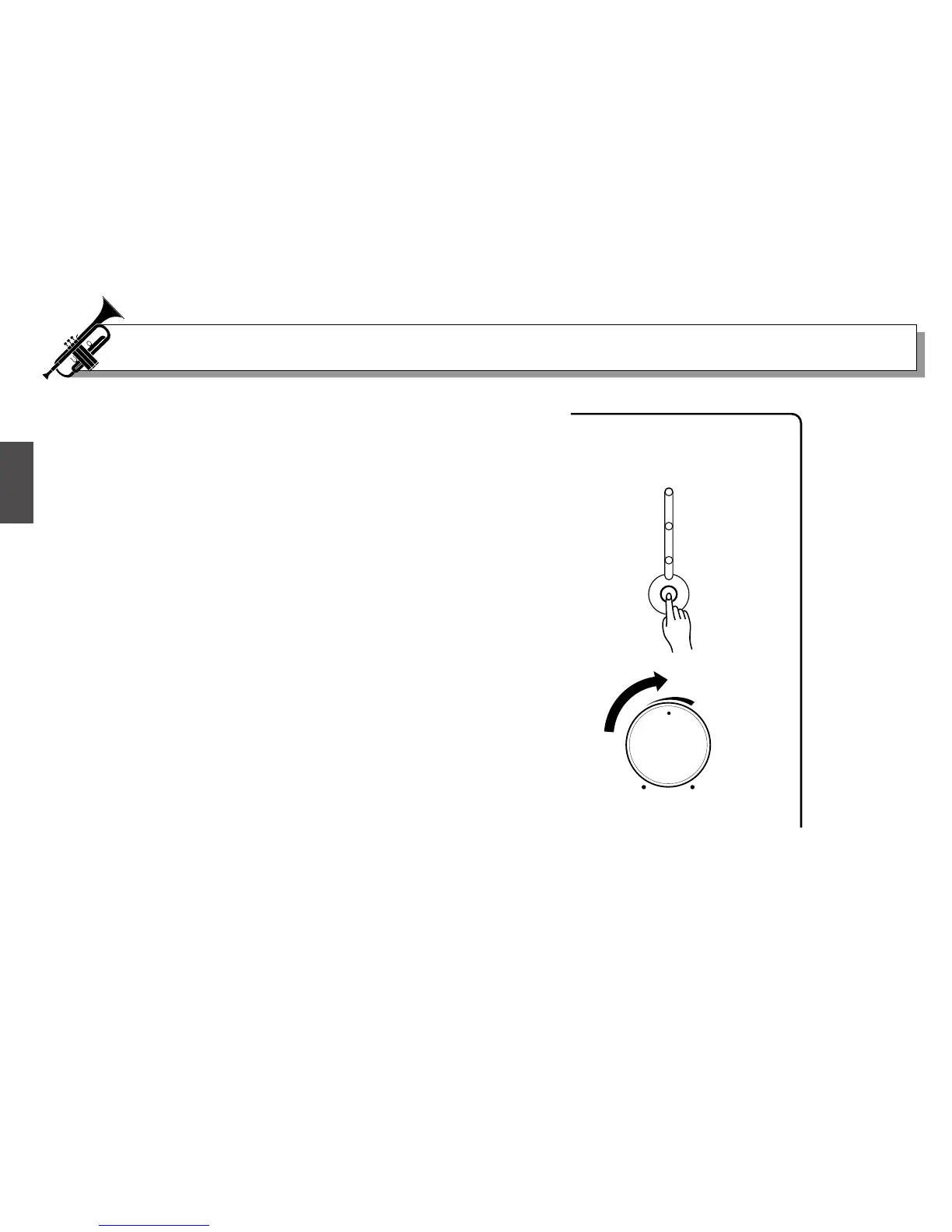
1. Set the REVERB LEVEL Dial !0 to about the mid level
point.
2. Pressing the REVERB MODE button !11 will cause the
REVERB MODE to cycle through its 3 REVERB
MODES.
● REHEARSAL ROOM
Simulates the natural reverberation of a rehearsal
room.
● CONCERT HALL
Duplicates the longer reverberation time of a concert
hall.
● CHURCH (This setting gives the longest reverb time)
Simulates the natural reverberation of a church.
3. Turn the REVERB LEVEL control !0 to adjust the
amount of the reverb effect. Turn the control to the
right (clockwise) to increase the effect, turn the
control to the left (counter clockwise) to decrease
the effect. Set the REVERB LEVEL to a pleasing level
and try playing.
REHEARSAL ROOM
CONCERT HALL
CHURCH
REVERB MODE
REVERB
LEVEL
!0
!1


 To Next Page
 Loading...