INSTRUMENT AND CONTROL FUNCTIONS
3-6
1
2
3
4
5
6
7
8
9
odometer modes in the following order:
TRIP F
→
TRIP A
→
TRIP B
→
ODO
→
TRIP F
To reset a tripmeter, select it by push-
ing the “SELECT” switch, and then
push the “RESET” switch for at least
one second. If you do not reset the fuel
reserve tripmeter manually, it will reset
itself automatically, and the display will
return to the prior mode after refueling
and traveling 5 km (3 mi).
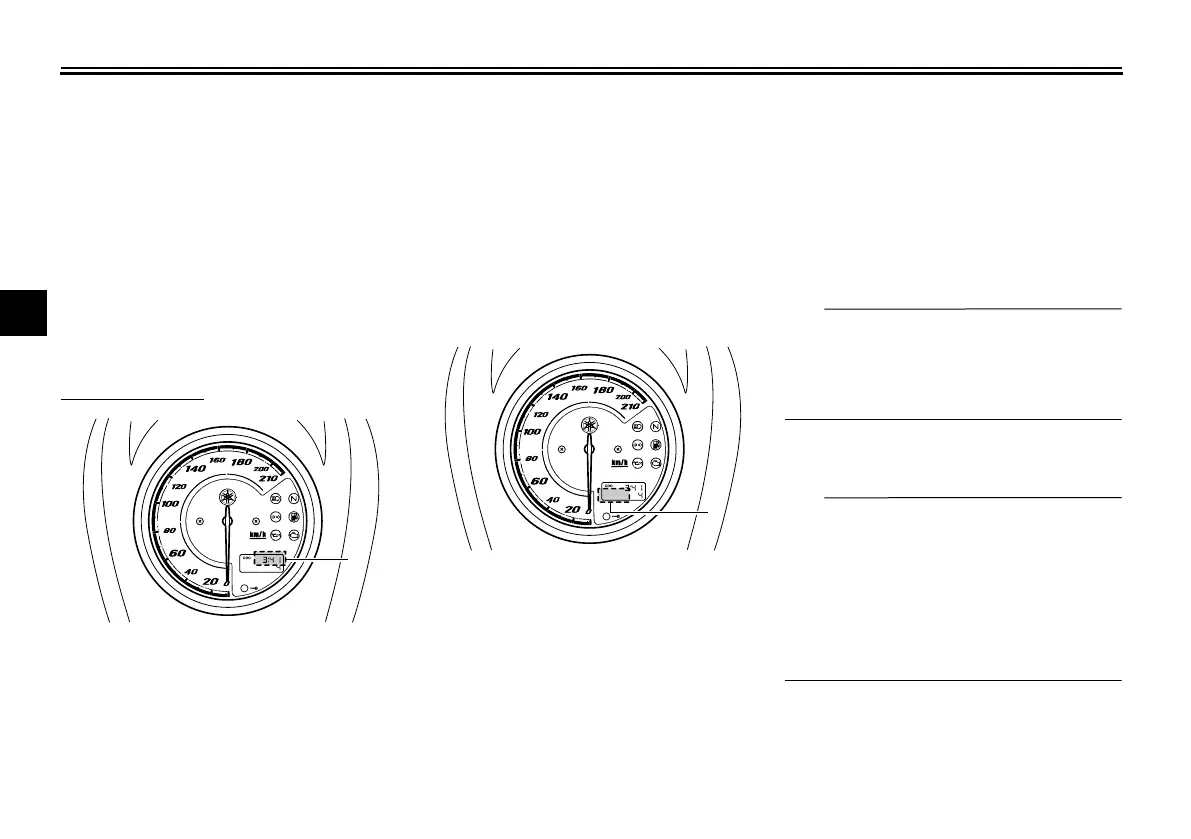
To set the clock:
1. Push the “SELECT” and “RESET”
switches together for at least three
seconds.
2. When the hour digits start flashing,
push the “RESET” switch to set the
hours.
3. Push the “SELECT” switch, and
the minute digits will start flashing.
4. Push the “RESET” switch to set
the minutes.
5. Push the “SELECT” switch and
then release it to start the clock.
Self-diagnosis device
This model is equipped with a self-diag-
nosis device for various electrical cir-
cuits.
If a problem is detected in any of those
circuits, the engine trouble warning light
will come on and the odometer/tripme-
ter/clock display will indicate an error
code.
The self-diagnosis device also detects
problems in the immobilizer system cir-
cuits.
If a problem is detected in the immobi-
lizer system circuits, the immobilizer
system indicator light will flash and the
display will indicate an error code.
TIP
If the display indicates error code 52,
this could be caused by transponder in-
terference. If this error code appears,
try the following.
1. Use the code re-registering key to
start the engine.
TIP
Make sure there are no other immobi-
lizer keys close to the main switch, and
do not keep more than one immobilizer
key on the same key ring! Immobilizer
system keys may cause signal interfer-
ence, which may prevent the engine
from starting.
2. If the engine starts, turn it off and
try starting the engine with the
standard keys.
3. If one or both of the standard keys
1. Clock
1
1. Error code display
1





 To Next Page