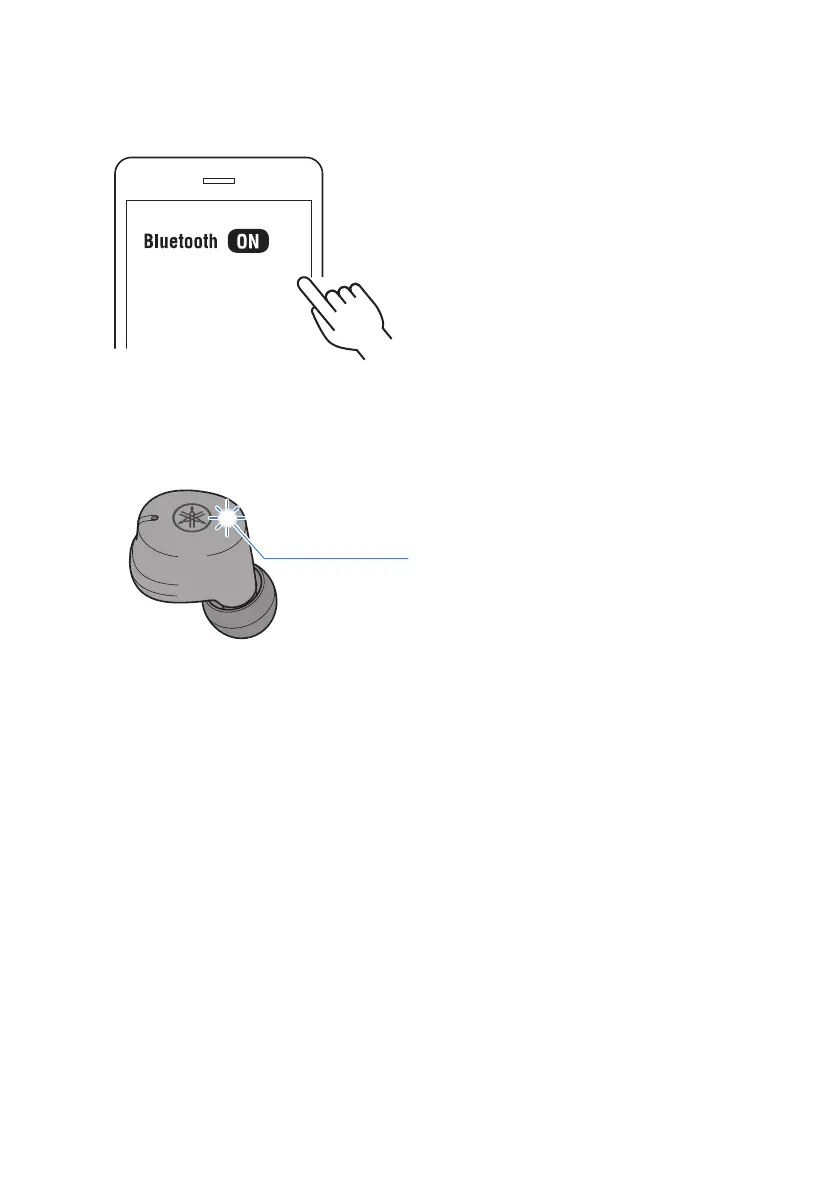
4 Activate Bluetooth on the second Bluetooth device you want to connect. When
Yamaha TW-E3C is displayed, select it to connect.
If successfully connected, you will hear the “Connected” audio message in the earbud. Once
connected, the indicators light up as shown below.
Now you’ve connected to the second device.
Earbud that is now primary
Lights up for 10 sec
26
Bluetooth® Connectivity > Connecting to two Bluetooth devices at the same time (multi-point connection)



 To Next Page