IMPORTANT
Check Your Power Supply
Make sure that your local AC mains
voltage matches the voltage speci-
fied on the name plate on the bottom
panel. In some areas a voltage se-
lector may be provided on the rear
panel of the main keyboard unit near
the power cord. Make sure that the
voltage selector is set for the voltage
in your area. The voltage selector is
set at 240V when the unit is initially
shipped. To change the setting use a
“minus” screwdriver to rotate the se-
lector dial so that the correct voltage
appears next to the pointer on the
panel.
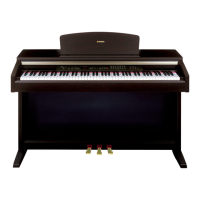
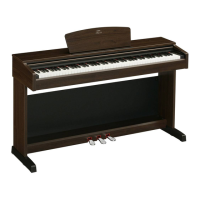
YDP-
88
II
Digital Piano
Digital Piano

 Need help?
 General




 To Next Page