EasyManua.ls Logo

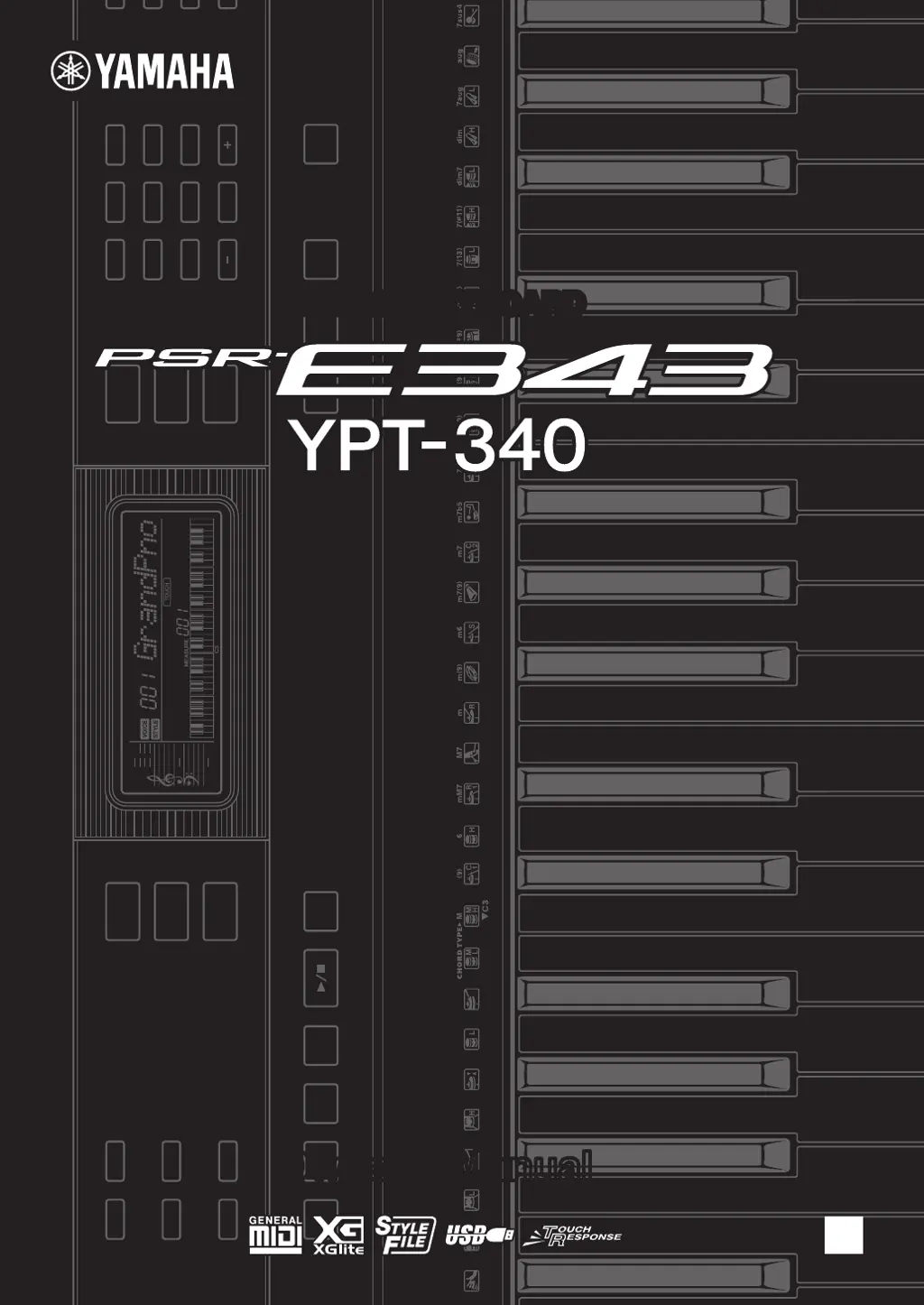
Yamaha YPT-340 - User Manual

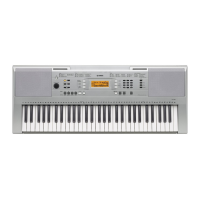
Yamaha YPT-340
64 pages
Print Icon
To Next Page IconTo Next Page
Loading...
EN
DIGITAL KEYBOARDDIGITAL KEYBOARD
Owners ManualOwners Manual

Table of Contents

Questions and Answers

Summary

Safety Precautions

Warnings

Critical safety warnings for power supply, operation, water, fire, and batteries.

Cautions

Important cautions regarding instrument placement, handling, and electrical connections.

Safety Precautions (continued)

Handling and Maintenance Cautions

Guidelines for safe operation, cleaning, data saving, and electrical safety.

Panel Controls and Terminals

Front Panel Controls

Identification and function of front panel buttons, displays, and indicators.

Panel Controls and Terminals (continued)

Rear Panel Connections

Description of rear panel jacks and terminals for connectivity.

Setting Up the Instrument

Power Requirements and Connection

Instructions for powering the instrument via AC adapter or batteries.

Installing Batteries

Step-by-step guide for inserting batteries correctly.

Playing Instrument Voices

Selecting Main Voices and Grand Piano

Choosing sounds and accessing the default piano.

Playing Instrument Voices (continued)

Playing Instrument Voices (continued)

Playing Styles

Style Playback and Auto Accompaniment

Using accompaniment styles and chord recognition for playback.

Playing Styles (continued)

Playing Songs

Demo Song Playback and Selection

Listening to and selecting internal demo songs.

Playing Songs (continued)

Playing with External Audio Devices

Song Lesson Feature

Song Lesson Feature (continued)

Recording Your Performance

Quick Recording Method

Simple steps for recording a new song.

Recording Your Performance (continued)

Memorizing Panel Settings

Registration Memory Operations

Saving and recalling favorite instrument settings.

The Functions

Function List Overview

Introduction to instrument parameter adjustments and settings.

Using with Computers and Mobile Devices

Computer and Device Connectivity

Connecting to computers, iPads, and iPhones via USB.

Troubleshooting

Common Problems and Solutions

Diagnosing and resolving operational issues with the instrument.

Voice Lists

Drum Kit Lists

Song Lists

Style Lists

Music Database Lists

Specifications

Technical Specifications

Detailed hardware and software specifications of the instrument.

Summary

Safety Precautions

Warnings

Critical safety warnings for power supply, operation, water, fire, and batteries.

Cautions

Important cautions regarding instrument placement, handling, and electrical connections.

Safety Precautions (continued)

Handling and Maintenance Cautions

Guidelines for safe operation, cleaning, data saving, and electrical safety.

Panel Controls and Terminals

Front Panel Controls

Identification and function of front panel buttons, displays, and indicators.

Panel Controls and Terminals (continued)

Rear Panel Connections

Description of rear panel jacks and terminals for connectivity.

Setting Up the Instrument

Power Requirements and Connection

Instructions for powering the instrument via AC adapter or batteries.

Installing Batteries

Step-by-step guide for inserting batteries correctly.

Playing Instrument Voices

Selecting Main Voices and Grand Piano

Choosing sounds and accessing the default piano.

Playing Instrument Voices (continued)

Playing Instrument Voices (continued)

Playing Styles

Style Playback and Auto Accompaniment

Using accompaniment styles and chord recognition for playback.

Playing Styles (continued)

Playing Songs

Demo Song Playback and Selection

Listening to and selecting internal demo songs.

Playing Songs (continued)

Playing with External Audio Devices

Song Lesson Feature

Song Lesson Feature (continued)

Recording Your Performance

Quick Recording Method

Simple steps for recording a new song.

Recording Your Performance (continued)

Memorizing Panel Settings

Registration Memory Operations

Saving and recalling favorite instrument settings.

The Functions

Function List Overview

Introduction to instrument parameter adjustments and settings.

Using with Computers and Mobile Devices

Computer and Device Connectivity

Connecting to computers, iPads, and iPhones via USB.

Troubleshooting

Common Problems and Solutions

Diagnosing and resolving operational issues with the instrument.

Voice Lists

Drum Kit Lists

Song Lists

Style Lists

Music Database Lists

Specifications

Technical Specifications

Detailed hardware and software specifications of the instrument.

Yamaha YPT-340 Specifications

General IconGeneral
BrandYamaha
ModelYPT-340
CategoryElectronic Keyboard
LanguageEnglish

Related product manuals