27
Ensure the above physical installation is completed.
The app connection should be conduct under a sunny day.
Connection operation should be done within 3 mintues.
If app connection is not completed within 3 minutes, just reconnect your
micro-inverter and solar panel, and then re-start connecting operation.
This device can only be reset via the application. If a new account to be used ,
the existing account should be completely removed from the inverter firstly.
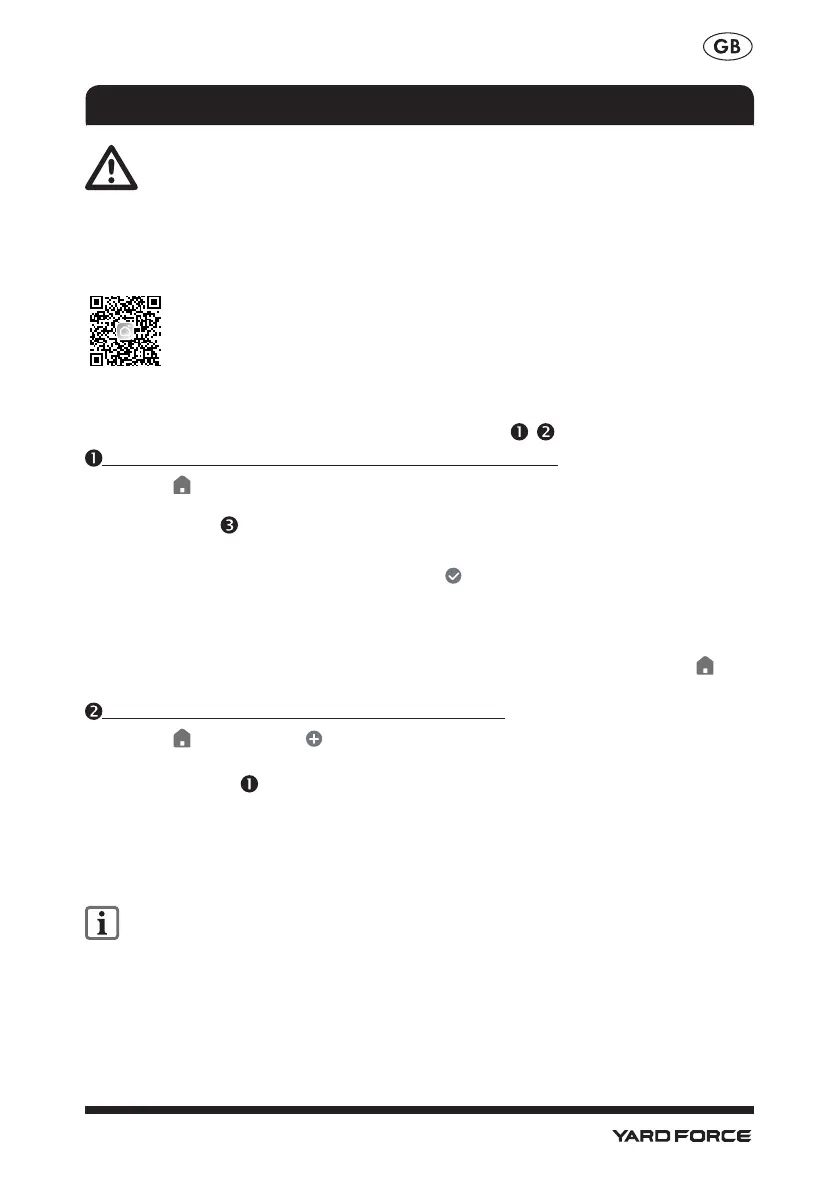
The inverter can be connected to the Smart Life App.
1. Also see the section “Activating/ deactivating Bluetooth”.
2. Enable Bluetooth on your smartphone.
3. Open the Smart Life App. From here there are options , .
If the inverter is the first device you want to connect to the app:
4. On the tab, select the option „Add device“. The app scans the area for available
devices and indicates if available devices have been found. If this is not the case, read
on if possible .
5. If you select „ADD DEVICE“, the available devices are displayed in a list.
6. Select the inverter by setting the check mark . Select only one device at a time. If
there are other check marks for other devices, clear the check marks by pressing them.
7. Select the WiFi network your smartphone connect and enter the password (only
supports 2.4G router network).
8. Confirm the successful connection with „Done“. The inverter is now listed in the tab
and is connected.
If you have already connected other devices to the app:
4. On the tab , select the in the upper right. The app scans the area for available
devices and indicates if available devices have been found.
5. Proceed as with from point 5.
6. You can also follow the guidance by the APP. If you have any questions, you can search
by the menu "FAQ & FeedBack" under "Me".
7. If devices haven't been found, please re-plug the power cord on the DC side of the
inverter.
Upgrading the firmware can change the features of the app.
CONNECTING TO THE SMART LIFE APP



 To Next Page