1.1.1 Reset Button
(1) One quick Press to reset Wi-Fi configuration or reset
camera’s password.
(2) Long press about ten seconds to restore factory settings
until it says restored complete.
1.1.2 IR LED
* The IR LED lights red for about 30 seconds when connecting
the camera to power supply or restart it.
* The camera IR LED lights solid red when the camera night
vision is turned on.
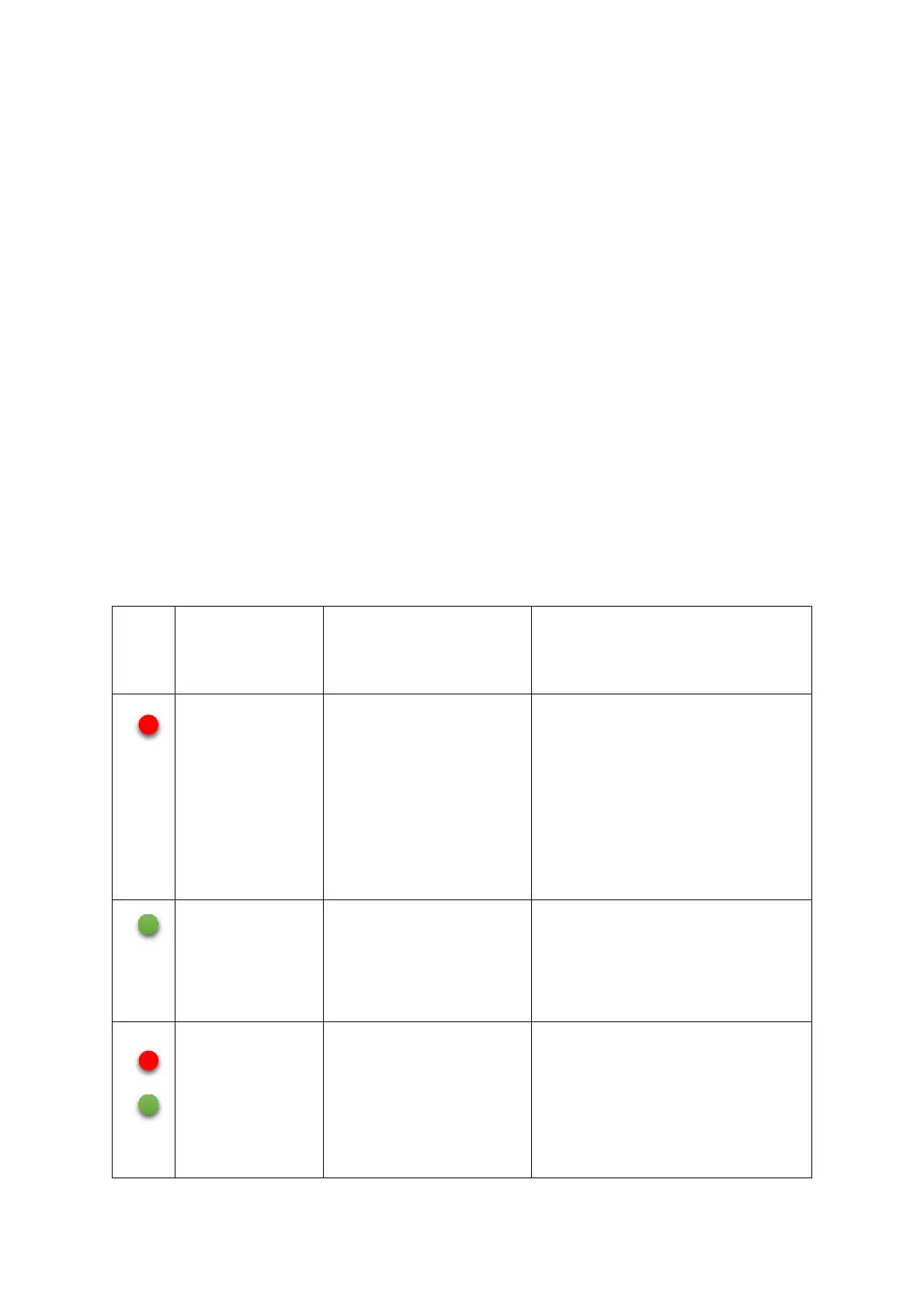
1.1.3 Wi-Fi Status Light / Wired Network
Status Light
LED Color and
Action
Wi-Fi Status
Light
Wired Network Status
Light
blinking
red
The camera is
power on
normally, waiting
or failed to
connect to the Wi-
Fi
The camera is power on
normally, waiting or
failed to connect to the
ethernet
blinking
green
The camera is
connected to the
Wi-Fi successfully
The camera is connected
to the Ethernet
successfully
blinking
red and
green
alternately
Waiting for Wi-Fi
configuration
(connection)
----


 To Next Page