3
E
N
G
L
I
S
H
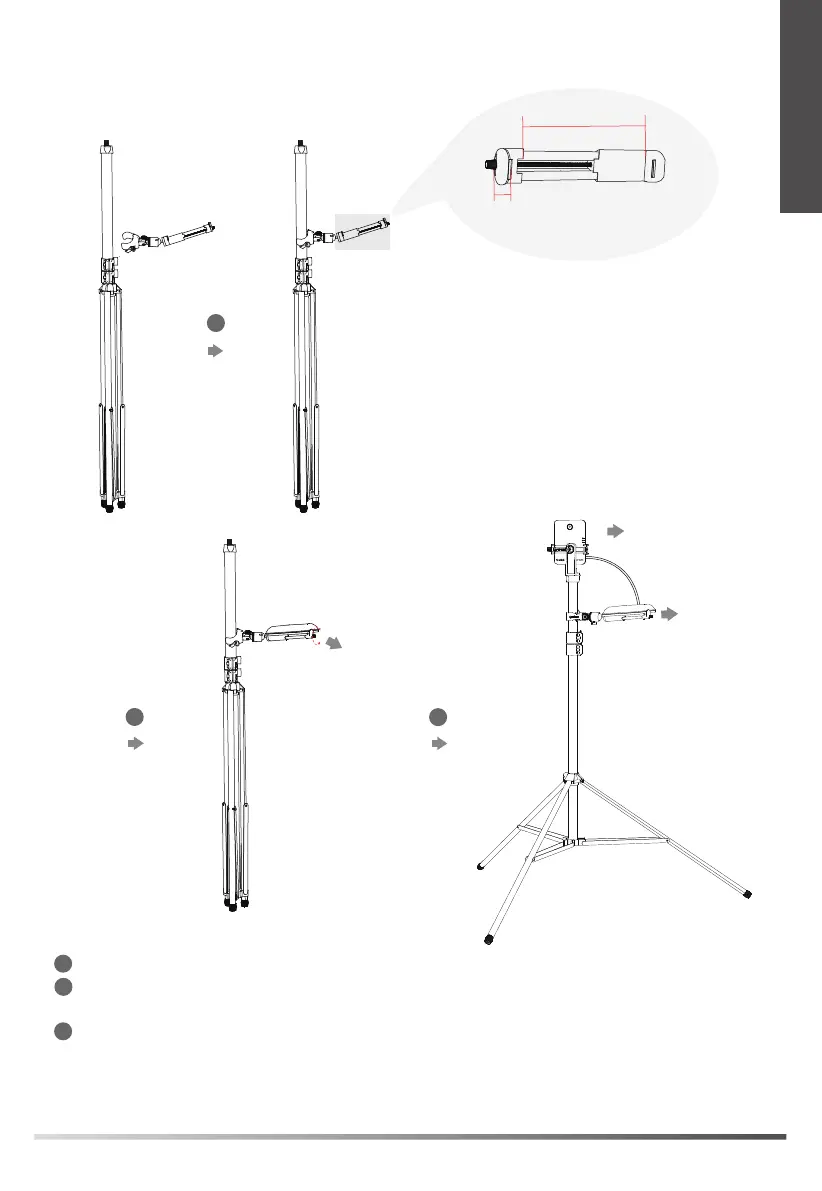
2. Charge the base station
1
3
2
Fix the mobile power clip on the top section of the stand.
Fix the mobile power on the mobile power clip.
Note: You need to purchase the mobile power separately.
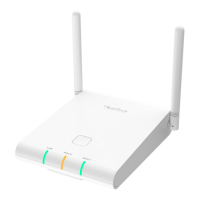
Adjust the angle of the mobile power and charge the base station. The power LED (the lowest
one) of the base station glows green.
Note: The network status LED (the middle one) flashes as no network is needed at this point. If the registered
handset is powered on, the registration LED (the top one) glows green.
1
2
3
DTK
(Measuring Base Station)
Adjust the angle
Mobile Power
Range: 2.05-3.94 inch
Maximum
thickness: 0.59 inch


 To Next Page