Starting up the Measuring Handset
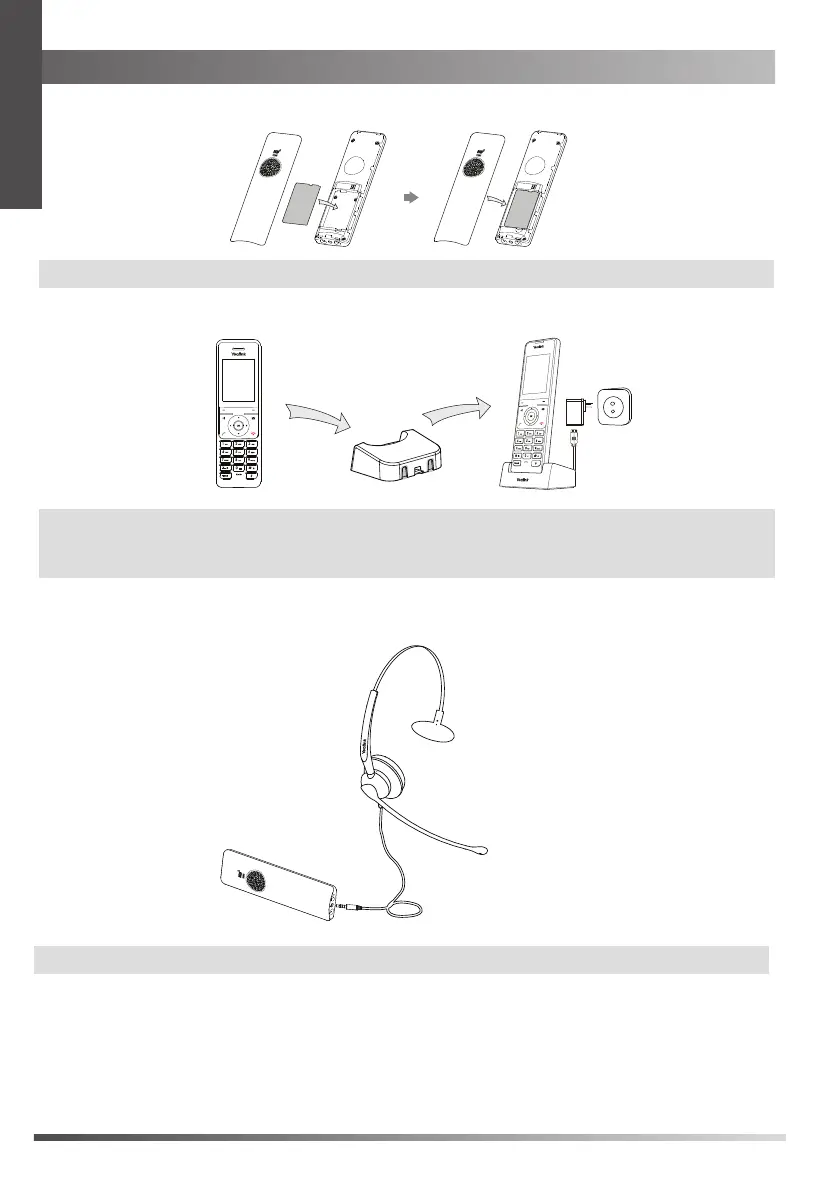
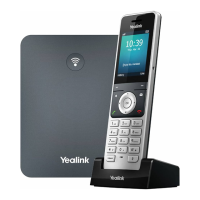
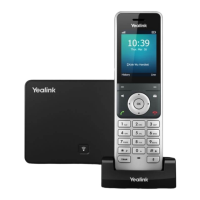
2. Connect the charging cradle and charge the handset.
Note:
Use Yealink s
upplied
power adapter (5V/600mA). A third-party power adapter may damage the handset.
Determine whether to charge the handset according the
battery status on the top-right corner of the LCD screen.
The power LED glows red when the handset is charging.
3. Connect a headset to the handset.
Note:
A headset icon on the handset LCD screen indicates the connection is successful.
1. Insert the battery into the handset.
battery
Note:
The handset will be powered on automatically when the battery is inserted to the handset.
4
E
N
G
L
I
S
H


 To Next Page