© 1999 – 2022 RingCentral. All rights reserved.
Yealink W76P Quick Guide
Desk Phone Features
Feature Description
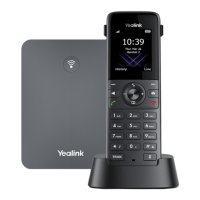
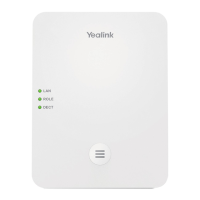
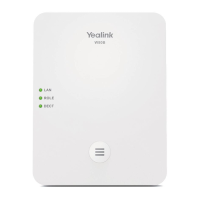
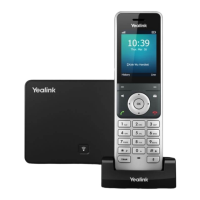
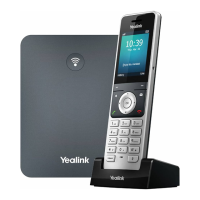
1. Base station—shows the registration LED, network status LED, and power indicator LED.
2. Paging key—allows you to locate a misplaced handset.
3. Soft keys—enables you to select context-sensitive keys that display along the bottom of the screen.
4. Speakerphone key—enables you to place and receive calls using the speakerphone.
5. Off-hook key—enables you to place a call, answer an incoming call, or access the redial call list.
6. On-hook key—enables you to end a call, reject a call, or cancel actions.
7. Message key—enables you to access the voicemail or missed call list.
8. Hold key—holds an active call or resumes a held call.
9. Navigation keys—scrolls through information and options displayed on the phone screen.
10. TRAN key—transfer an active call to a contact.
11. Mute/Unmute key—mutes audio during calls and conferences.
12. Charger cradle—charges the handset.




 To Next Page