3
1 Getting started
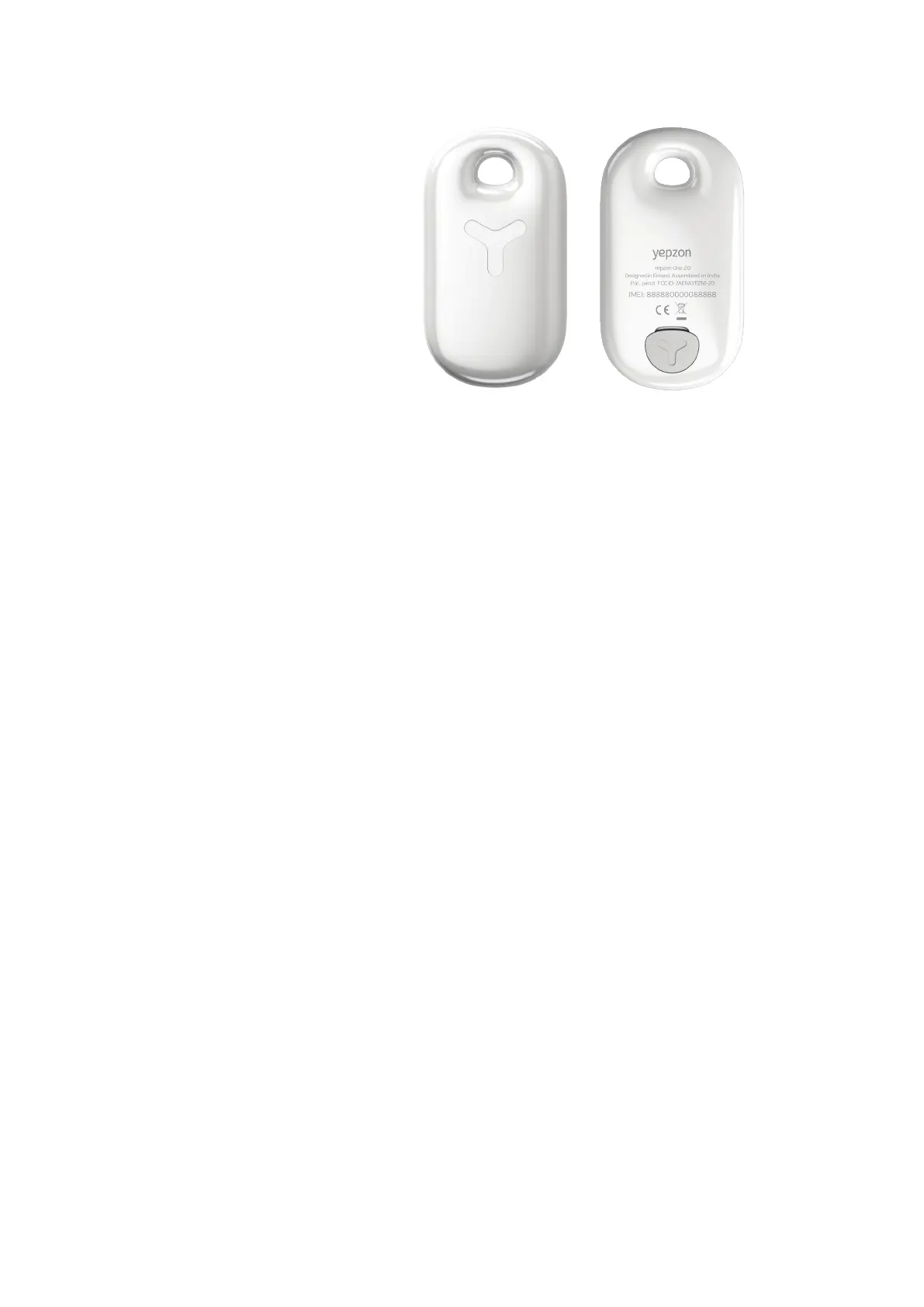
1.1 Yepzon device
1.2 Pairing to a smartphone or tablet for the first time
The new Yepzon ONE 2.0 is paired to your iOS or Android smartphone or tablet with the
QR code printed on a leaflet in the sales package.
1. Download the Yepzon App (Google Play or App Store)
2. Open the App.
3. Select (+) Add Yepzon.
4. Select Yepzon ONE and aer this select QR code.
5. Scan the QR code which is printed on a leaflet in the sales package.
6. Add a name and picture for your Yepzon (optional).
7. The Yepzon is now connected to your phone.
8. Charge your device for a few hours and then you’re ready to locate!
1.3 Charging and battery life
The Yepzon One 2.0 includes a standard Micro USB connector. It takes about 2 hours to
fully charge the battery. You can use any approved Micro USB charger. When you start
using your Yepzon ONE 2.0, it is recommended to fully charge the device. This ensures
optimal performance and battery life.
Battery life varies according to operating conditions, available networks, connection
interval settings, how much the device moves, and how oen accurate location is
requested. Typically, battery life varies from 3 to 10 days.
You may improve battery life by simply extending the connection intervals (see 2.1
General).
Note: Please make sure to close the rubber plug carefully aer charging for better
water resistance.
Note: Battery status is indicative on the Yepzon App. This causes that subsequent
battery levels might look inconsistent.
Note: Extreme temperatures shorten the battery life.
FRONT
BACK


 To Next Page