-20-
1) On phone setting, please check that if the MIPC app enabled
notification.
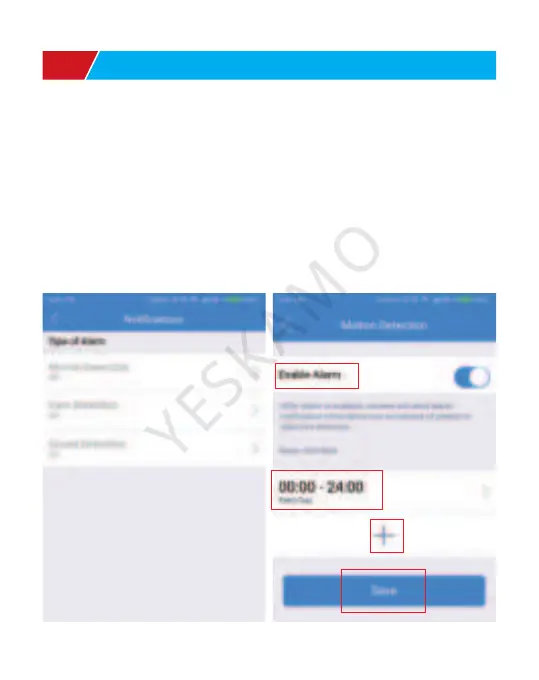
2) On the app device setting, click “notification”-choose “motion
detection”-enable alarm- click + -customize time and day-click
“ok”- save the setting
Q1: How to get motion detection notification?
A: This camera only support motion detection.
Ⅸ. FAQ



 To Next Page