-2-
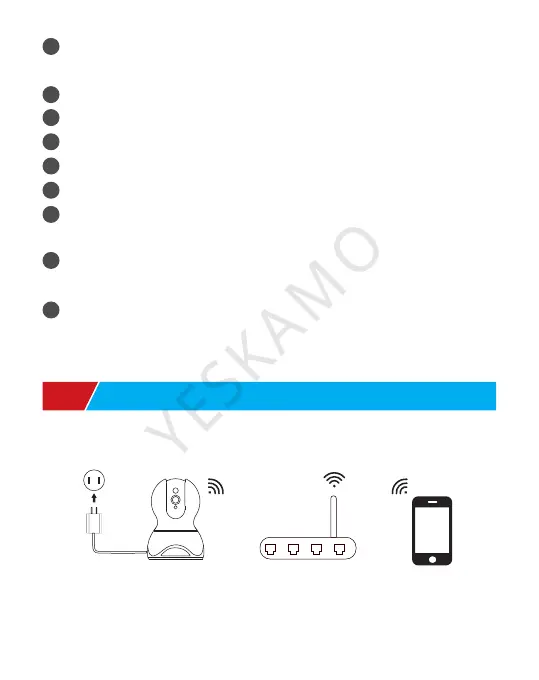
Camera Router Mobile
1. Wireless Connect Camera
Light Sensor: plug the camera, the red light will turn on, and
be off in a minute.
Lens: 3.6mm, 2MP/3MP
IR Light: auto switch at night
Microphone: pick up audio
Loudspeaker: transmit sound
RJ45: Ethernet port, hard wire camera with router
Reset Button: Press and hold reset button about 10-12
seconds to restore camera to factory setting
Power input: connect with provided 5V 1.5A plug for power
supply
SD Card Slot: Insert SD card (The package doesn’t include)
for video storage. Support max 128G, in FAT32 format.
Please turn off the device when insert or remove a card.
Ⅱ. Connection Guide
1
2
3
4
5
6
7
8
9



 To Next Page