-3-
QR MIPC
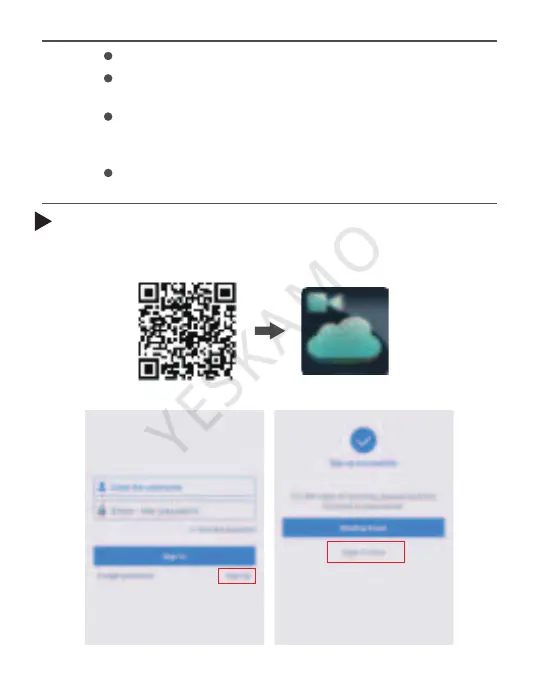
Download MIPC APP on iOS or Android mobile/iPad
Always make sure that your camera has the latest
firmware as listed on MIPC app.
Before connecting to your camera, please confirm
your home Wi-Fi network is 2.4Ghz, and the camera
is less than 10 meters away from the router.
Meanwhile the camera and your phone should be
connected to the same WIFI.
Tips:
Scan the QR code or search "MICP" in App Store or Google
play, and download the APP.
Step 1: Download app and register new account



 To Next Page