USING THE Wi-Fi
Learn to use the phone's wireless capabilities to connect to
any wireless local area network compatible.
Connect to a wireless network
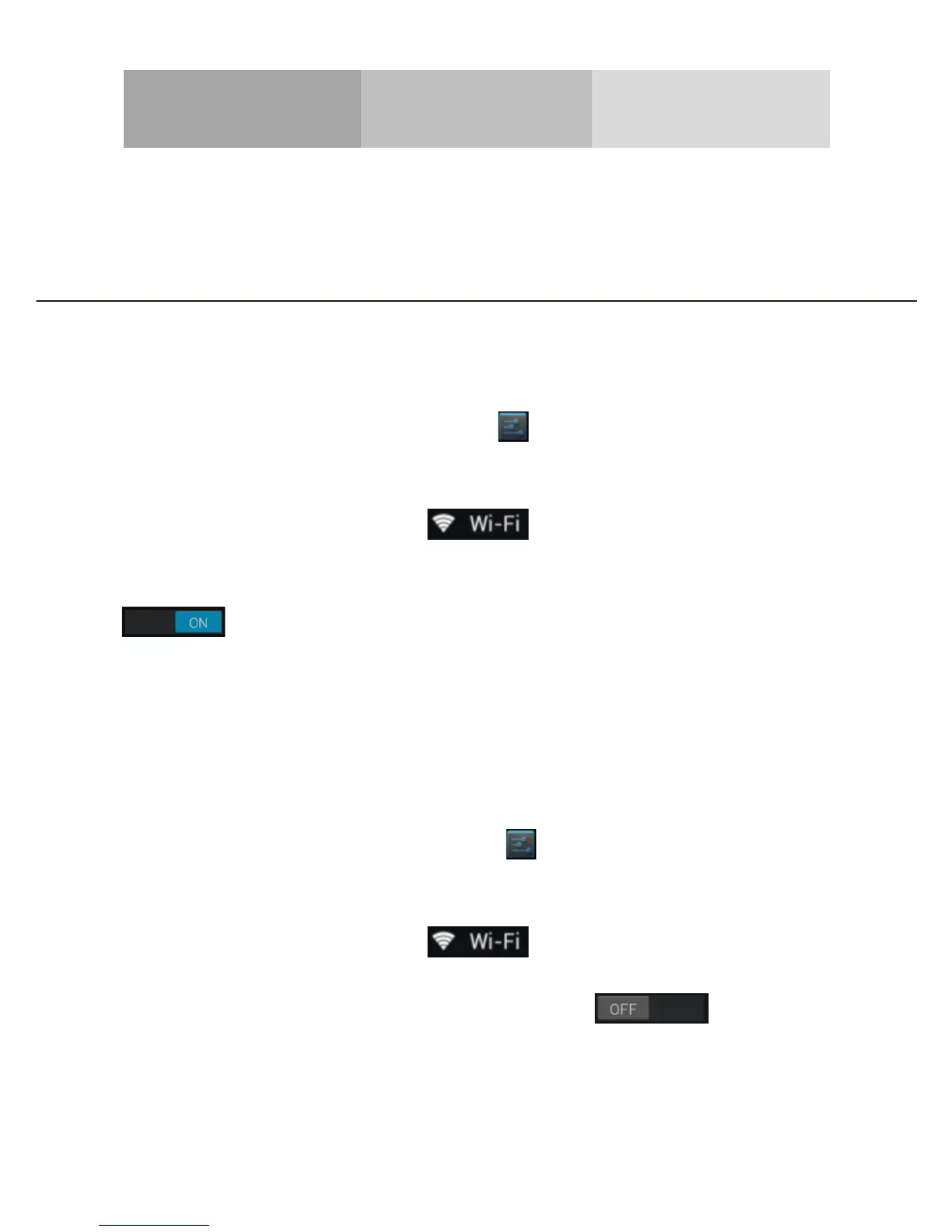
1. In the applications list, touch [ ] Settings to access to
the device configuration.
2. Touch the Wi-Fi option [ ].
3. To turn the On the Wi-Fi touching the button
[ ] on the right top corner.
4. Choose a wireless network and enter the security
password if it is needed.
Disconnect from a wireless network
1. In the applications list, touch [ ] Settings to access to
the device configuration.
2. Touch the Wi-Fi option [ ].
3. To turn the Wi-Fi off touch the button [ ] on the
right top corner.



 To Next Page