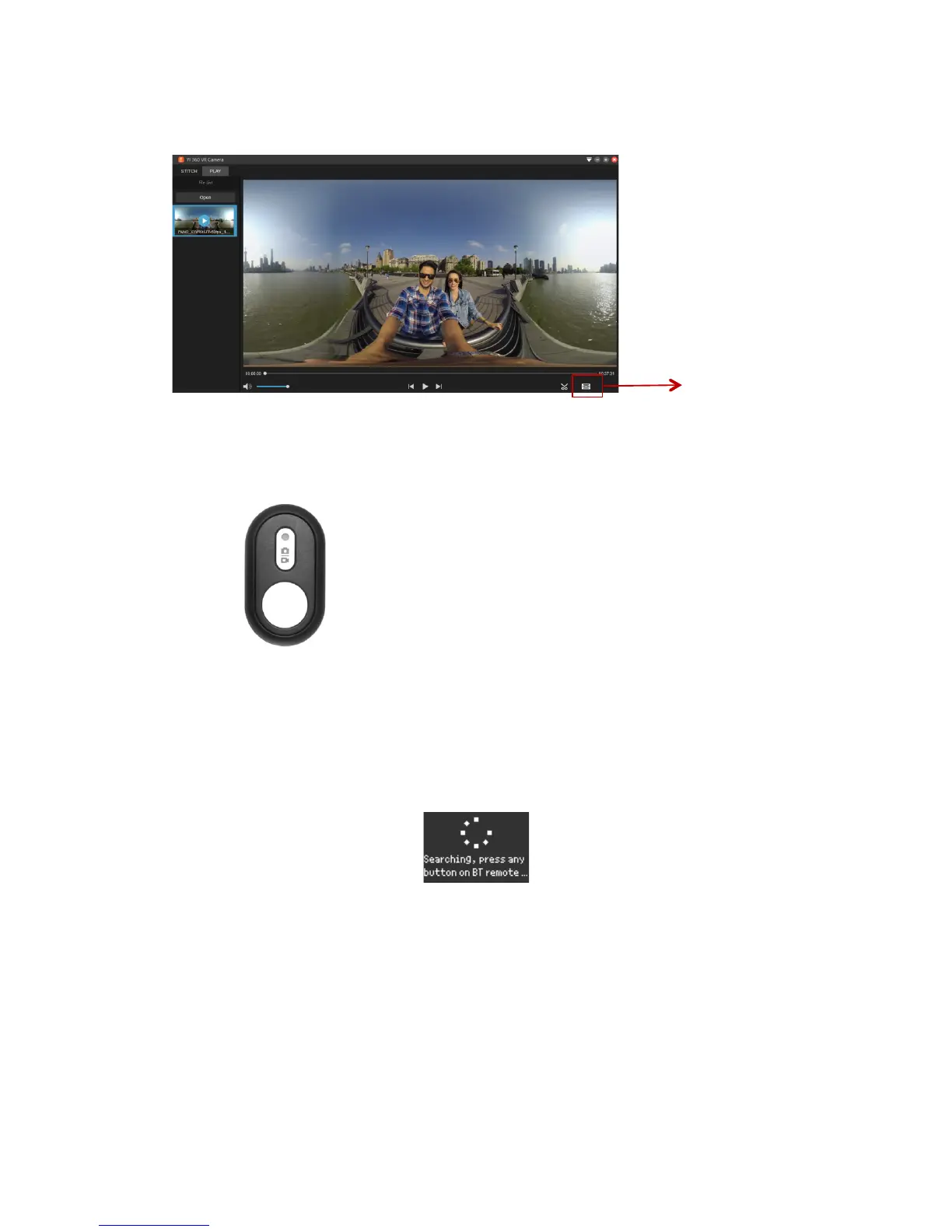
6.3!Playback!(Supported!view!mode!switch!and!video!clip!length)!
!
7.Bluetooth!Remote!
!
!
7.1!Pairing!
a. Turn!on!the!camera.!Click!on!the!Bluetooth!menu.!It!will!display!“Searching,!press!any!
button!on!BT!remote...”!
!
b.!Press!the!BT!remote!control's!shutter!button.!If!you!hear!a!sound,!this!indicates!a!
successful!pairing.!
c.!The!round!button!on!the!remote!control!is!the!shutter!button!which!controls!photo!and!
video!operations.!
d.!The!other!button!is!for!the!mode.!You!can!switch!between!camera!and!video!mode.!
!
Note:!After!a!successful!pairing,!use!without!repairing!again.!A!blinking!red!light!will!indicate!
if!the!device !is!n o t!C o nn e c te d.!
!


 To Next Page