not work normally.
6. Custom setting
In order to meet the users needs, there are currently three versions of custom settings available:
Table 6-1 Functions of each Custom Setting Version
6.1 Metric/imperial system setting + 6.2 Setting of number of
steel magnets for speed measurement
6.3 Rated voltage setting + 6.4 Wheel diameter setting + 6.5
Speed limit setting
The steps for custom setting are as follows:
In the power-on state, when the display shows the speed of 0,
(1) Simultaneously press and hold buttons and for more than 2 seconds, the custom setting interface will pop
up;
(2) Press the button to switch the function, and press the button to enter the parameter modification
interface;
(3) Press the button for parameter selection;
(4) Press and hold the button to confirm and save the parameter. When "---" is displayed, it will automatically
return to the custom setting interface. Alternatively, press the button to return to the custom setting interface without
saving the parameter;
(5) Press and hold the button or to exit the custom setting interface.
If no operations are performed within one minute, the display will automatically exit the setting interface.
All parameters can only be set when your e-bike stops.
A2 version custom setting:
6.1 Metric/imperial system setting
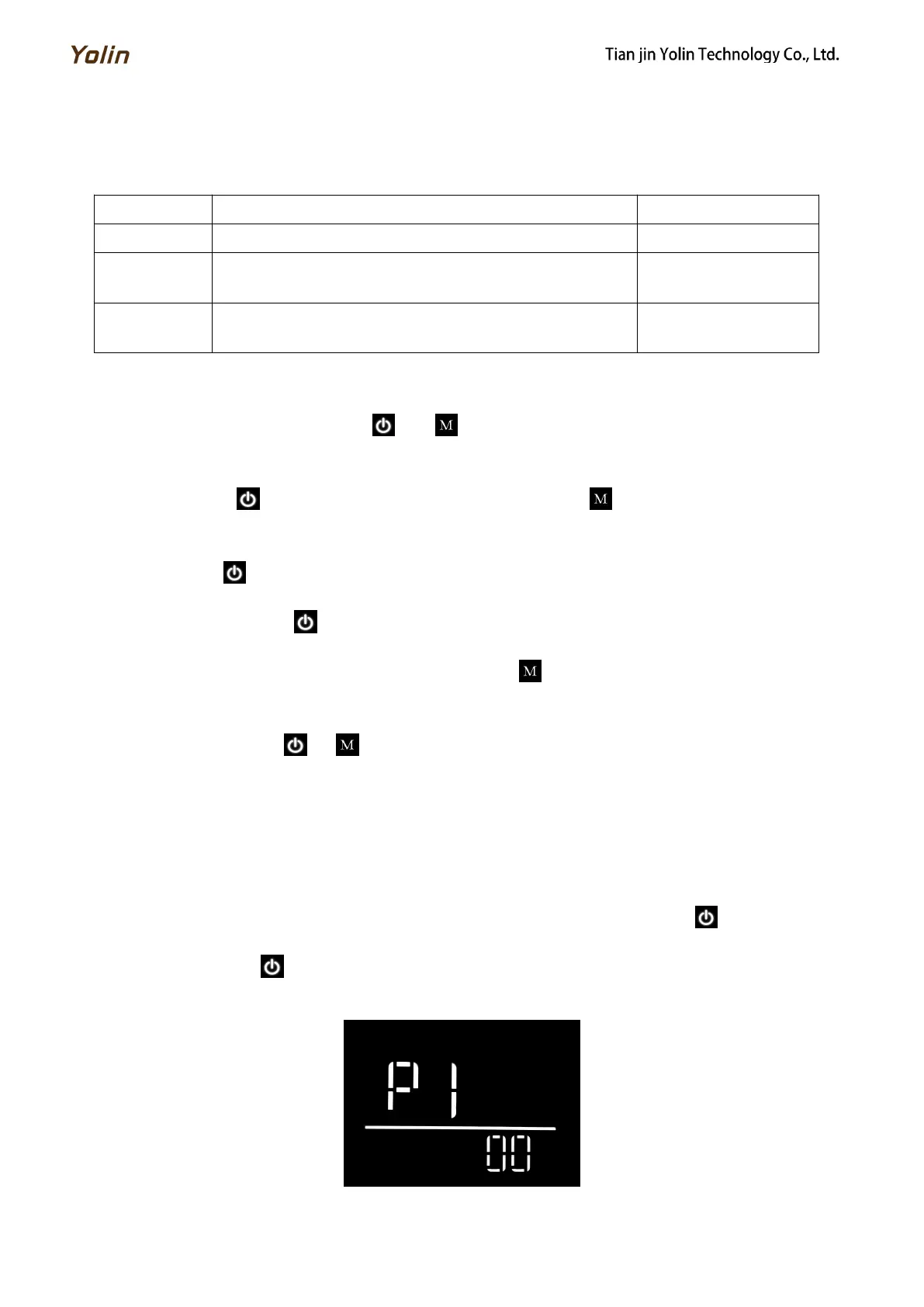
P1 refers to the metric/imperial system setting option. 00 represents the metric system (unit: "km/h"), and 01 represents
the imperial system (no unit display). In the parameter modification interface, press the button to select a parameter,
and press and hold the button to confirm and save the parameter. When "---" is displayed, it will automatically return
to the custom setting interface.
Fig. 6-1 Metric/imperial System Switching Interface



 To Next Page