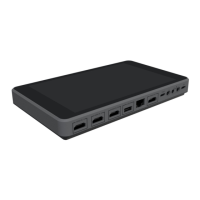
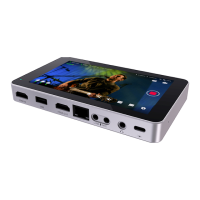
WHERE CAN I BUY THE YoloBox?
You can get it from local distributors/resellers. Or you can order it online from our official Amazon
shop (https://amzn.to/38pabqr) , where you'll usually have your YoloBox within 7 working days of
ordering it!
Part 2: Setting up
WHAT DO I NEED TO GET UP AND RUNNING?
All you need is a video camera, with HDMI, along with power and internet access(may it be WiFi,
4G/SimCard or Ethernet).
HOW LONG DOES IT TAKE TO SET UP?
We can have you broadcasting in just a few minutes. Simply plug in the YoloBox, Connect the
internet, login to the social platforms that you want to share to. Yes you’re ready to stream!
DO I NEED A COMPUTER OR ANY SPECIALIZED EQUIPMENT?
YoloBox will work with any video equipment. No computer or specialized software or equipment is
needed.
DO I NEED ANY ADDITIONAL STAFF OR A PRODUCTION TEAM?
Some of our customers simply position their camera strategically, schedule the broadcast and don’t
give it another thought. Others choose to have a person manning the camera or a multi-camera setup.
It’s totally up to you.
WHAT PLATFORMS CAN I STREAM TO?
You can directly stream to Facebook, YouTube, Twitch, Twitter/Periscope(Soon). And also custom
RTMP destinations are supported. So you can basically stream to any platform which supports
RTMP/RTMPS stream publishing. You can stream up to 3 platforms at one time.

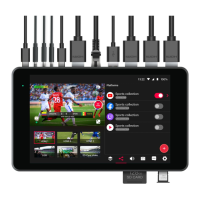
 To Next Page
 Loading...