Cong Camera
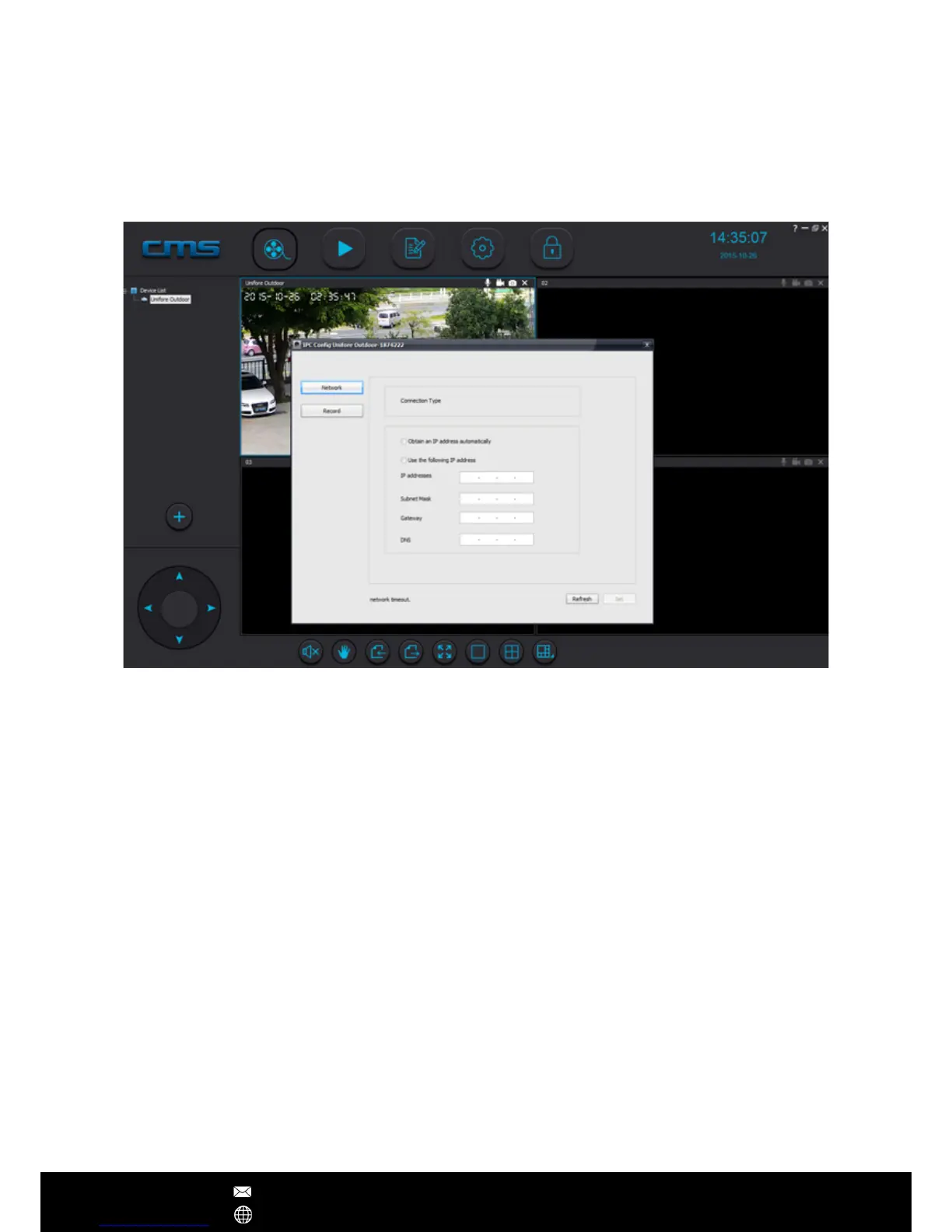
The CMSClient software permits users to cong smart IP cameras remotely. Selecting the
camera you want to cong, right click mouse, then choose 'IPC Cong'. Now, you will see
Network and Recording tabs.
CMSClient Operations
After Sales Support techsupport@123anfang.com
www.yooseecamera.com
As default, IP camera abtains local IP address automatically. However, intend to get a
static IP address, you can manually assign an local IP address to the camera. This can
prevent it from being oine every time your router changes setting. As default setting,
the network camera will record standard denition video clips. Go to Recording tab, you
can switch to High Denition recording mode.


 To Next Page