EasyManua.ls Logo

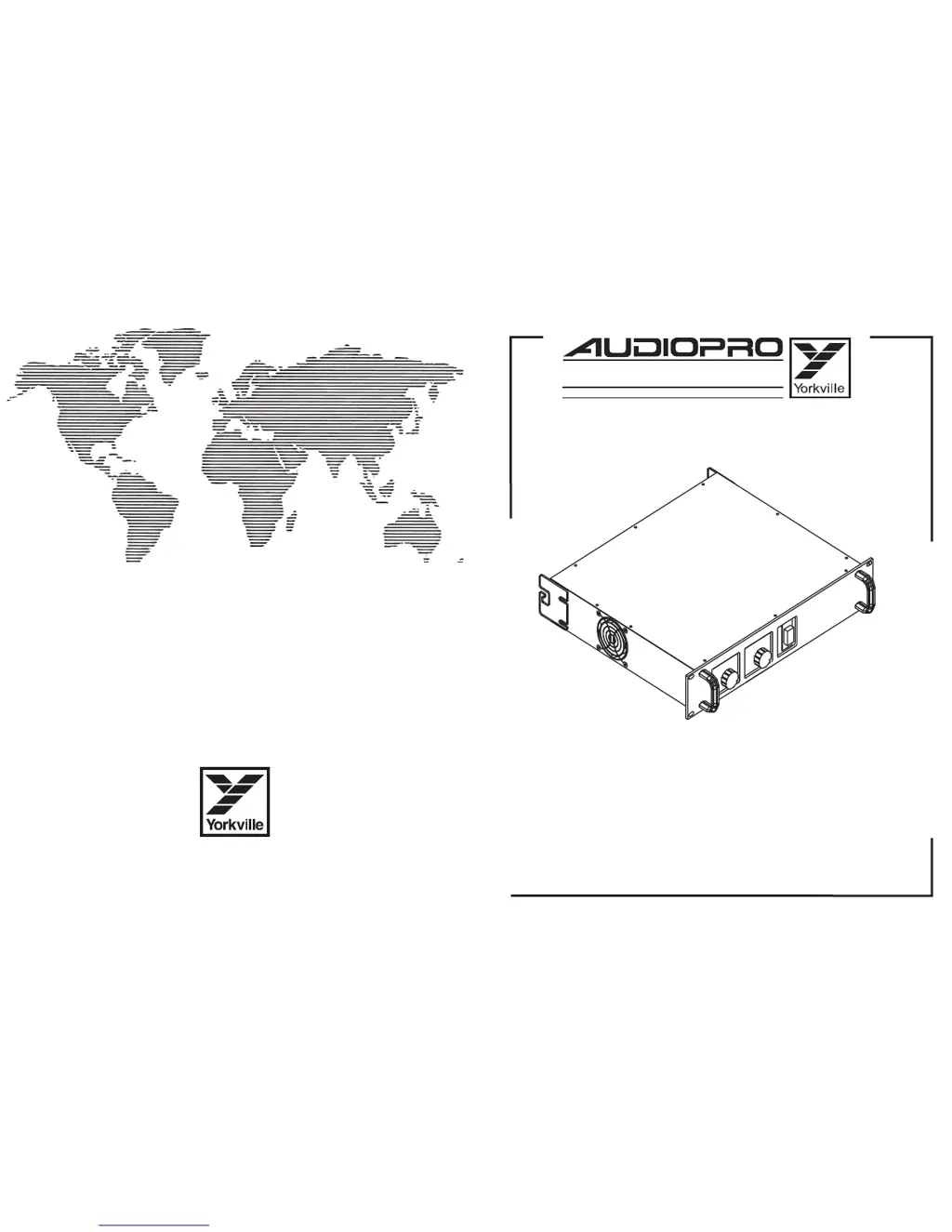
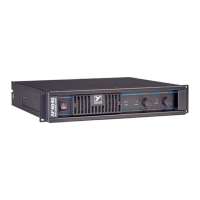
YORKVILLE Audiopro 3400 - Service Manual

YORKVILLE Audiopro 3400
25 pages
Print Icon
To Next Page IconTo Next Page
Loading...
SERVICE MANUAL
3
400
HIGH EFFICIENCY STEREO POWER AMPLIFIER
U.S.A.
Yorkville Sound Inc.
4625 Witmer Industrial Estate
Niagara Falls, New York
14305 USA
Voice: (716) 297-2920
Fax: (716) 297-3689
WORLD HEADQUARTERS
CANADA
Yorkville Sound
550 Granite Court
Pickering, Ontario
L1W-3Y8 CANADA
Voice: (905) 837-8481
Fax: (905) 837-8746
Quality and Innovation Since 1963
Printed in Canada

Other manuals for YORKVILLE Audiopro 3400

Questions and Answers

  • R
    raymondkimJul 30, 2025
    What to do if the Protect LED is flashing on my YORKVILLE Amplifier?
    • S
      susan79Jul 30, 2025
      If the Protect LED flashes along with music at the amplifier's inputs and activity LEDs, it indicates a short or a load less than 2 ohms on the output. If multiple speaker cabinets are connected, disconnect them one by one until the Protect LED turns off. If the problem continues without any input signal or connected speakers, have the YORKVILLE Amplifier serviced by authorized personnel.
  • C
    Christina FloresAug 8, 2025
    What does it mean if the Protect LED on my YORKVILLE Amplifier is always on and the fan is at high speed?
    • D
      David BakerAug 8, 2025
      If the Protect LED is continuously on and the fan is running at high speed, the Energy Management System is likely correcting for excessive current draw. The YORKVILLE Amplifier is automatically reducing the music volume to prevent the circuit breaker from tripping. This is normal, though rare. Ensure there are no obstructions blocking the ventilation holes. The amplifier will reset once it cools down.
  • M
    Mary JohnsonAug 19, 2025
    How to fix sound bleeding between channels on my YORKVILLE Audiopro 3400?
    • C
      Cindy NicholsAug 19, 2025
      If you're hearing the music from channel A's input on channel B's output (or vice versa), the YORKVILLE Amplifier might be in mono mode. To fix this, set the mono/stereo switch to the stereo position (out).

Summary

Important Safety Instructions

General Safety Precautions and Servicing

Covers essential safety warnings, including not opening the unit, referring to qualified service personnel, and general operating precautions.

M1012 A The Input Board

M1011 A Voltage Amplifiers and System Control

M1002 A Current Amplifier Board

DC Protection Circuitry

EMS Circuit

Fan Circuitry

Thermal Shutdown Circuit

Specifications

Output Power Ratings

Details power output for one channel, both channels, and bridged modes across different loads and conditions.

Distortion and Frequency Response

Provides THD distortion figures and frequency response characteristics.

Identifying Defective Boards

Visual Inspection (Front Panel & Fan)

Guide for checking front panel indicators and fan behavior for initial fault diagnosis.

Visual Inspection (Internal Chassis)

Procedure for inspecting internal components for signs of damage like charring or burnt parts.

Power Up Procedure (Without M1002 Boards)

Safe power-up sequence for testing the M1011 board before connecting other modules.

Dismantling and Reassembly Precautions

Important safety and handling guidelines for disassembling and reassembling the unit.

Testing Repaired Circuit Board

Post-Repair Testing Procedure

Steps for powering up and testing repaired M1002/M1002A boards using test connectors and oscilloscopes.

Quick Fix for M1002 and M1002 A

Component Replacement Procedure

Detailed steps for replacing transistors, diodes, and resistors as part of the Quick Fix kit.

YORKVILLE Audiopro 3400 Specifications

General IconGeneral
Channels2
Input Impedance (Balanced/Unbalanced)20k Ohms / 10k Ohms
Frequency Response20Hz-20kHz
Signal-to-Noise Ratio>100dB
Input ConnectorsXLR and 1/4" TRS
Output ConnectorsBinding posts
THD<0.1%
Slew Rate>20V/uS
ProtectionThermal, short circuit, DC protection
ControlsLevel controls, mode switch (stereo/bridge)
IndicatorsPower, Protect, Signal, Clip

Related product manuals