INTRODUCTION
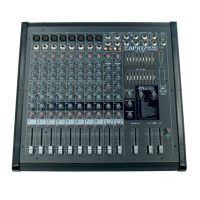
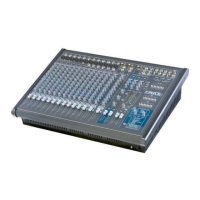
We have coupled our extensive experience in the development and production of powered
mixers, (with state of the art, computer assisted design technology) to create the smallest,
lightest, and most powerful combination mixer/amplifiers available. We at Yorkville Sound are
confident that you will find your new
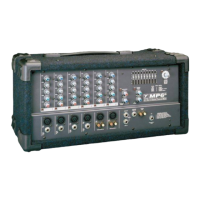
MP6D
to be an efficient and versatile solution to your
mixer needs. This manual contains information to help you get the maximum performance
from your
MP6D
. We hope you'll take the time to read it.
INPUT CHANNELS
1. MICROPHONE & LINE INPUTS
The
MP6D
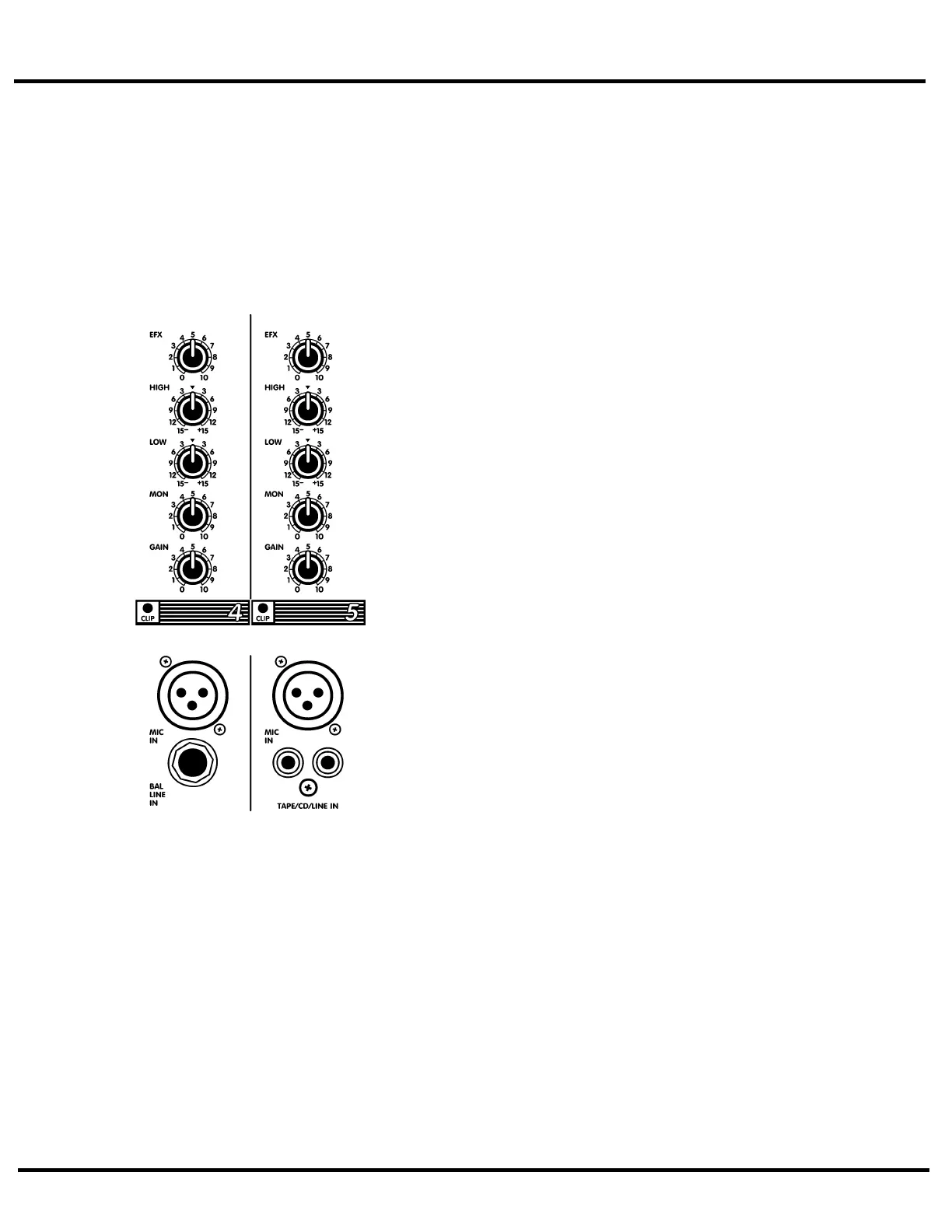
features standard XLR type low-impedance MIC IN connectors
on all 6 channels. These microphone inputs are electronically balanced
for maximum noise suppression and have characteristics matching all low
impedance dynamic microphones. 24 Volt DC phantom power is activat-
ed via the back-panel PHANTOM push-button, this enables the
MP6D
to
use condenser microphones. (Note: condenser and dynamic mics may be
used together with the PHANTOM power activated. It will not affect the
performance of the dynamic mics). Additionally, there are high-imped-
ance 1/4" BAL LINE IN jacks on channels 1 to 6. These are electronically
balanced line-level inputs, but will accept either balanced, or unbalanced
input cables from high impedance microphones, guitars, amplifier Line
outputs, synthesizers, electric pianos, etc. (Note: when connecting a bal-
anced signal, employ balanced patch cables with a ring-tip-sleeve (stereo)
1/4" plug on the mixer end). Channels 5 and 6 have dual TAPE/CD/LINE
RCA-type inputs, (a phono preamplifier must be connected to the
MP6D
inputs for optimum turntable performance).
Do not connect signals to both types of inputs on any one channel (e.g.
the MIC and LINE IN's on channels 1 to 4 or the MIC and TAPE/CD/LINE
IN's on channels 5 and 6). To do so will cause improper operation of the
input circuit. (Note: you may connect a stereo source to channels 1
through 4 but you must use two channels, one for left and one for right).
2. CHANNEL GAIN CONTROLS & CLIP LEDS
The GAIN control has a range of 40dB. This adjustment determines both
the input sensitivity of the channel and the signal level sent to the MAIN
mixing bus*. (The MP6D's channel circuitry does not require separate gain
and level controls). The CLIP LED is set to illuminate when the channel's
overall signal level is 3dB below the onset of actual clipping distortion. As
a result, small amounts of LED activity are acceptable; however, frequent
or continuous activity indicates the need to turn down the GAIN control.
In audio terminology, a bus is a mix-down channel where all the sig-
nals from the input channels are blended into one signal. The MP6D has
three busses, MAIN, MONITOR and EFFECTS.
3. CHANNEL LOW & HIGH EQUALIZATION
The
MP6D
's LOW and HIGH EQ controls independently adjust the bass and treble frequen-
cies for each channel. The gain range for each control is plus or minus (+/-) 15dB to provide
versatile equalization consistent with the clean simplicity of the
MP6D
's design. As with all
equalizers, boosts at one or more frequencies increase the channel's signal level. If the chan-
nel is already at a fairly high operating level, this may cause clipping in which case the CLIP
LED will light. Reduce the GAIN setting and/or the EQ boosts if CLIP activity is excessive.
Note: center position reflects a neutral or flat EQ control setting; however, lower EQ control set-
tings may be effectively employed to reduce feedback and/or distortion).
1


 To Next Page
 Loading...