5. MAIN LINE OUT
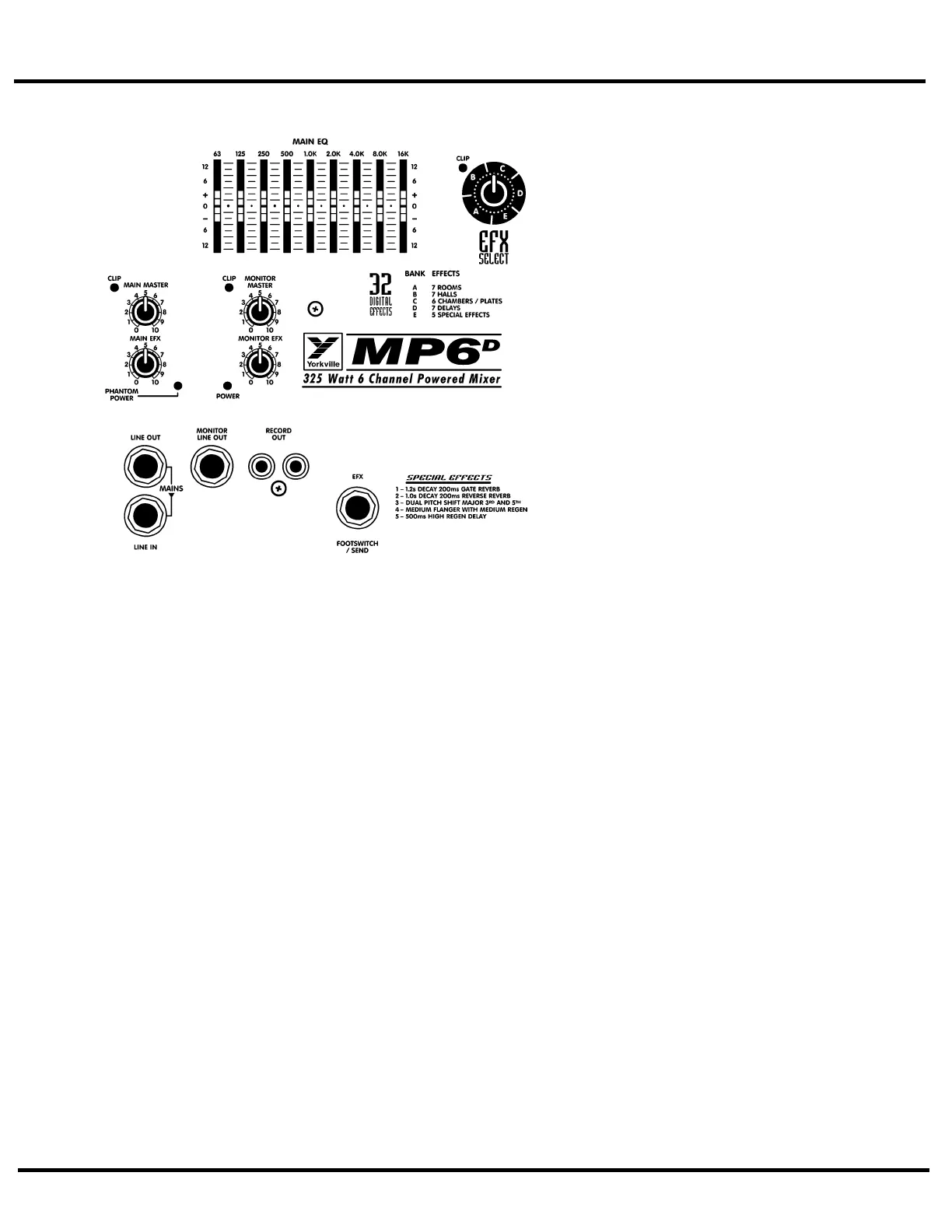
This jack can serve a variety of patching and
routing purposes. It positioned in the signal path
after the
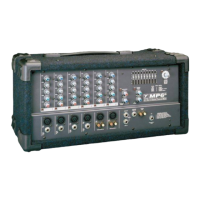
MP6D
's main graphic equalizer and is
therefore affected by it (i.e. they are post-EQ).
The main bus signals are available at line level
(not speaker level; use the SPEAKER outputs on
the back panel to drive speakers) from the LINE
OUT jack. Taking a signal from this jack has no
effect on the operation of the
MP6D
's built-in
power amplifiers. It is, therefore, possible to feed
an external power amplifier or even several
interconnected power amps, with the MAIN out-
put signal, while the internal power amplifier is
also functioning (although, it is not necessary to
have speakers connected e.g. if you want to use
the
MP6D
strictly as a mixer).
The LINE IN jack is a direct input to the built-
in power amplifier. This is a switching jack, and
when you plug into the LINE IN, you interrupt
the internal flow of signals going from the out-
puts of the main mixing bus to the inputs of the
built-in power amp. This allows you to insert a
signal control device such as a speaker proces-
sor, an additional equalizer, or a compressor/lim-
iter into the Main signal path. This is accom-
plished by connecting a patch cable from the
LINE OUT jack to the device's input jack and
another patch cable from the device's output
jack to the
MP6D
's LINE IN jack. If you are
using an external power amp for the main PA
speakers, you may run a short patch cable from the MONITOR LINE OUT jack to the LINE IN
jack and simply connect your monitor speakers to the
MP6D
's SPEAKER outputs on the back
panel. It is even possible to connect another mixer to the
MP6D
's power amplifier via the
LINE IN jack. This slaves the amplifier to that mixer's signals (i.e. it no longer receives the
built-in mixer's signals), which means that you could use the built-in mixer to do another,
totally separate, mixing job. For example, you could patch the
MP6D
's LINE OUT signal to an
input on another mixer connected to amps driving a PA speaker system while using the
MP6D
's amplifier to power control room speakers.
6. MONITOR LINE OUT JACK
The monitor bus output signal is available at line level (not speaker level) from the MONITOR
LINE OUT jack and would normally be patched to the input of a mono power amplifier, or
one channel of a stereo amp driving monitor speakers. Keeping in mind that there is no inter-
nal equalization for the monitor mix, you might want to patch a graphic equalizer between the
MONITOR LINE OUT jack and the input of your monitor power amplifier to help regulate
feedback. As mentioned under the previous section, the monitor mix signal can alternately be
patched to the internal amplifiers via the LINE IN jack. Ask your dealer about the Yorkville
Beta-150EQ power amplifier, it has a built-in graphic equalizer.
Patching something between things, in this case, means connecting the
MP6D
's MONITOR
LINE OUT jack to the input of an EQ and the output of the EQ to the input of a monitor power
amp or the AMP A or B IN jack.
7. RECORD OUT JACKS
These phono connectors carry the pre-EQ (not affected by the MAIN EQ) main mix signals.
RECORD OUT signal levels are not regulated by the MAIN master. This allows the level to the
speakers to be reduced without lowering the levels to the RECORD OUT jacks. Using phono-to-
phono patch cords, connect the RECORD OUT jacks to the Aux. (line-level) inputs on the tape
deck. Actual recording levels would now be adjusted using the tape deck's record level control/s.
3


 To Next Page
 Loading...