22
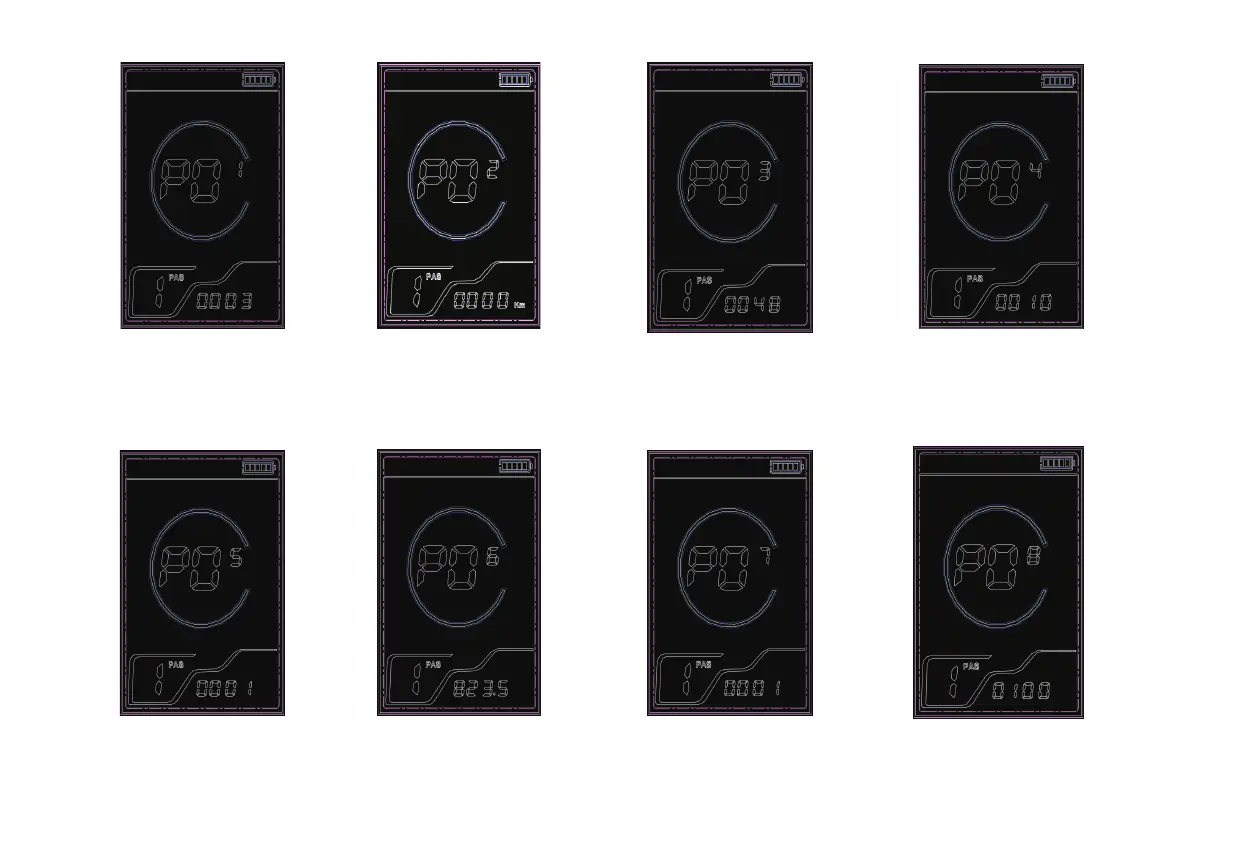
P01: Backlight Brightness
Allows adjustment of the display
backlight intensity across three
levels, with level 1 being the
dimmest and level 3 the brightest.
P02: Mileage Unit Selection
Offers the option to display distance
in miles or kilometers.
P03: Voltage Level Display
Indicates the voltage level,
which can be set to 24V, 36V,
or 48V, with the default being 36V.
P04: Sleep Time Setting
Configures the duration before
the display enters sleep mode,
with options from 1 to 60 minutes
or the option to disable sleep mode
when set to 0.
P05: Gear Mode Settings
Displays various gear modes,
indicating different pedal assist
levels.
P06: Wheel Diameter
Enables setting the wheel
diameter to ensure accurate
speed and distance measurements,
unit, inch; 0-16; 1-18; 2-20; 3-22;
4-24; 5-26; 6-700C; 7-28.
P07: Speed Sensor Magnet Count
Allows for the specification of the
number of magnets on the speed
sensor, which can affect the accuracy
of speed measurements.Range : 1-15.
P08: Speed Limit Setting
Enables setting a maximum
speed limit for the bike, which
is adjustable up to 10-41 KM/H.



 To Next Page