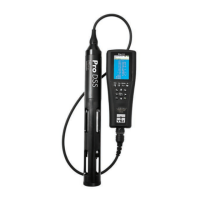
YSI ProDSS supplement 6 July 2015
MULTIMETER: YSI ProDSS
Settings and Troubleshooting
Table of Contents:
1. Sensor, Port Plug, Guard Installation
• Sensor installation
• Port Plug Installation
• Sensor Guard Installation
2. Battery Pack Troubleshooting
3. System Settings
• Date/Time
• Logging Data
• Sensor Display Details
1. SENSOR, PORT PLUG, GUARD
INSTALLATION
Perform sensor/port plug installation in a clean,
dry environment, do not install in the field!
The ports on the ProDSS bulkhead are
universal; therefore, you can install any sensor
into any port. For highest accuracy, always
install a conductivity/temperature sensor to
compensate all measurement data for
temperature and dissolved oxygen data for
conductivity.
Before installing a sensor or port plug,
make sure that the sensor and
bulkhead
connectors are clean and dry before
sensor/port plug installation!
If there is an
empty “slot” with no sensor or port plug
installed,
a port plug or sensor must be
installed or the bulkhead will be
damaged!
Equipment needed for sensor/port plug
installation:
• Sensor(s) and or port plug(s)
• Bulkhead
• Krytox o-ring lubricant
• Sensor installation/removal tool
• Lint-free cloth
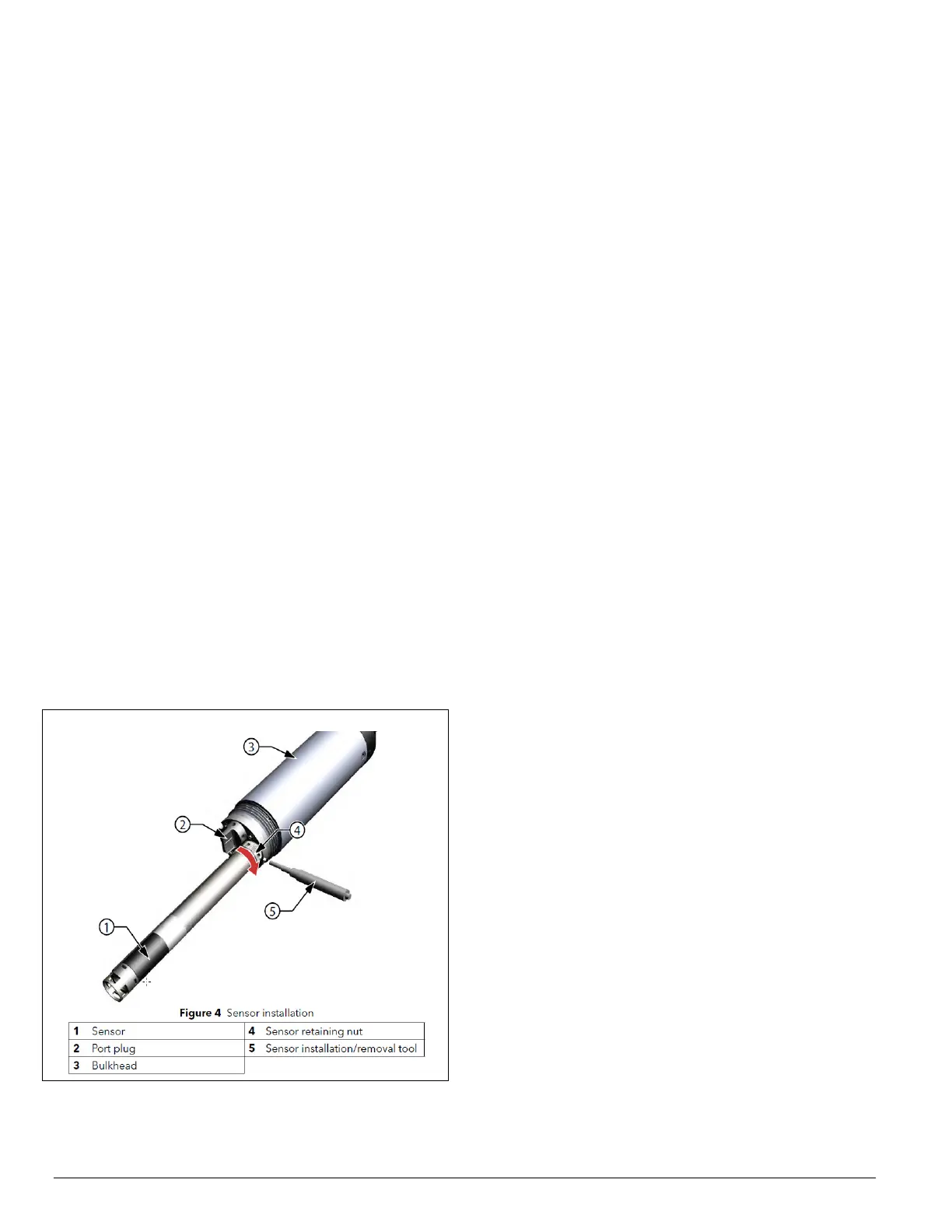
Sensor Installation
1. Inspect the bulkhead port for contamination.
If the port is wet, carefully dry with a lint-
free cloth.
2. Apply a thin coat of Krytox o-ring lubricant
to the sensor o-rings. Wipe off any excess
o-ring grease with a lint-free cloth
3. Carefully align the sensor and bulkhead
connectors by inserting the sensor into the
port then gently rotating the sensor until the
connectors align. Once aligned, push the
sensor toward the bulkhead until the sensor
seats in the port.
4. Carefully finger-tighten the retaining nut
clockwise. NOTICE: If any resistance is
felt, loosen the retaining nut completely to
prevent cross-threading. Incorrect
installation may cause damage to the sensor
or bulkhead that is not covered by the
warranty.
5. Use the sensor installation/removal tool to
tighten the retaining nut clockwise until
snug, about a ¼ to ½ additional turn of the
retaining nut. NOTICE: Do not over-
tighten the retaining nut. Over-tightening
can cause damage to the sensor or
bulkhead not covered by the warranty.
If there is an empty slot in the bulkhead, install
a port plug.
Never submerge the bulkhead
without a sensor or port plug installed in
all ports!



 To Next Page
 Loading...