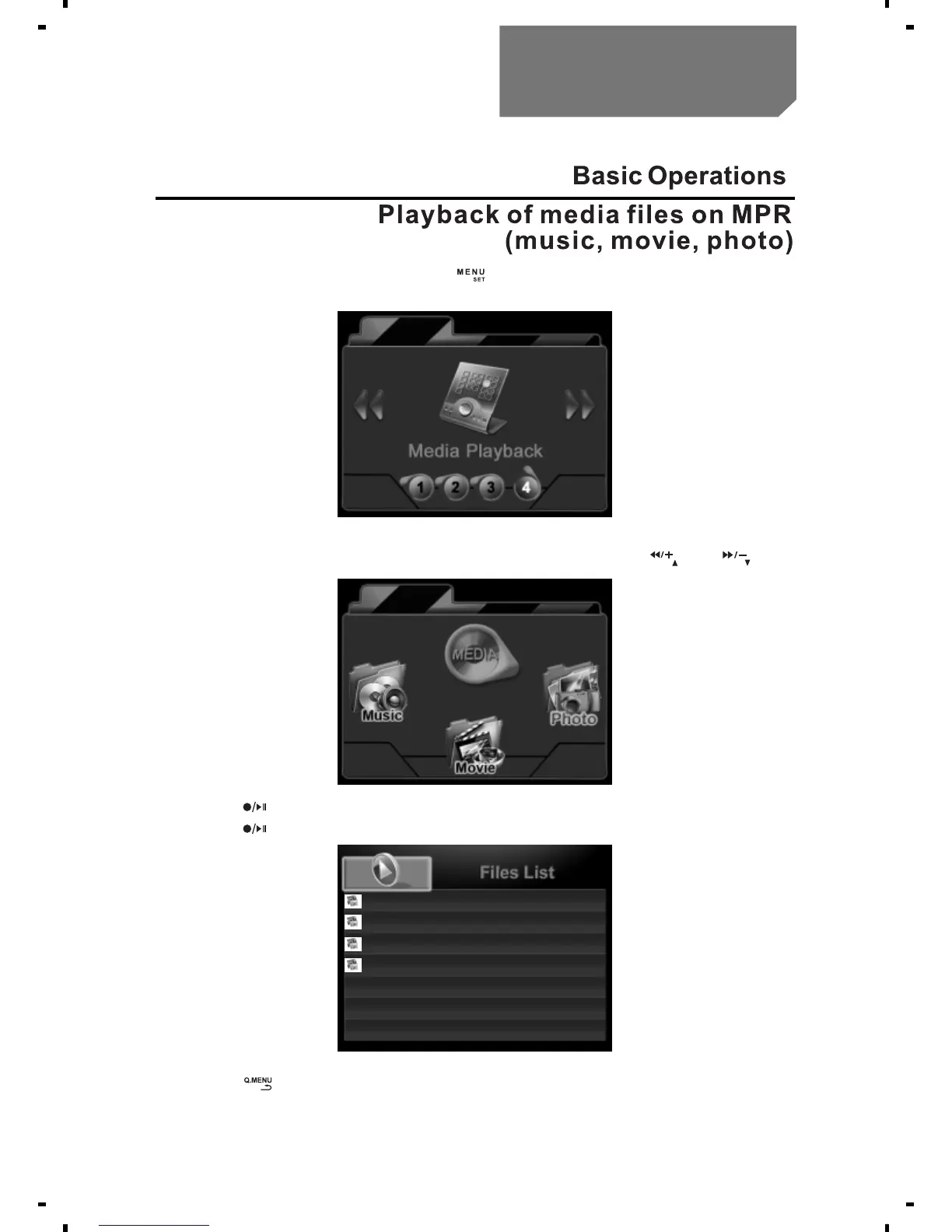
a. In the state of preview, press [ ] to enter the
Media Playback mode.
b. Enter "Photo", select the required Photo files with [ ] or [ ] key.
c. Press [ ] key to play back the selected photo file.
d. Press [ ] key to stop playing.
e. Press [ ] key to return the list of recorded files.
Enter "Music" or "Movie" mode, operation is the same as described
above.
1/4
20120105_233946.JPG
20120105_233943.JPG
20120105_233938.JPG
20120105_233934.JPG
Basic Operations
11



 To Next Page