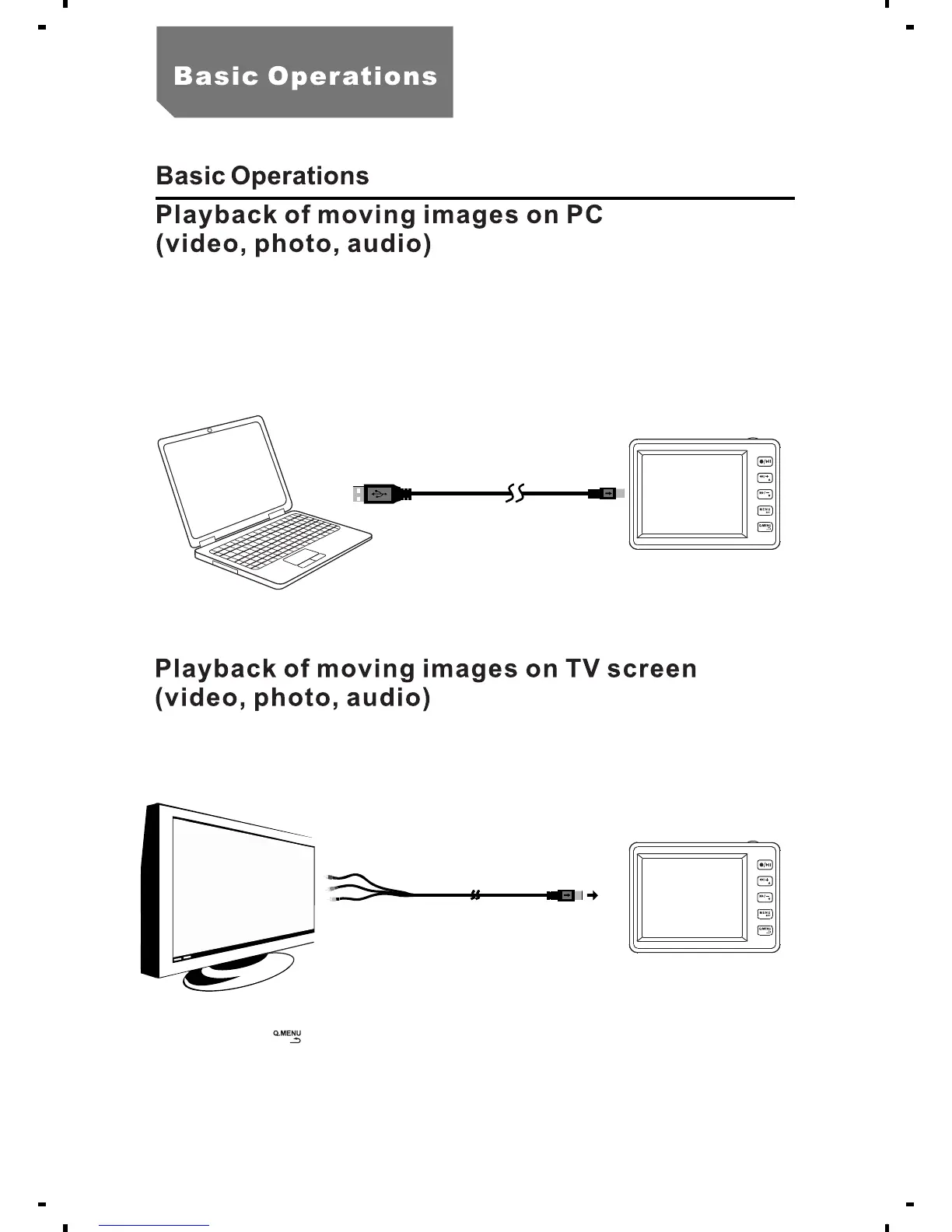
a. Remove the SD card, connect it with the computer via a card reader.
b.Connect the MPR with the computer via a USB cable. "PC Connection"
message shows on the screen.
a. In the state of preview, connect the MPR with TV/monitor via AV output
cable.
b.Press the [ ]button, select "System Setting"
12



 To Next Page