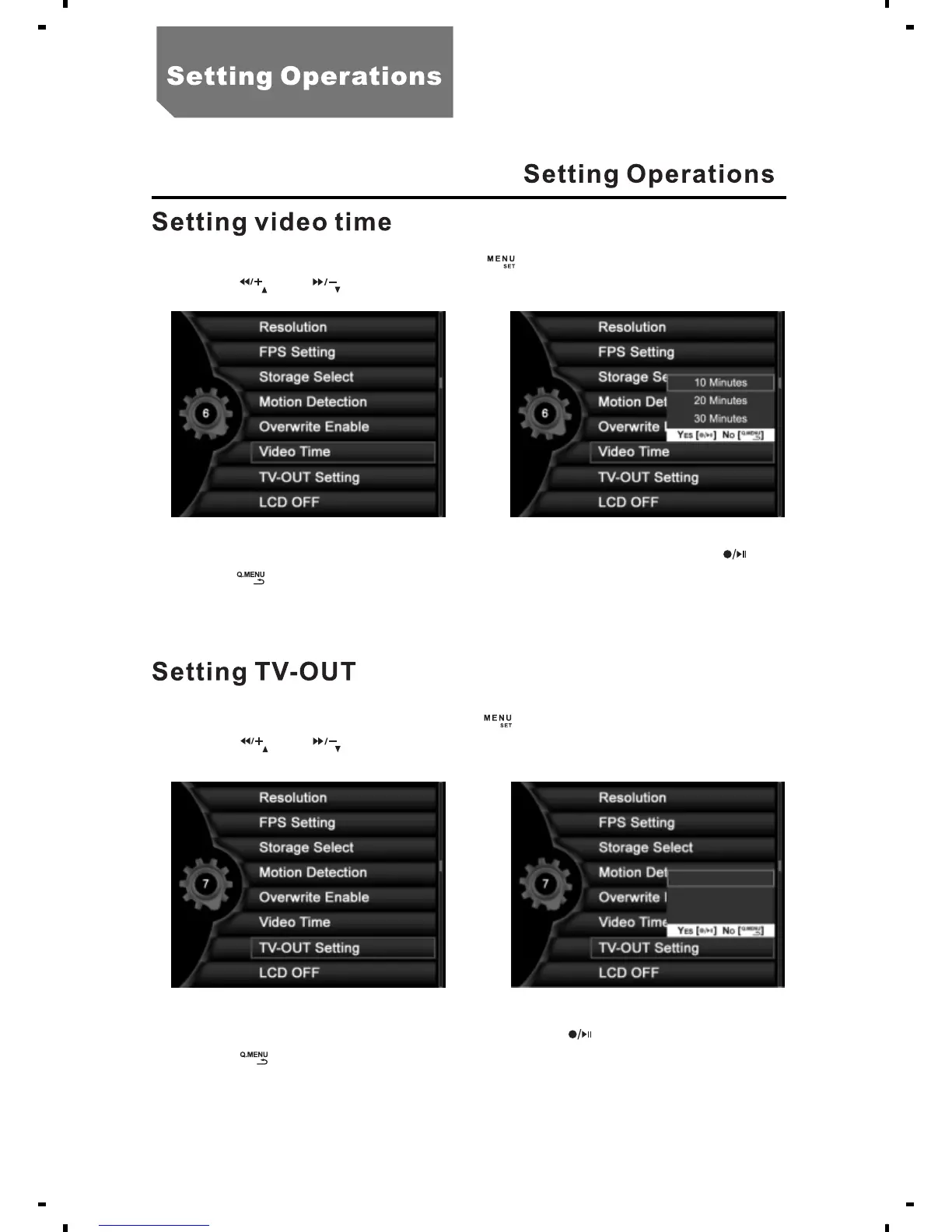
a. In the state of preview, press the [ ] button, select "System setting".
b. Press [ ] or [ ], select "Video Time".
c. Select "10 Minutes", "20 Minutes" or "30 Minutes" and press [ ].
d. Press [ ] to back to system setting menu.
a. In the state of preview, press the [ ] button, select "System setting".
b. Press [ ] or [ ], select the "TV-OUT Setting" as illustrated.
c. Select "LCD", "PAL" or "NTSC"and press [ ].
d. Press [ ] to return to the system setting menu.
18
LCD
TV PAL Output
TV NTSC Output



 To Next Page