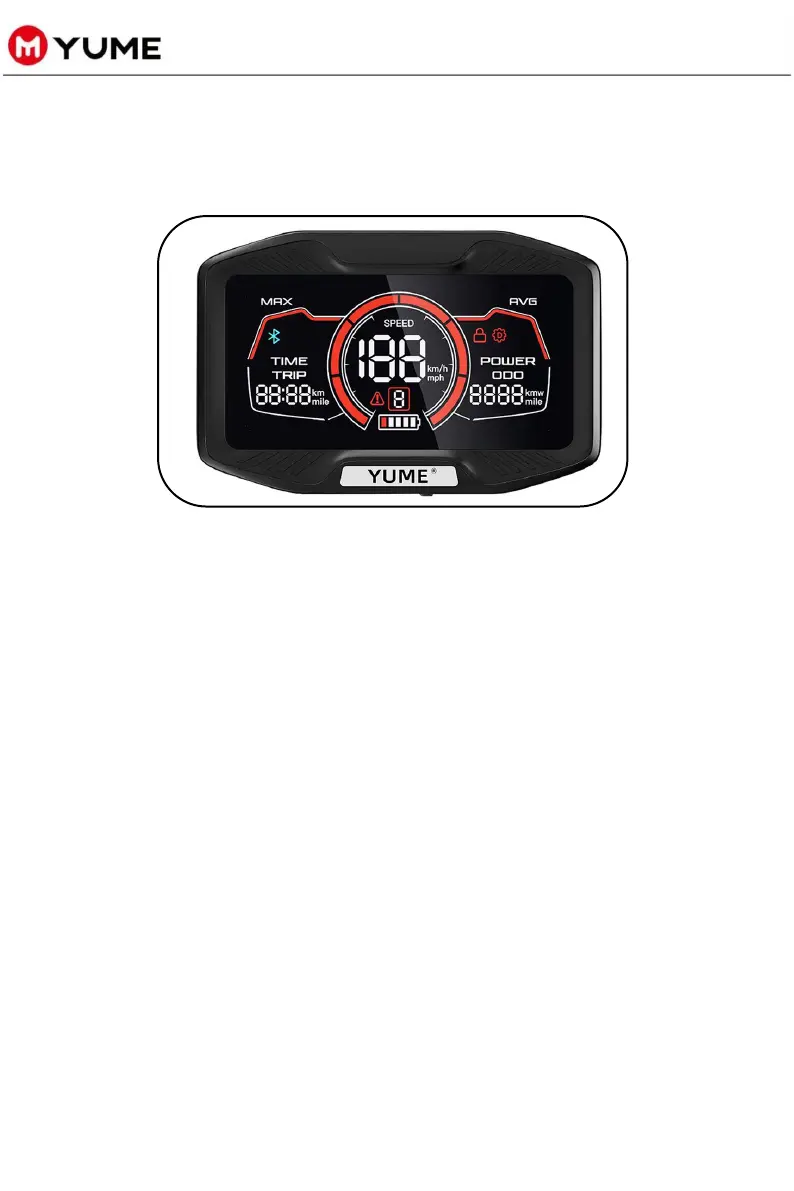
DISPLAY SPECIFICATION
15
u How to turn on/off the display:
u In P-Setting models:
a. To cycle through the P Values within the P-Settings
mode, press the "power button" to cycle through P01-
P08. Use the “M" button to increase and the "F" button
decrease the parameters of each P value.
b. Long press the "M" button and "F" button together to
save the P value setting and return to the home page.
c. If there are no button presses within an 8 second
period, the settings menu will automatically exit to the
main display.
Use the included NFC key to turn the scooter on or off.
Model Display Specification
u How to access the P setting:
Long press "M" and "F" buttons at the same time to enter the
P setting menu.



 To Next Page